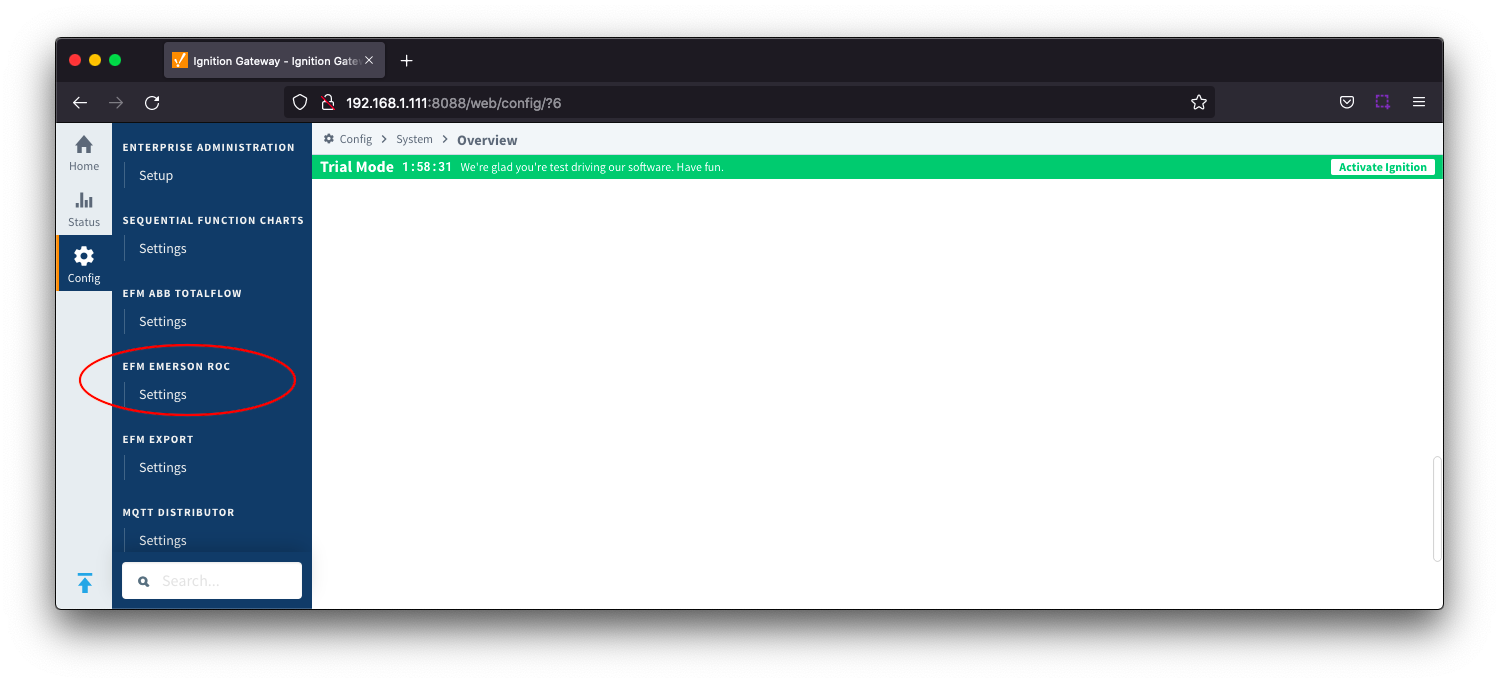
EFM Emerson ROC provides a configuration section to the Ignition Gateway and this can be seen in the left side menu bar of the Ignition Gateway web UI.
The configuration options for each of the two tabs - TLP Definitions and EFM Mappings are detailed below.
TLP Definitions
The first tab contains settings for creating sets of TLP Definitions. Each Emerson ROC device connection will use a subset of these global TLP definitions to operate.
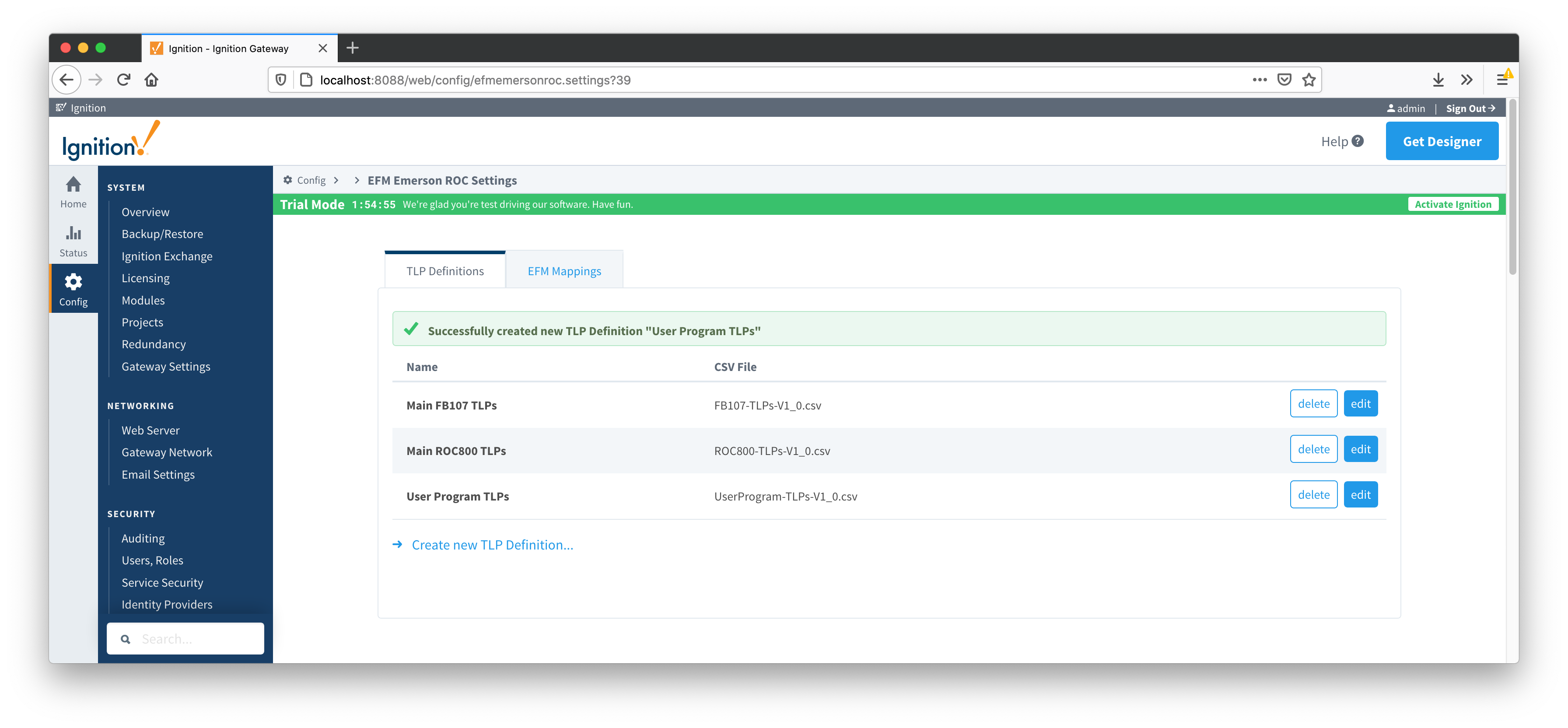
New TLP Definitions can be created by following the 'Create new TLP Definition' link as shown below:
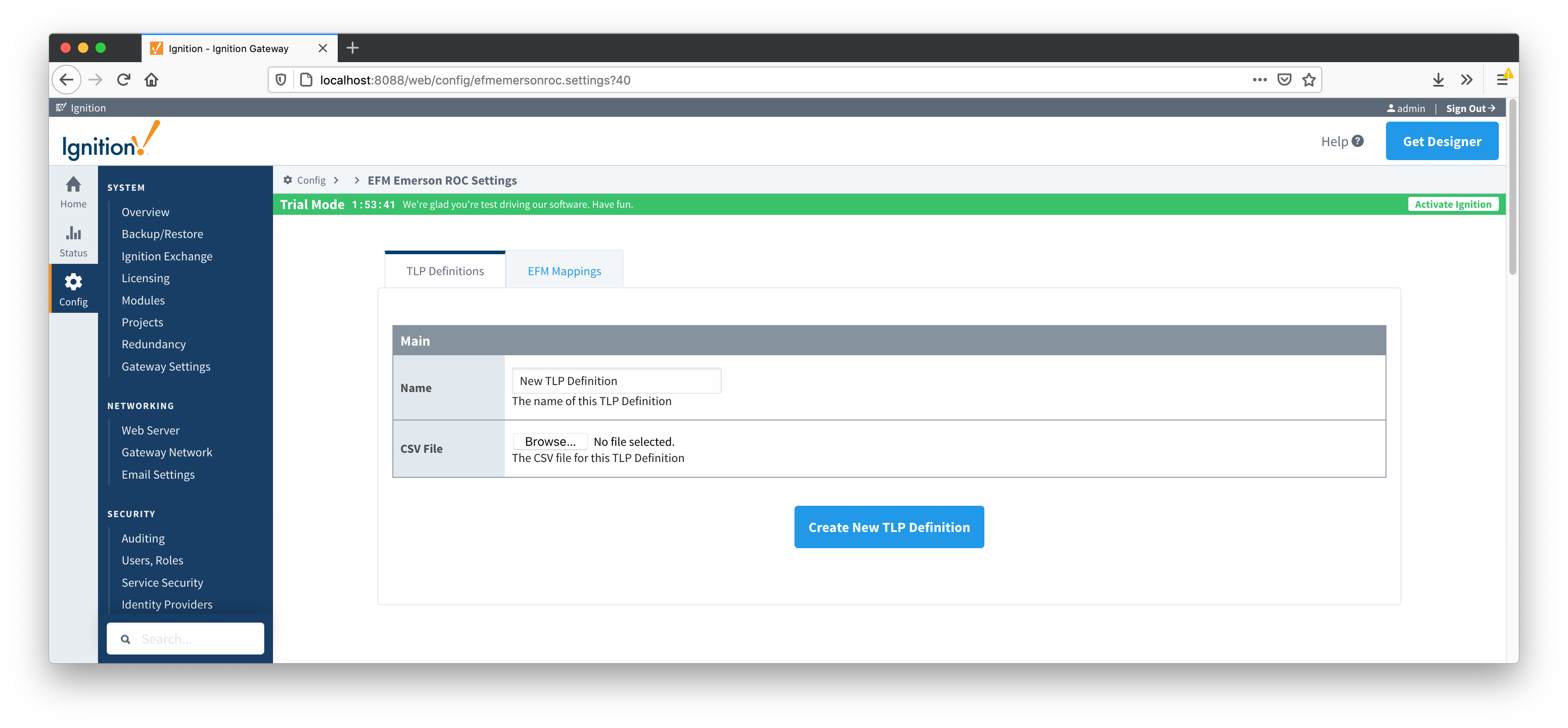
Main Properties
EFM Mappings
The EFM Mappings are used for publishing EFM Records representing Events, Alarms, Configuration, and History entries that are polled from a device.
There are two tabs Configuration Mappings and Periodic Mappings
Configuration Mappings
The configuration mapping files are used for building up EFM Configuration Records. They define which TLPs map to which fields (columns) in an EFM Configuration Record. Additionally they can provide bit and/or value mappings for the TLP values.
The Configuration Mappings tab shows all uploaded Configuration Mapping files.
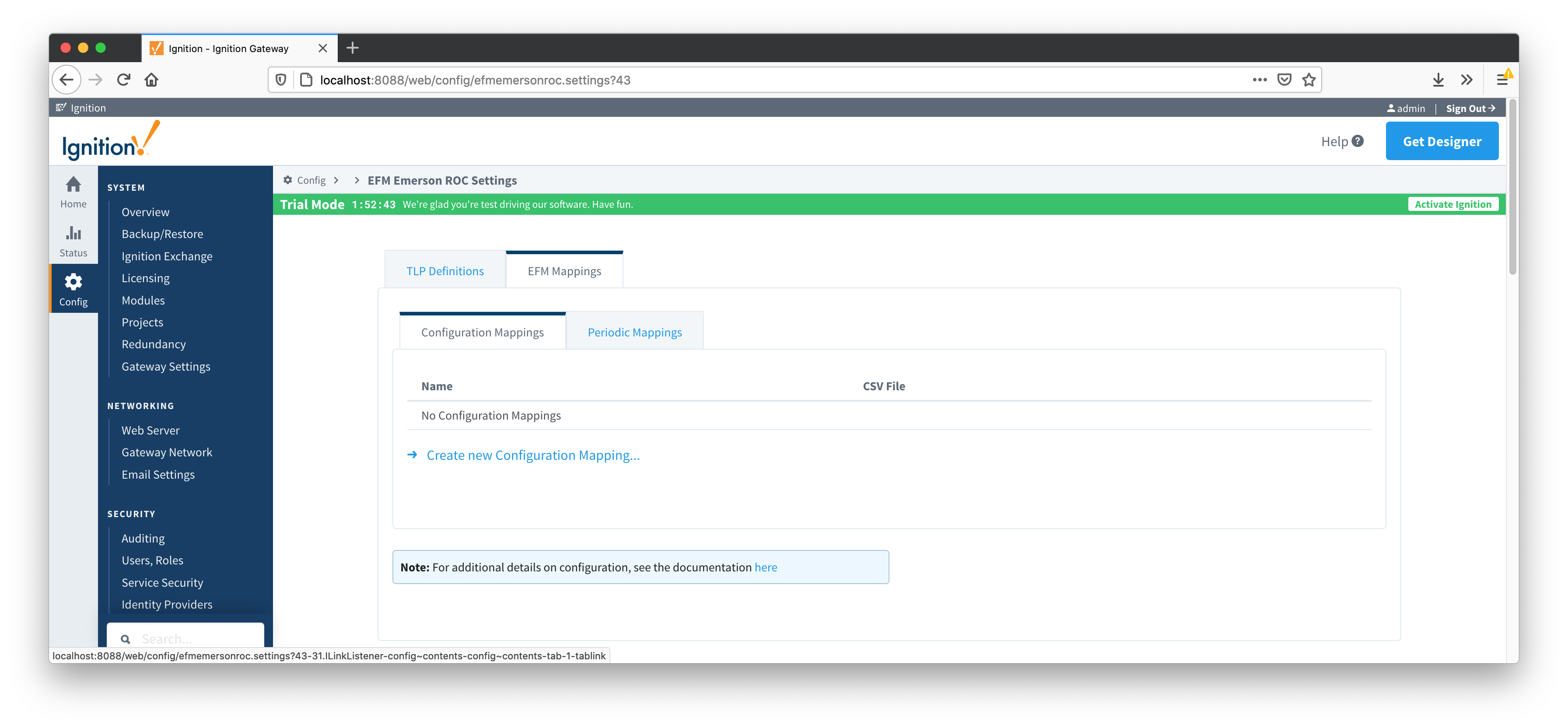
A new Configuration Mapping can be added by clicking on the "Create New Configuration Mapping..." link.
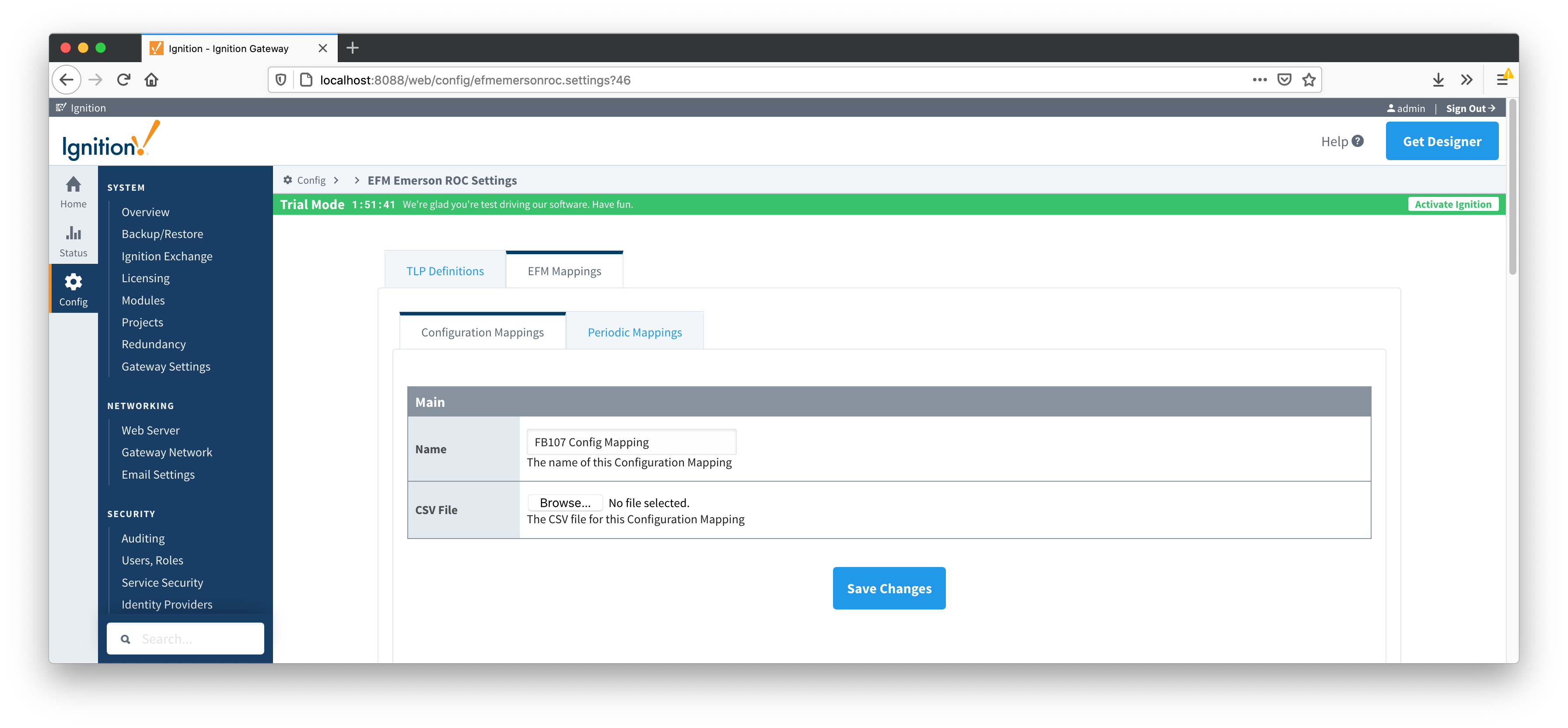
Main Properties
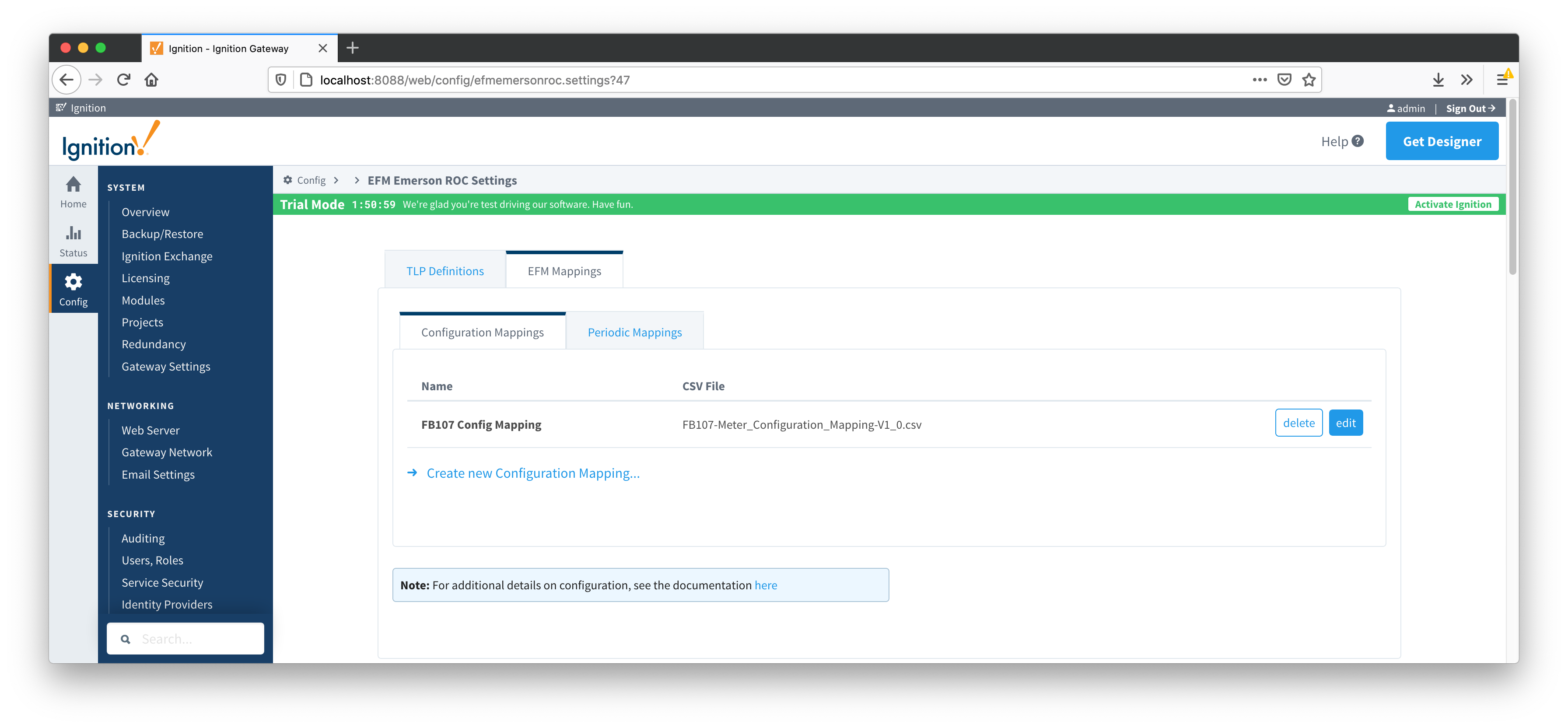
Periodic Mappings
The periodic mapping files are used for building up EFM Periodic History Records. They define which TLPs map to which fields (columns) in an EFM Periodic History Record, the logical type of the point type table (meter, station, or input), and an archive type of the value.
The Periodic Mappings tab shows all uploaded Periodic Mapping files.
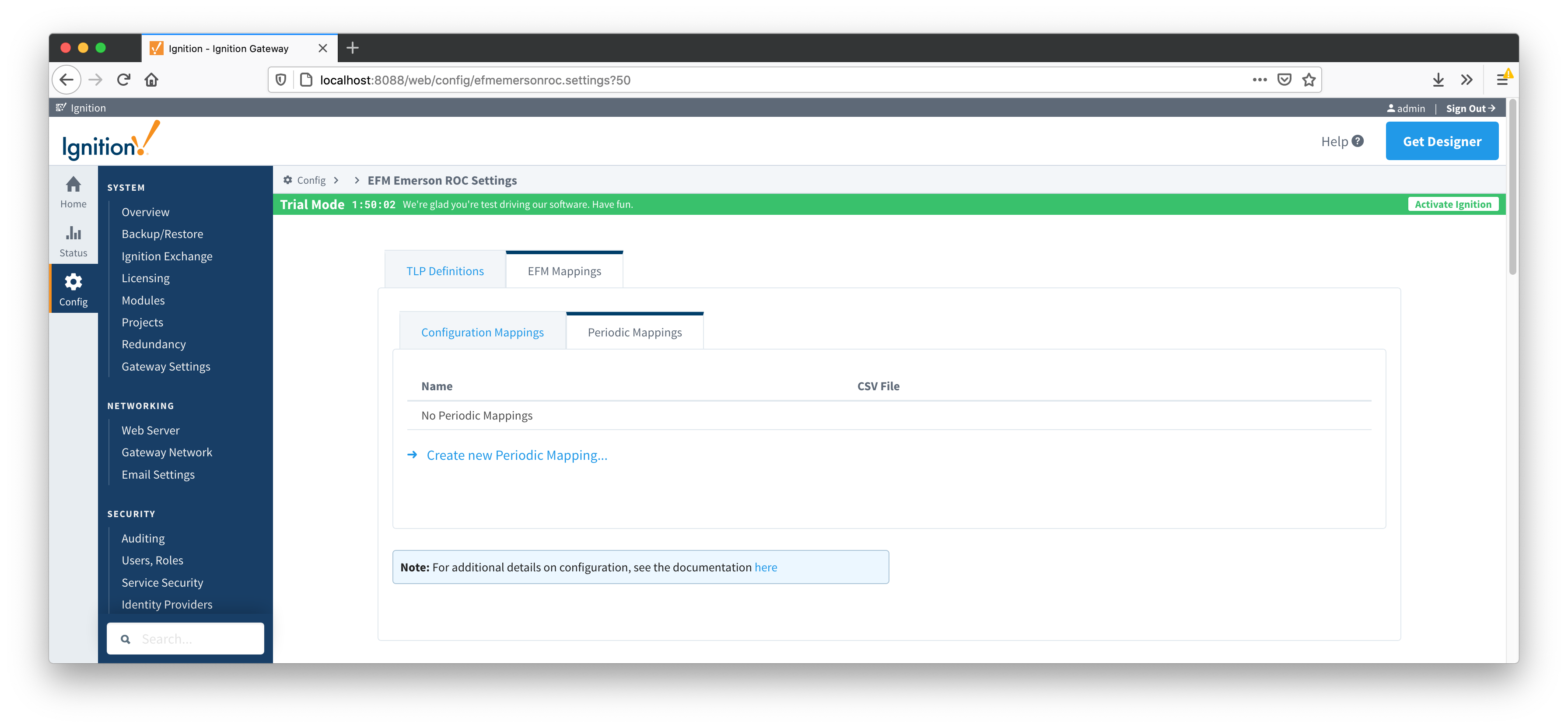
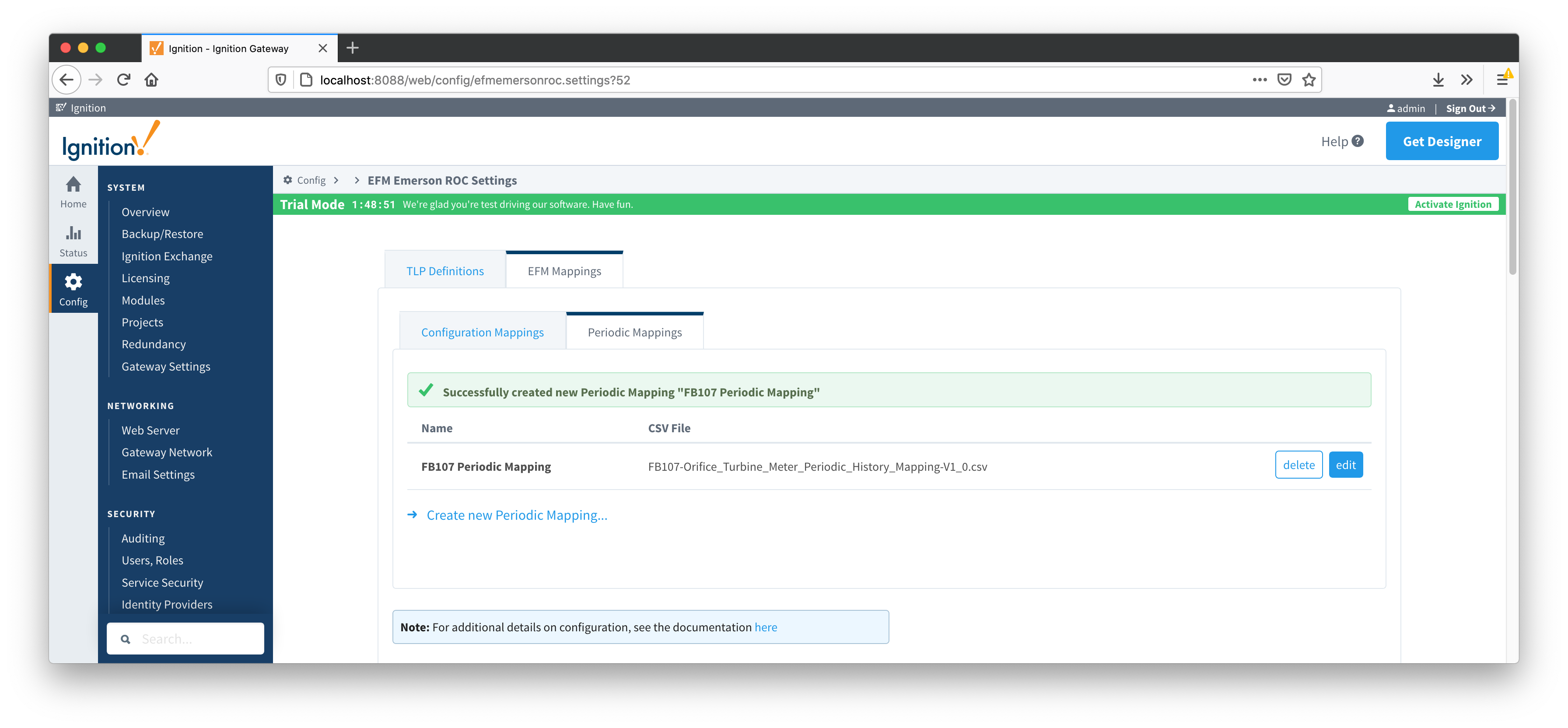
A new Periodic History Mapping can be added by clicking on the "Create New Periodic Mapping..." link.
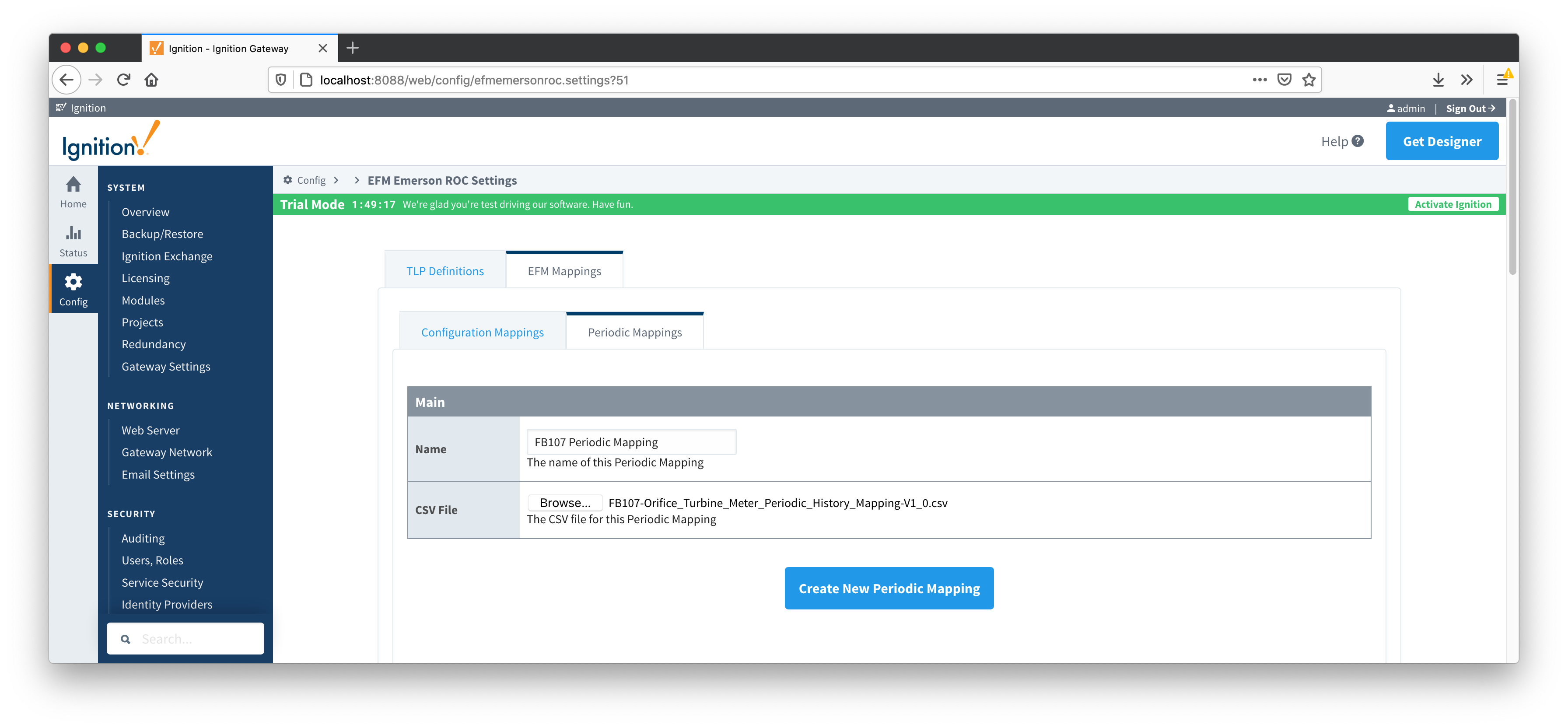
Main Properties