...
This will show tags from the Azure Injector Tag Provider. Expand 'Azure Injector Control' and write a 'true' to the 'Refresh' tag boolean by clicking on the checkbox. You will be asked to change to Read/Write mode as shown below. Click 'Enable Read/Write Mode'.
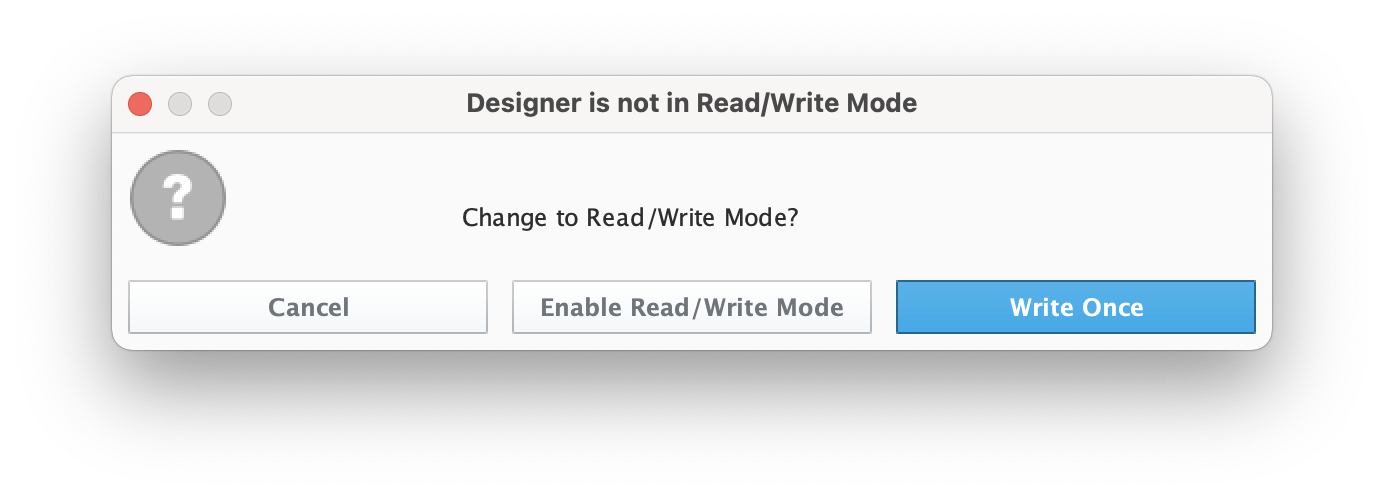
After doing so, writing a true 'Refresh' boolean tag will cause Azure Injector to rescan the tag tree and publish the Sparlplug BIRTH sequence to Azure IoT Edge Hub. In the Azure CLI event monitor output you should see the following.
| Code Block |
|---|
|
{
    "event": {
        "origin": "My-IoT-Edge",
        "payload": "{\"topic\":{\"namespace\":\"spBv1.0\",\"edgeNodeDescriptor\":\"My Group/My Edge Node\",\"groupId\":\"My Group\",\"edgeNodeId\":\"My Edge Node\",\"type\":\"NBIRTH\"},\"payload\":{\"timestamp\":1627401528598,\"metrics\":[{\"name\":\"bdSeq\",\"timestamp\":1627401528573,\"dataType\":\"Int64\",\"value\":0}],\"seq\":0}}"
    }
}
{
    "event": {
        "origin": "My-IoT-Edge",
        "payload": "{\"topic\":{\"namespace\":\"spBv1.0\",\"edgeNodeDescriptor\":\"My Group/My Edge Node\",\"groupId\":\"My Group\",\"edgeNodeId\":\"My Edge Node\",\"deviceId\":\"My Device\",\"type\":\"DBIRTH\"},\"payload\":{\"timestamp\":1627401528604,\"metrics\":[{\"name\":\"My Tag\",\"timestamp\":1627401528604,\"dataType\":\"Int32\",\"metaData\":{},\"properties\":{\"Quality\":{\"type\":\"Int32\",\"value\":192}},\"value\":123}],\"seq\":1}}"
    }
} |

