...
MQTT Engine provides a mechanism for publishing MQTT Messages from an Ignition script. This can be useful for general messaging outside of Sparkplug. For example, one may want to interface to another system that uses MQTT. This method allows arbitrary MQTT messages to be published based on events that exist in Ignition.
| Note |
|---|
| MQTT Engine must have a client connection to a broker to use the publish mechanism. This is configured here |
MQTT Message Publishing via Ignition Script:
...
Now select 'Tag Change' click the 'new Tag+' icon at the bottom of the window shown below and create a new Tag Change Script called 'Publish Script'.
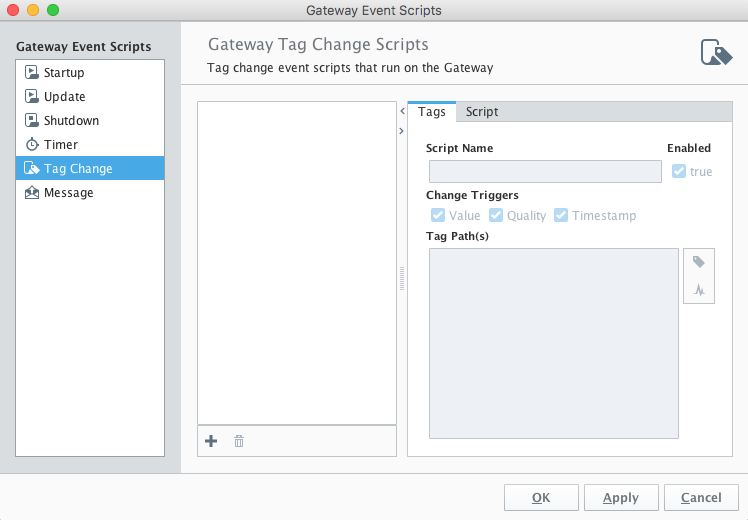 Image Removed
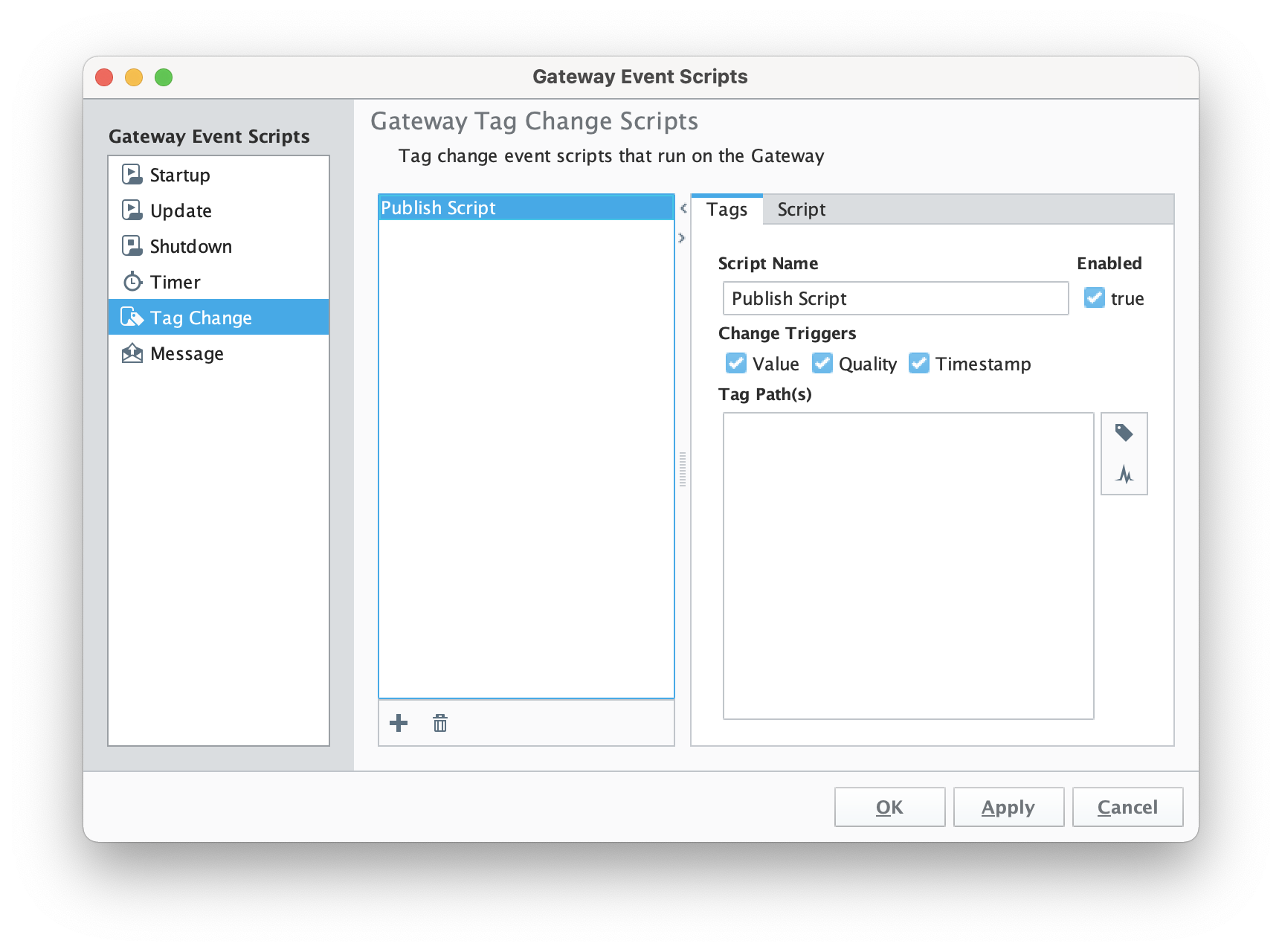 Image Added
Set the name of the script and then select a tag path. In this case we're using an MQTT Engine tag from an emulated device.
...
- serverName: The server name as shown in the MQTT Engine Settings configuration shown below> Servers configuration
- Note: This is the Name and not the URL configuration parameter
- mqttTopic: The MQTT Topic to publish on
- payload: The MQTT payload
- qos: The MQTT quality of service to publish on
- retain: Whether or not to set the retain flag in the MQTT message
| Note |
|---|
If your payload contains escape characters such as backslash you will need to use the 'r' modifier on your payload string to ensure these are included. Example JSON payload:
payload = r{"metadata" : {"requiredState" : {"value_control" :"{\"pump_1\":{\"2\":\"off\",\"1\":\"off\"},},},}}"},"return" : {}}} |
When complete, the script should look something like this. Now click OK.
...
Finally, save and publish the project. At this point every time this tags value, quality, or timestamp changes it will result in a MQTT message being published on topic 'a/b/c' with a payload of 'hello world'.
Additional JSON examples:
payload=str('{"name":"John", "age":30, "car":"BMW"}').encode()
payload='{"myTestTag":"' + str(system.tag.read("[default]myTestTag").value) + '"}'
Additional Resources
- Inductive Automation's Ignition download with free trial
- Azure Injector download with free trial
- Questions about this tutorial?
- Sales questions
- About Cirrus Link

