...
...
| Anchor |
|---|
| ServerSettingsAdvanced |
|---|
| ServerSettingsAdvanced |
|---|
|
Server Settings - Advanced
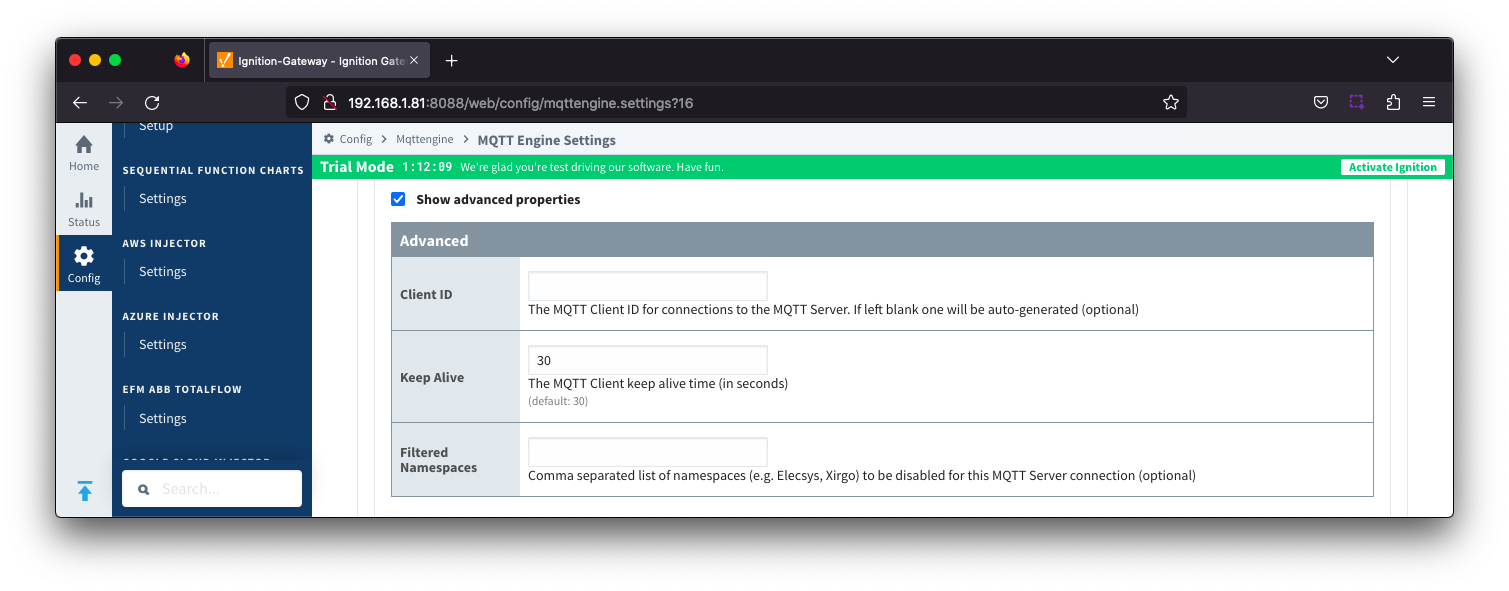 Image Removed
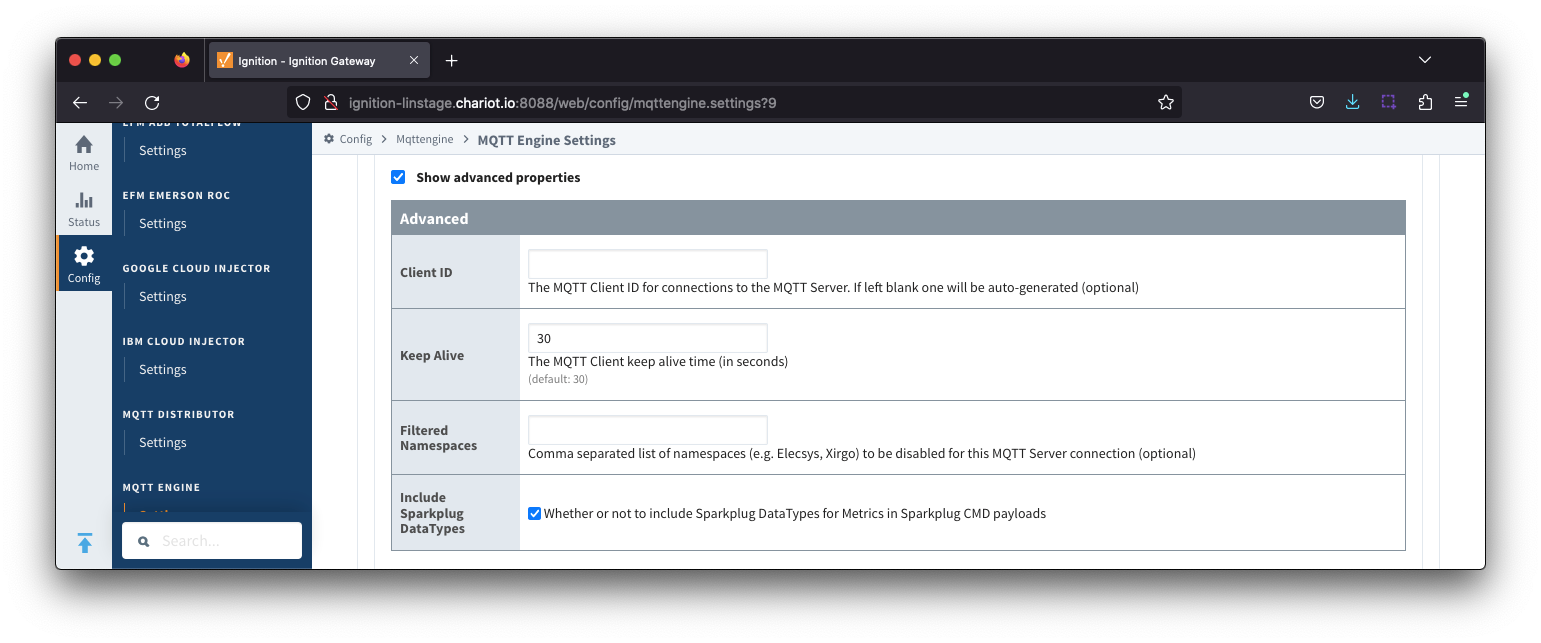 Image Added
- Client ID
- Optional MQTT client ID to use. If specified this will be used in the MQTT Engine connect packet when connecting to the server. If left blank, a random client ID will be create created of the form 'IgnitionTargetME-xxxxxxxxxxxxxxxxx-xxxx-xxxx'.
| Warning |
|---|
| Caution: MQTT Clients IDs must be unique and if two clients attempt to connect with the same client ID, one will be forcefully disconnected from the server to allow the other client to connect. |
- Keep Alive
- The maximum interval in seconds (5-65,535) between any two MQTT protocol control packets sent by the client to the server.
- Minimum Keep Alive for MQTT Engine is 5.
- If the client is idle and has no control packets to send, it will send PINGREQ protocol packet and the server is required to respond with a PINGRESP packet. If no response is received from the server within 1.5 times the Keep Alive, the client will close the connection.
If the server does not receive, at minimum, a PINGREQ message from a client within 1.5 times the Keep Alive, it will terminate the connection and send the client's LWT message if defined.
For MQTT Engine with Primary Host enabled, this is a message of format spBv1.0/STATE/primary_host_id with a payload {"online" : false, "timestamp" : 1668114759262}
- For MQTT Engine with Legacy Primary Host enabled, this is a message of format STATE/primary_host_id with a payload of OFFLINE
- Filtered Namespaces
- A comma separated list of namespaces that will be filtered/disabled for connections to this MQTT Server.
- The default namespaces are Elecsys, Xirgo, Sparkplug A and Sparkplug B.
- Include Sparkplug DataTypes
- Whether or not to include Sparkplug DataTypes for Metrics in Sparkplug CMD payloads
- Enabled by default
| Anchor |
|---|
| ServerSettingsAdvancedLegacy |
|---|
| ServerSettingsAdvancedLegacy |
|---|
|
Server Settings - Advanced Legacy State
...
...
| Note |
|---|
All certificate or private keys must be in PEM format. If using modules pre 4.0.9, any private key file must also be in RSA PKCS1 format. If using modules 4.0.9 or greater, any private key must also be in either RSA PKCS1 or PKCS8 format. |
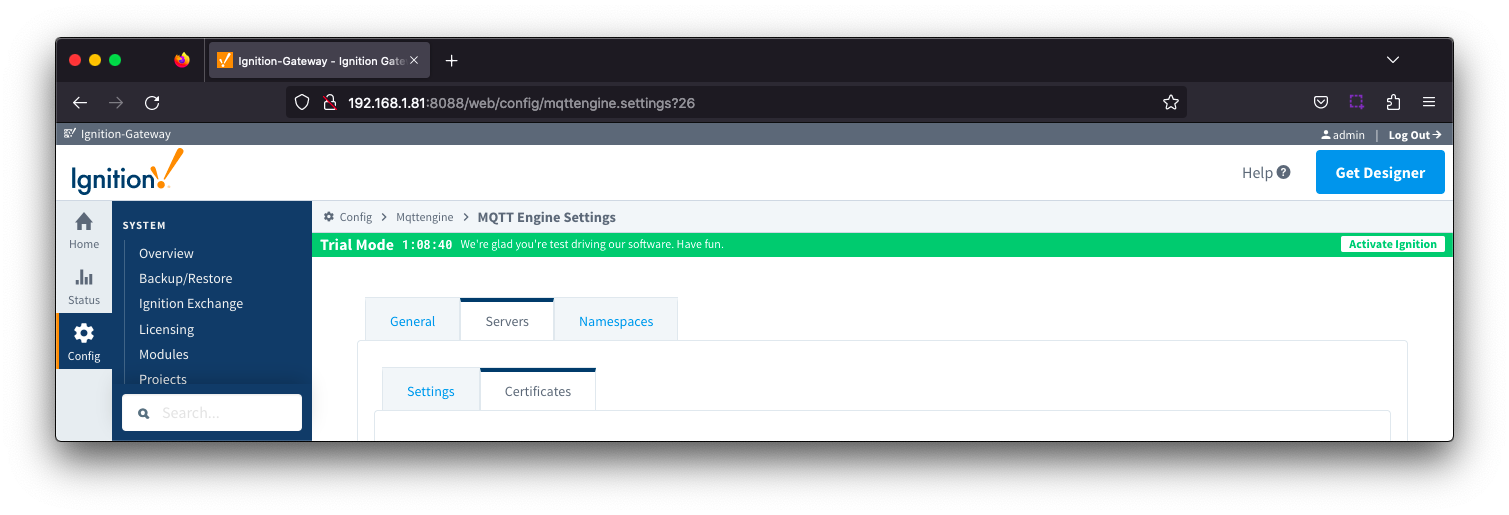 Image Added
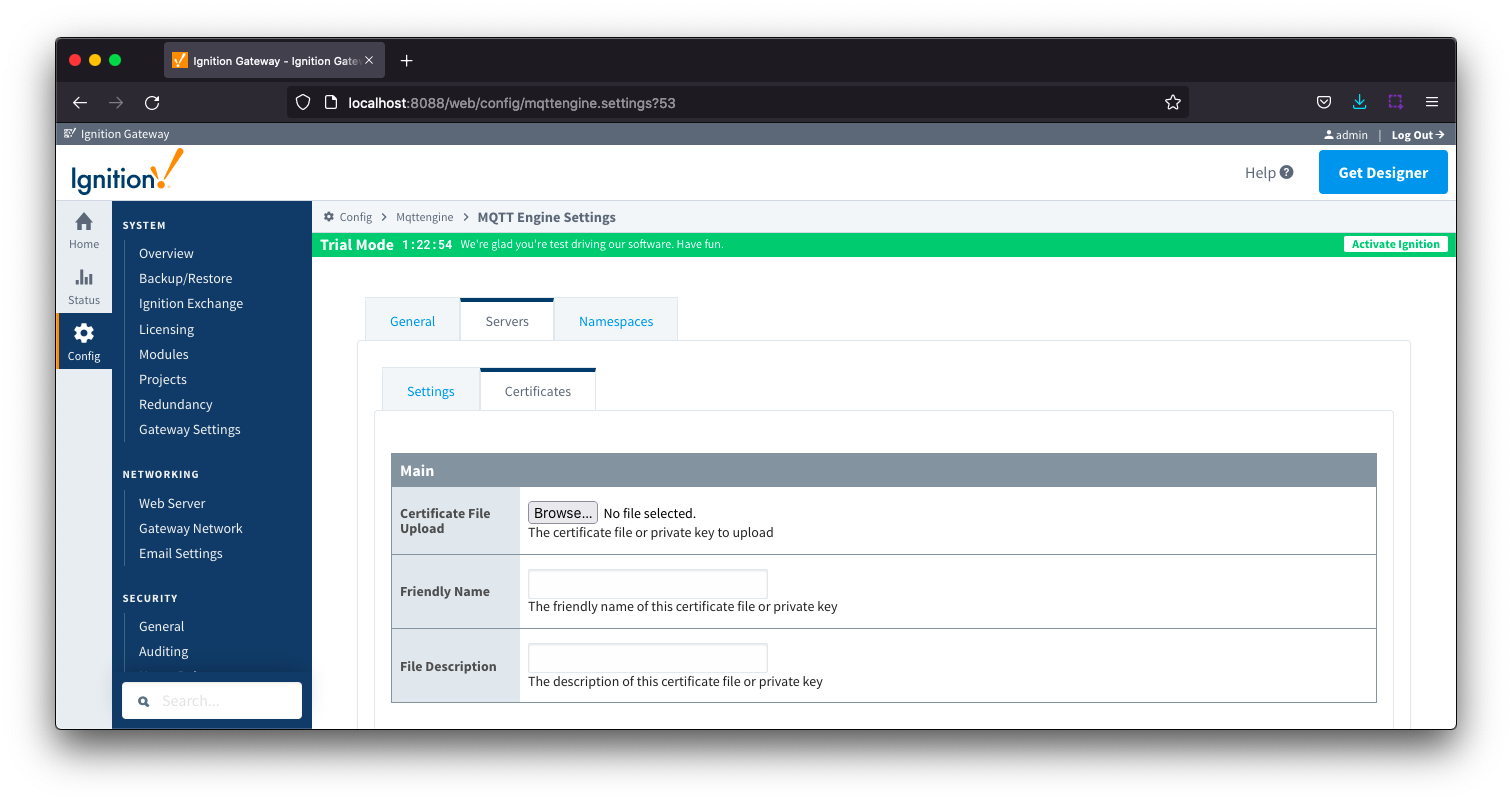
The Certificates tab contains a single Main section.Image Removed
| Anchor |
|---|
| ServersCertificatesMain |
|---|
| ServersCertificatesMain |
|---|
|
Servers Certificates - Main
...
Namespace filters allows you to specify Group or Group/EdgeNode combinations which will be included in the MQTT Engine subscriptions for this specific namespace.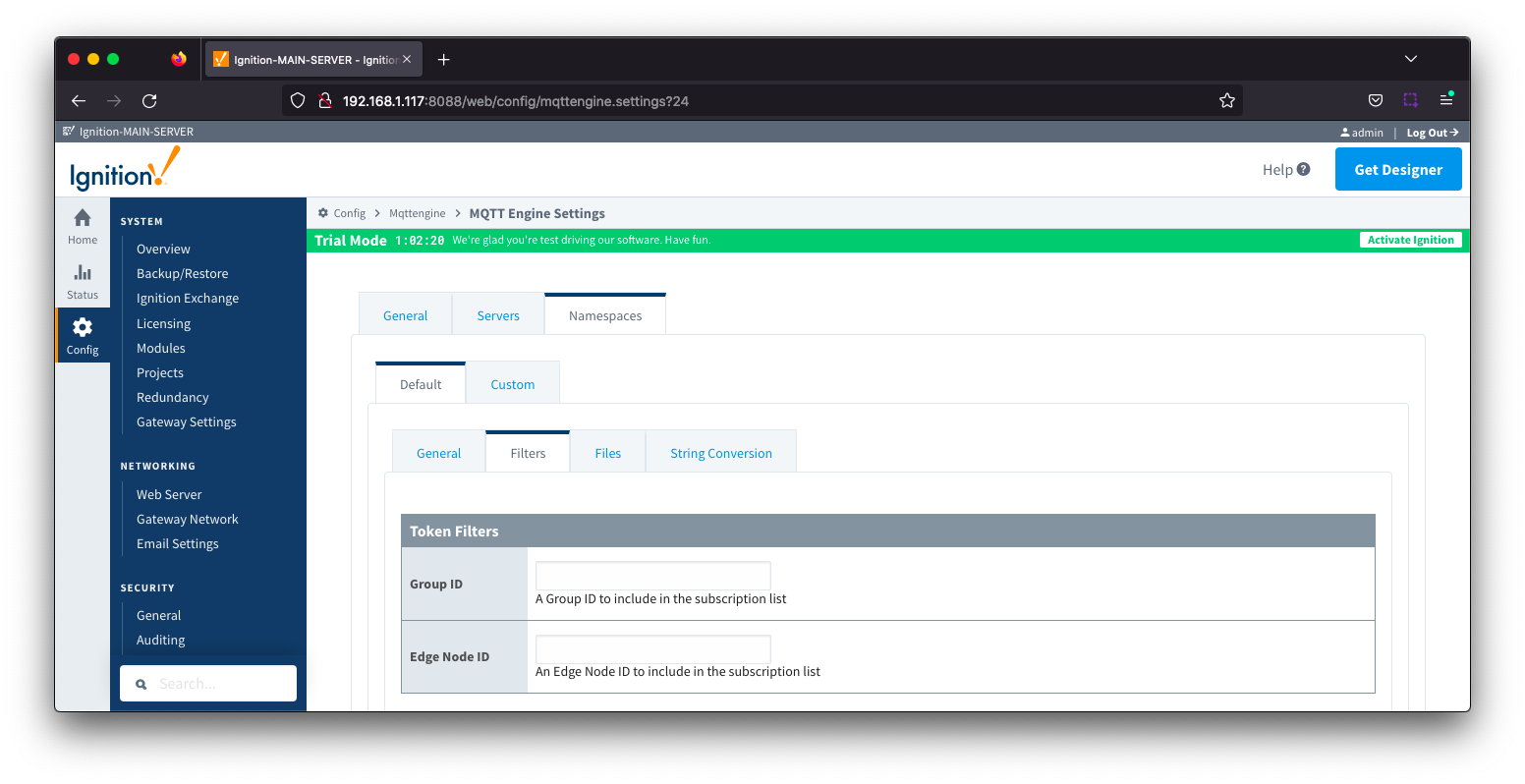 Image Removed
From MQTT Engine 4.0.16 and newer, it also allows for the filters to be applied to specific MQTT Servers.
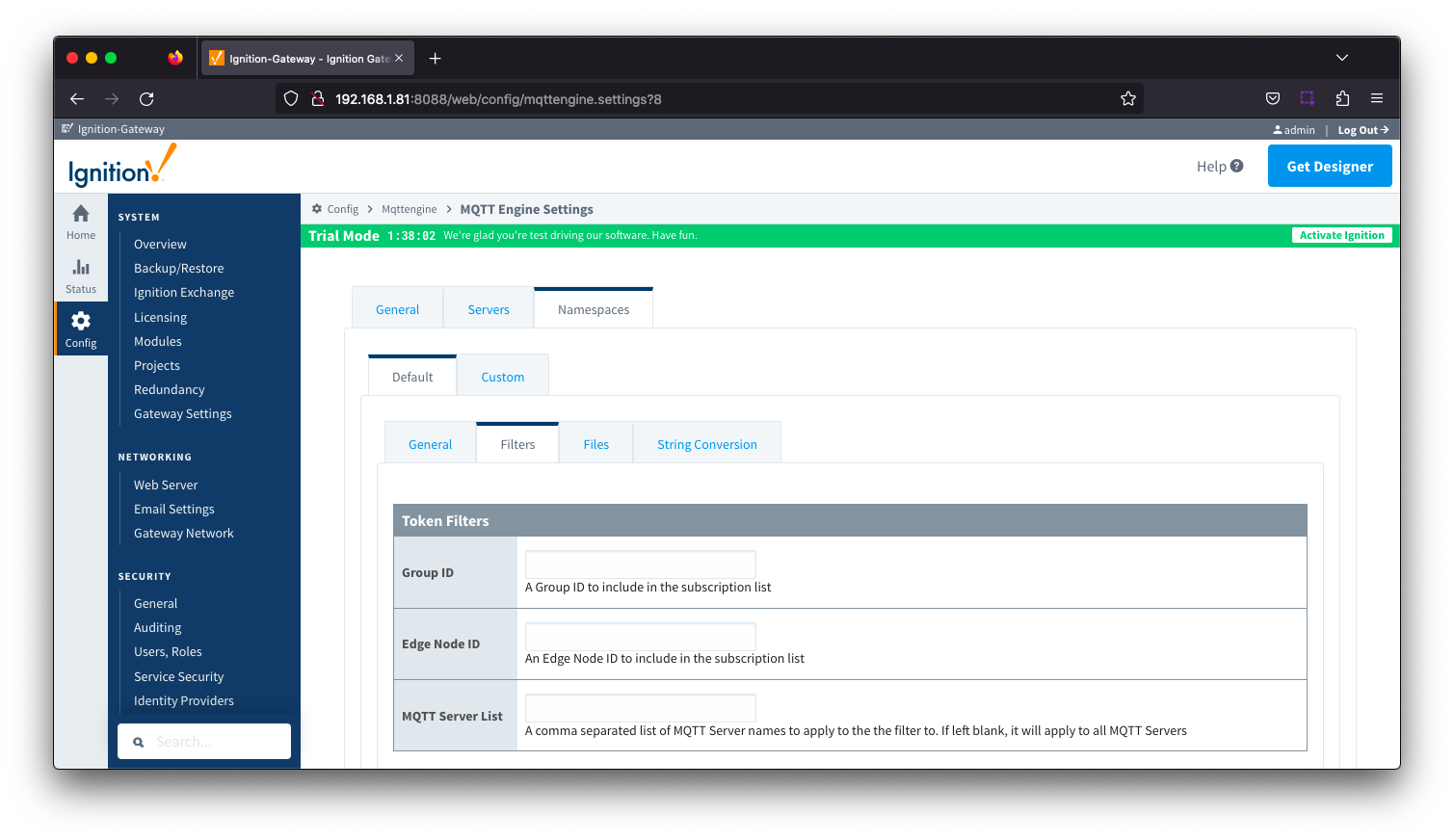 Image Added
- Group ID
- The Group ID to be included in the MQTT Engine subscriptions for this specific namespace.
- Edge Node ID
- Edge Node ID to be included in the MQTT Engine subscriptions for this specific namespace.
- MQTT Server List
- A comma separated list of MQTT Server names to apply the filter to. If left blank, it will apply to all MQTT Servers
Additional detail on the default namespaces is available here.
...
| Warning |
|---|
Check your MQTT Topic subscriptions to verify if they contain valid Ignition tag path or tag name characters. View the Ignition Understand Tag Naming document for details on the tag name rules. While MQTT and Sparkplug both support characters such as . & % =, Ignition does not support these as valid characters in a tag path or tag name and as a result, it may be necessary to tell MQTT Engine to replace certain characters or strings of characters with something else so the tag path and tag names can be properly created in Ignition. Reference the MQTT Engine String Replacement HowTo for additional details on how to use this configuration. |
...