
Contents
Cirrus Link Resources
Cirrus Link Website
Contact Us (Sales/Support)
Forum
Cirrus Link Modules Docs for Ignition 7.9.x
Inductive Resources
Ignition User Manual
Knowledge Base Articles
Inductive University
Forum
Cirrus Link Website
Contact Us (Sales/Support)
Forum
Cirrus Link Modules Docs for Ignition 7.9.x
Ignition User Manual
Knowledge Base Articles
Inductive University
Forum
Data can be view in the databases created via the Setup Assistant during your initial setup:
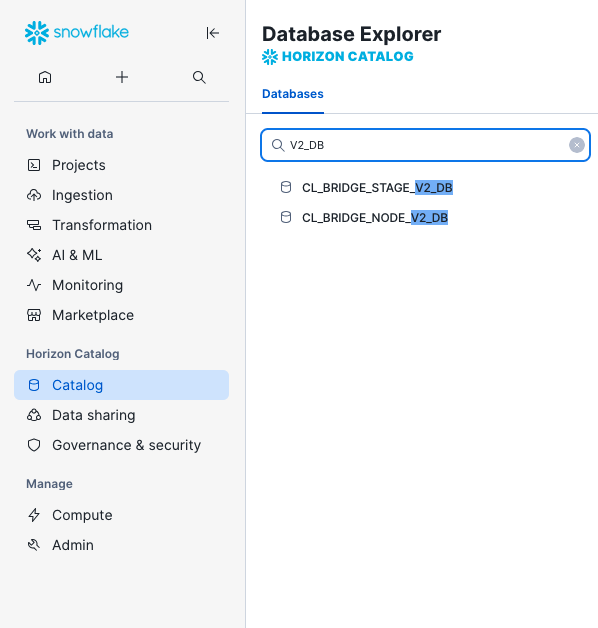
As the data moves from the Ignition Edge device through MQTT Sparkplug and into Snowflake different terminology will be used with the equivalence shown below:
| Ignition Edge | MQTT Sparkplug | Snowflake | Snowflake tables/views |
|---|---|---|---|
| Ignition UDT Definition | Sparkplug Template | Model | Template_Reference |
| Ignition UDT Instance | Sparkplug Template Instance | Model Instance | Device_Name |
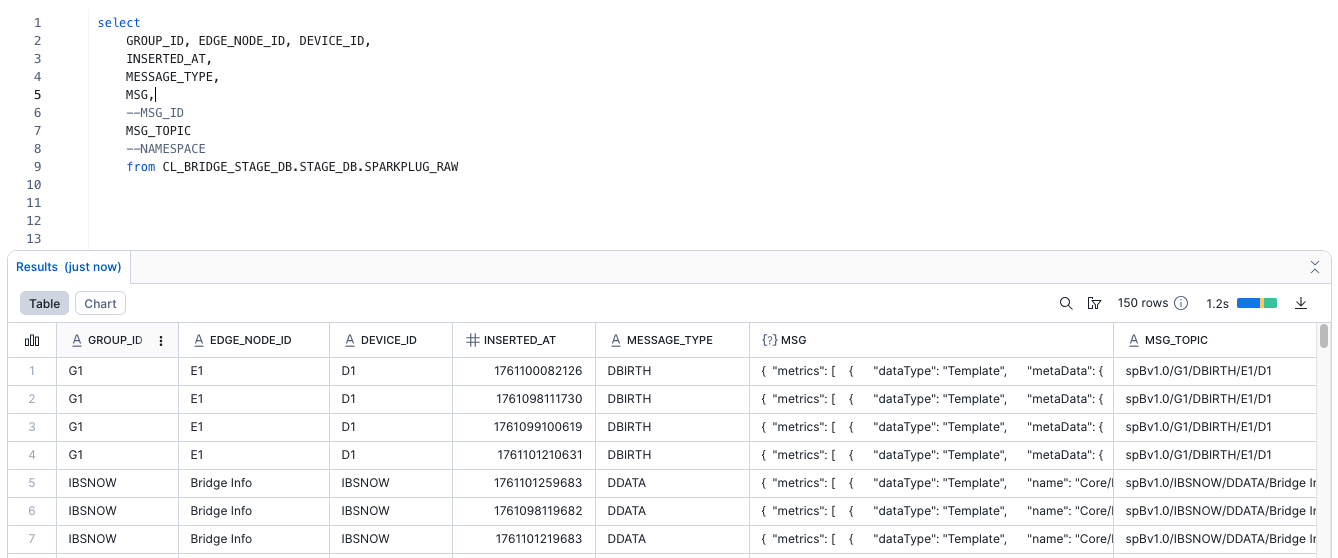
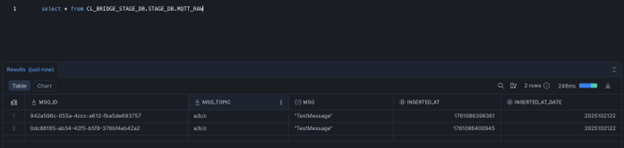
The Staging database contains two tables: SPARKPLUG_RAW and MQTT_RAW.
These tables are populated by the Snowflake Snowpipe Streaming API as data is streamed in by the IoT bridge.
This table contains information derived from each Sparkplug message as detailed below
This table contains information derived from each MQTT message as detailed below
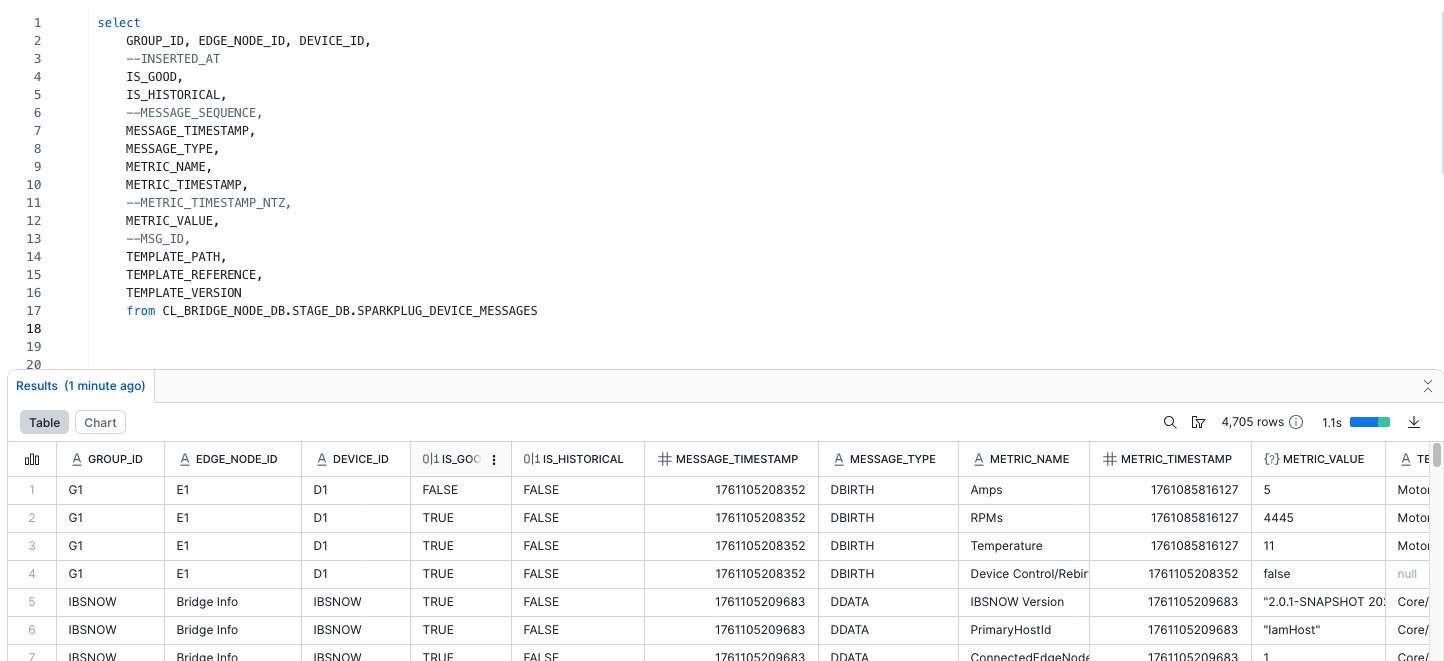
The Node database contains five tables: SPARKPLUG_DEVICE_MESSAGES, SPARKPLUG_DEVICE_REGISTRY, SPARKPLUG_EDGE_NODE_REGISTRY and SPARKPLUG_TEMPLATE_DEFINITION_REGISTRY
Data is sourced from SPARKPLUG_RAW table and is inserted by the synch_device_messages() stored procedure. The synch_device_messages() stored procedure is executed on demand by the IoT Bridge for Snowflake.
Contains contains partially processed data where each row in the table is a single message containing data for each model instance (aka. Device Name)
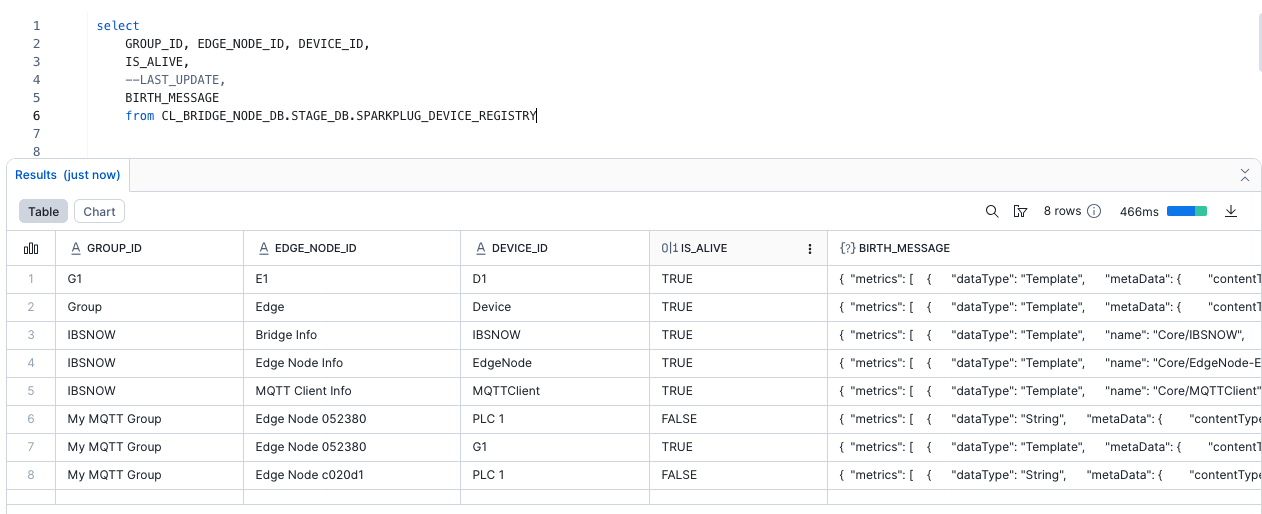
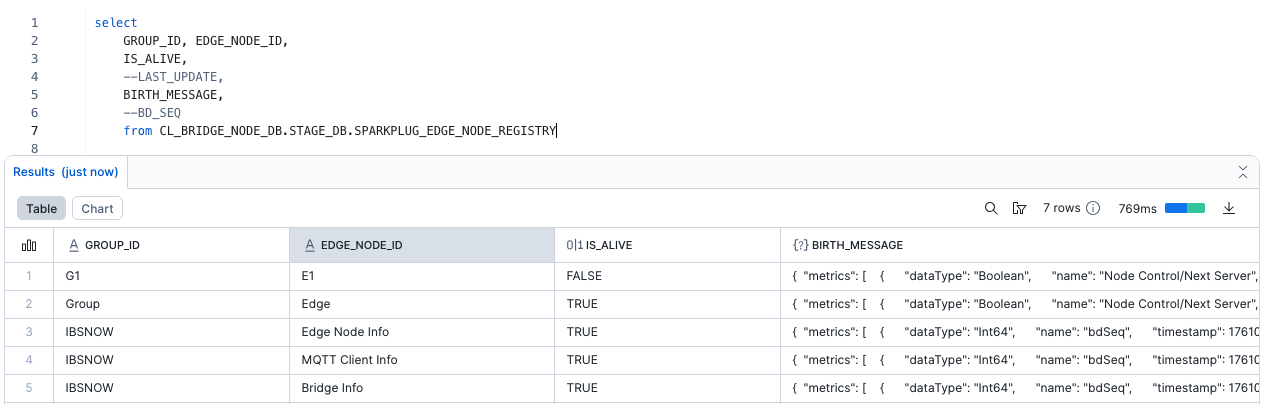
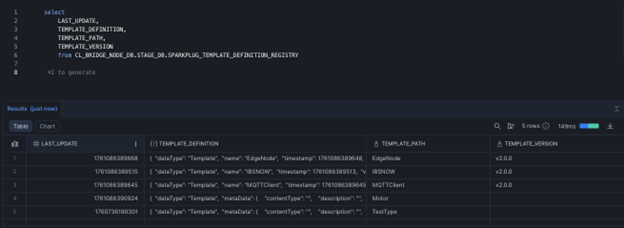
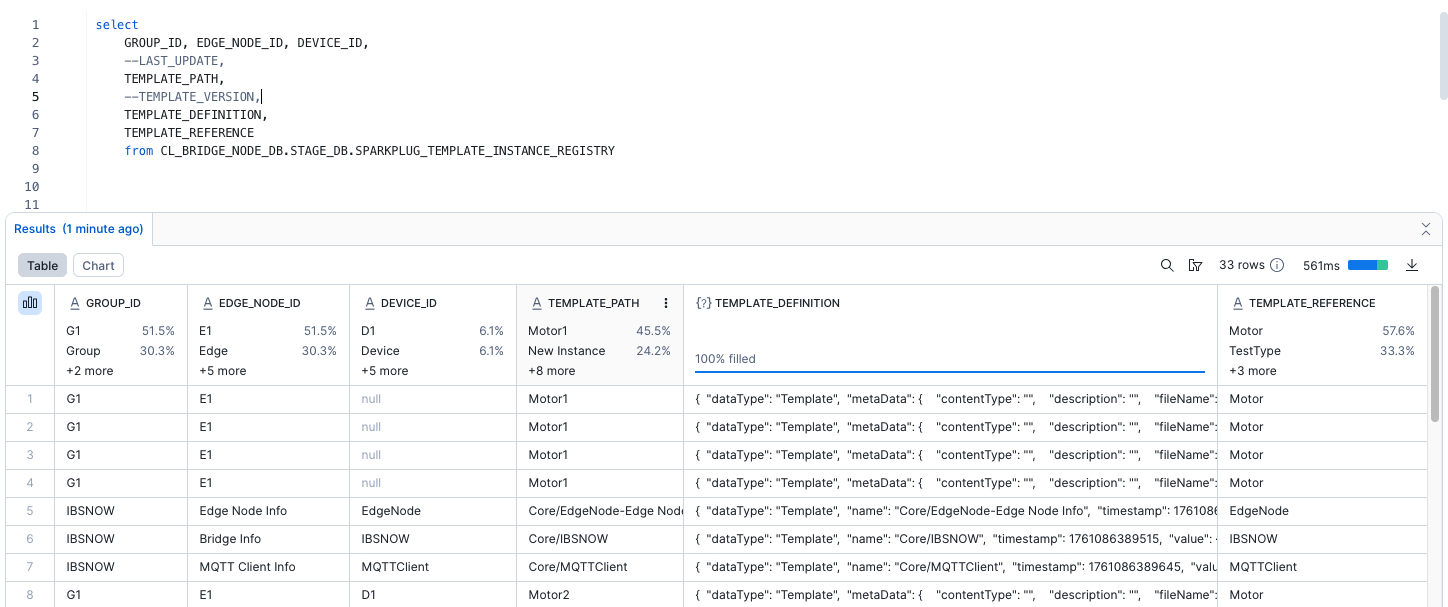
The IoT Bridge for Snowflake will automatically create a new schema in its “Node” database for every Sparkplug edge node it finds. The Bridge will then create Views within this schema for each model found in the Sparkplug edge node data ingested via the bridge . There are two views per model:
This view contains the model instance tag data where each row is a single tag change per model instance. In this view, each model instance tag is separated out into its own column with their values. This view will show each individual model instance tag change and the tags that did not changed will be marked as null.
This view is basically the same as the Intermediate view - each model instance tag is separated out into its own column. However, each row in this view has the null values from the Intermediate views removed (unless the tag change really had a null value) and the last known good value for the model instance tag will be replicated in its column. Said another way, each row will have the last known good values for all model instance tags.