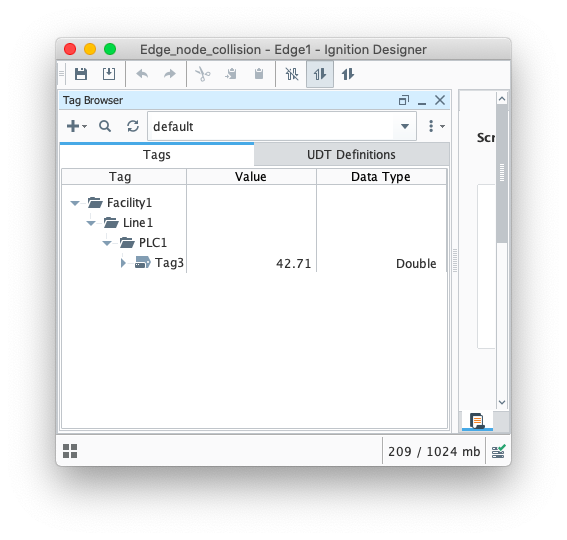
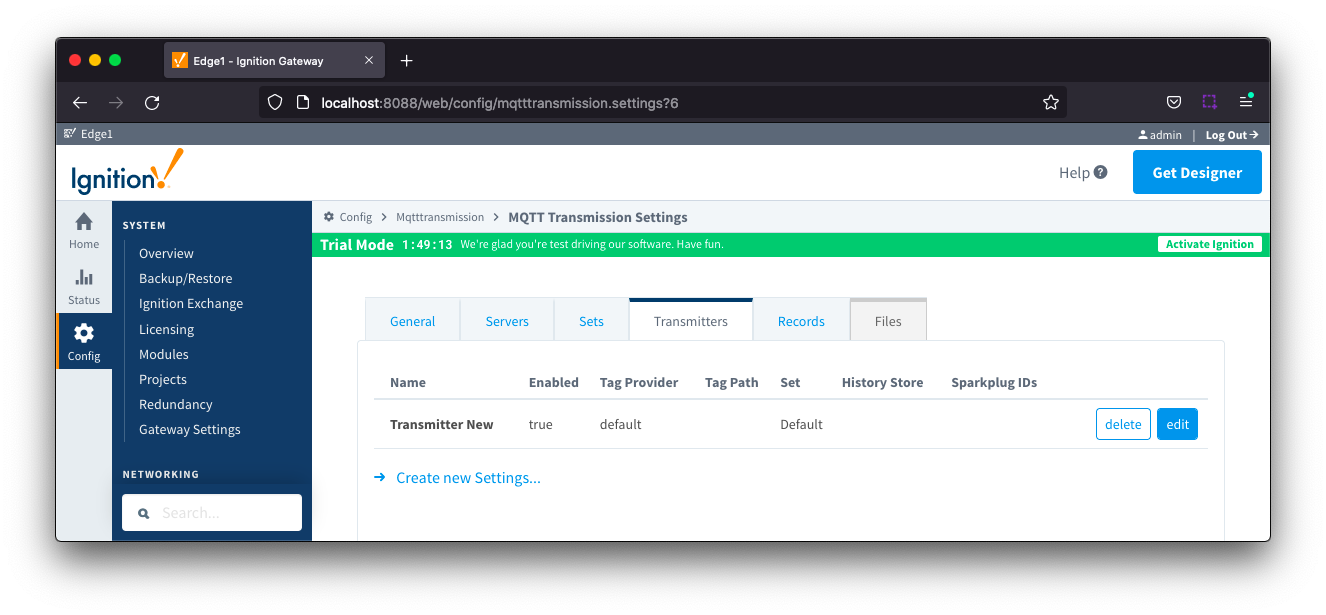
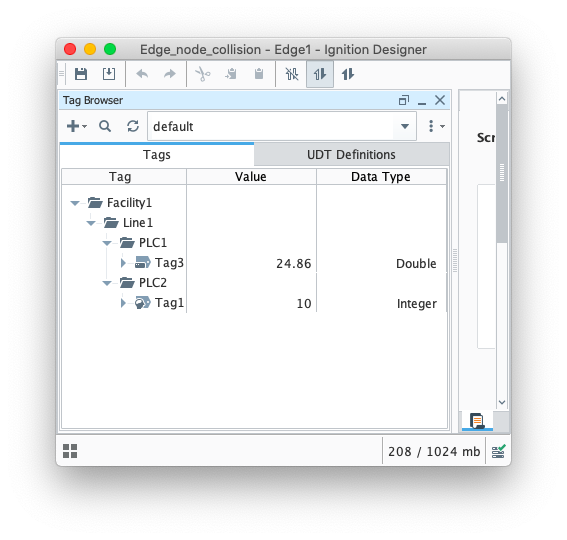
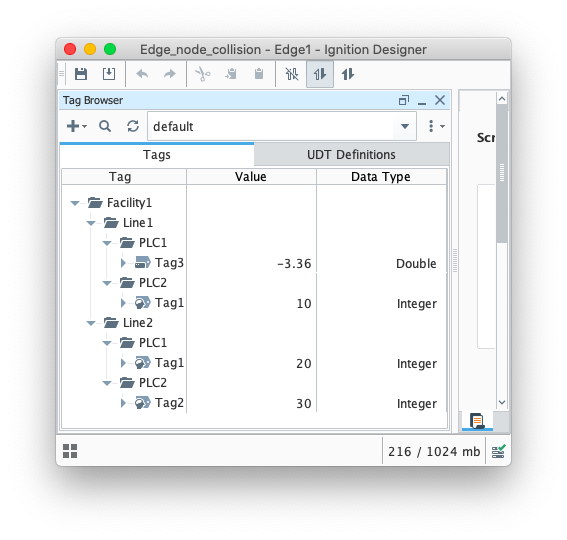
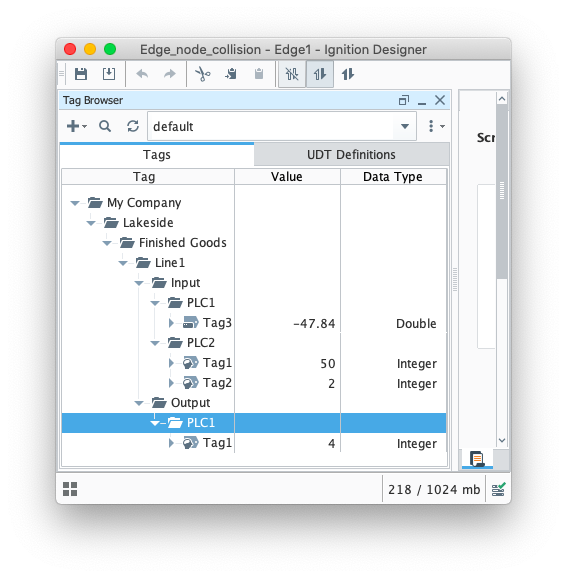
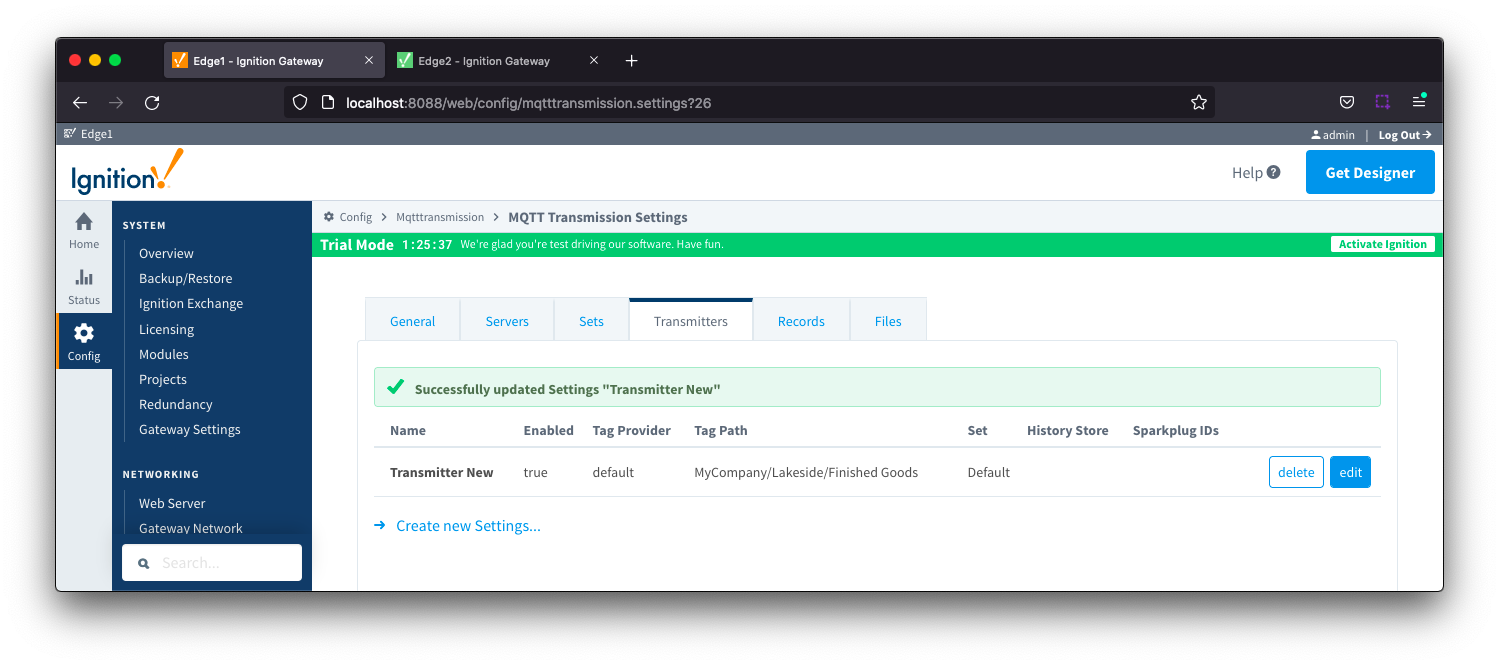
With a Tag Path of My Company/Lakeside/Finished Goods defined, Transmission will dynamically pick up the folders in the tag tree below the Tag Path for the Sparkplug IDs and so we end up with the following:
GroupID = Line1, EdgeNodeID = Input and DeviceID = PLC1
GroupID = Line1, EdgeNodeID = Input and DeviceID = PLC2
GroupID = Line1, EdgeNodeID = Output and DeviceID = PLC1
Now we have two folders representing EdgeNodeIDs and so two MQTT Clients will be created one for Line1/Input and one for Line1/Output.
However, when tag data changes, each MQTT Client will publish a unique publish topic for each DeviceID and, since there are no additional folders below the DeviceID folder, the tag name only is included in the payload:
MQTT Client connecting as Line1/Input
Topic: spBv1.0/Line1/DDATA/Input/PLC1
Payload: {"timestamp":1643824561258,"metrics":[{"name":"Tag3","timestamp":1643824559684,"dataType":"Double","value":-47.23189031326556}],"seq":95}
Topic: spBv1.0/Line1/DDATA/Input/PLC2
Payload: {"timestamp":1643825036860,"metrics":[{"name":"Tag1","timestamp":1643825035561,"dataType":"Int32","value":50}],"seq":97}
MQTT Client connecting as Line1/Output
Topic: spBv1.0/Line1/DDATA/Output/PLC1
Payload: {"timestamp":1643825036860,"metrics":[{"name":"Tag1","timestamp":1643825035561,"dataType":"Int32","value":80}],"seq":77}
Whilst these two examples shows how flexible the configuration can be, you will need to ensure that your namespace works with your infrastructure. If we added a second identical facility of Meadowside and used the same Transmitter configuration, we would end up with GroupID/EdgeID conflicts.
For example, both Lakeside and Meadowside locations would publish using the topic namespace of spBv1.0/Line1/DDATA/Input/PLC1 and it would not be possible for any MQTT clients subscribing to the data to know which edge node sent the data.
Sparkplug Settings
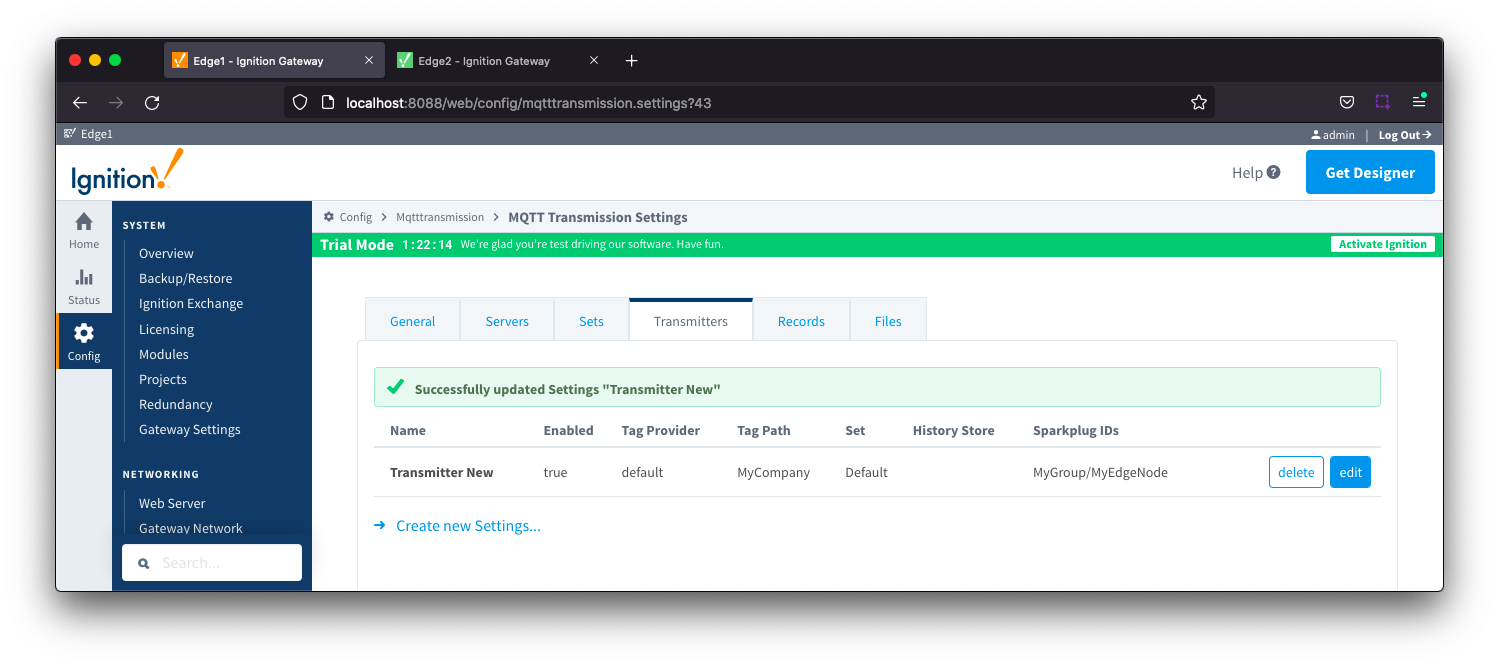
If your tag folder hierarchy does not allow for MQTT Transmission to dynamically build the required Sparkplug Group ID and Edge ID, then you will need to explicitly define these under the Transmitter Sparkplug Settings section in the MQTT Transmission configuration guide. When configured, these elements will replace the Sparkplug IDs that would otherwise be dynamically picked up from the folder structure.
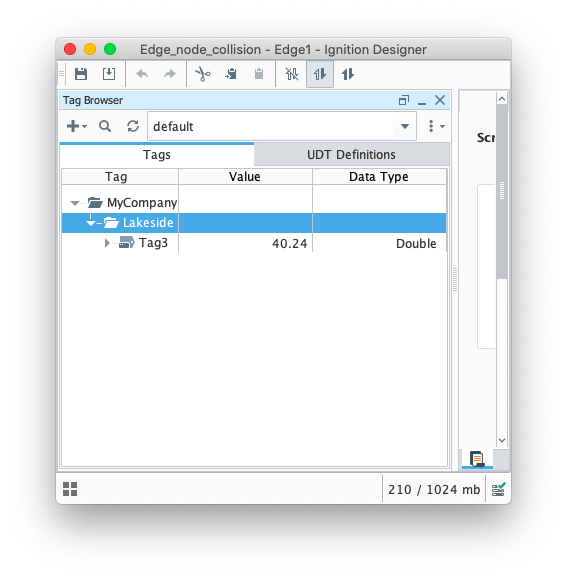
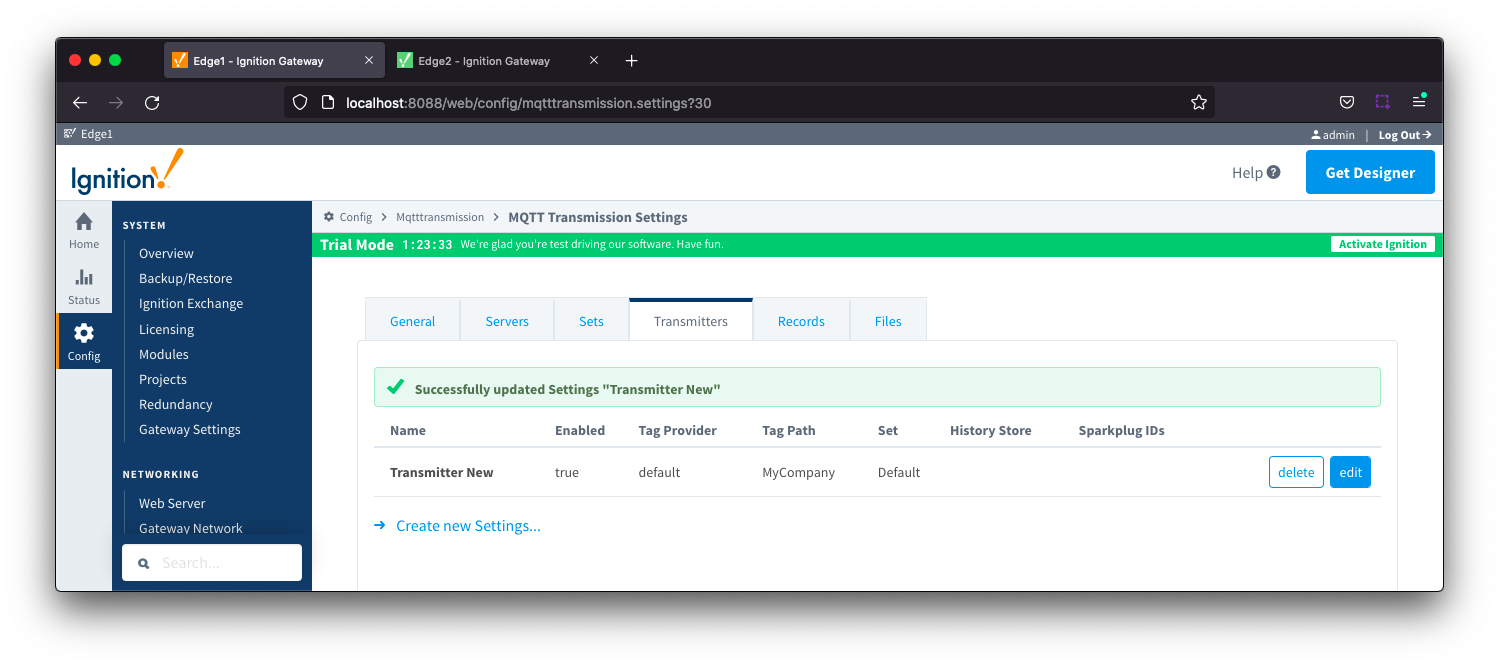
As an example, using the tag tree and Transmitter configuration below: