Versions Compared

Key

  • This line was added.
  • This line was removed.
  • Formatting was changed.

...

Note

The Alarm Event Propagation implementation is limited as detailed below:

  • The only alarm properties that are currently propagated are: Name, Priority and Notes.
  • Alarms over the GAN from an Engine gateway where alarms were forwarded over MQTT from Transmission is not currently supportedsupported from v4.0.31 and on as long as the Remote Tag Providers 'Alarm Mode' is set to 'Queried'. This feature requires Ignition 8.1.49+
  • Alarm pipelines and notifications exposed across MQTT along with alarm data is currently not supported
  • Alarm Status Table filtering to a Sparkplug Group/Edge and/or Device ID is not fully supported
    • In release 4.0.28 Sparkplug IDs were added to the source and display path of alarms at MQTT Engine to allow for Alarm Status Table filtering to Sparkplug IDs
    • From release 4.0.28 onward, MQTT Engine supports explicitly inserting alarm events into the Alarm Journal on arrival

...

  1. Stop the Ignition instances for both MQTT Transmission and MQTT Engine 

  2. Add a line similar to the following to the data/ignition.conf file on each Ignition instance replacing the 'XX' with the proper index per the wrapper.java.additional statements. 

    Code Block
    wrapper.java.additional.XX=--add-opens=java.base/java.util.concurrent.atomic=ALL-UNNAMED


    Warning
    Restart the Ignition instances


MQTT Transmission

  1. Ensure that Alarm Event Enable has been set under the Transmitter Alarm Settings configuration

  2. Ensure that a Disk Backed History Store has been configured and that the Transmitter has been configured under History Settings to use this history store. We recommend configuring a rolling buffer to manage a MQTT Transmission keep alive timeout scenario. 

...

  1. Set up a tag on the Transmission side with an alarm. 

    Note

    The Ack Mode must be set to Manual or Auto

    The Prior to 4.0.30 the only alarm properties that are currently propagated are: Name, Priority and Notes


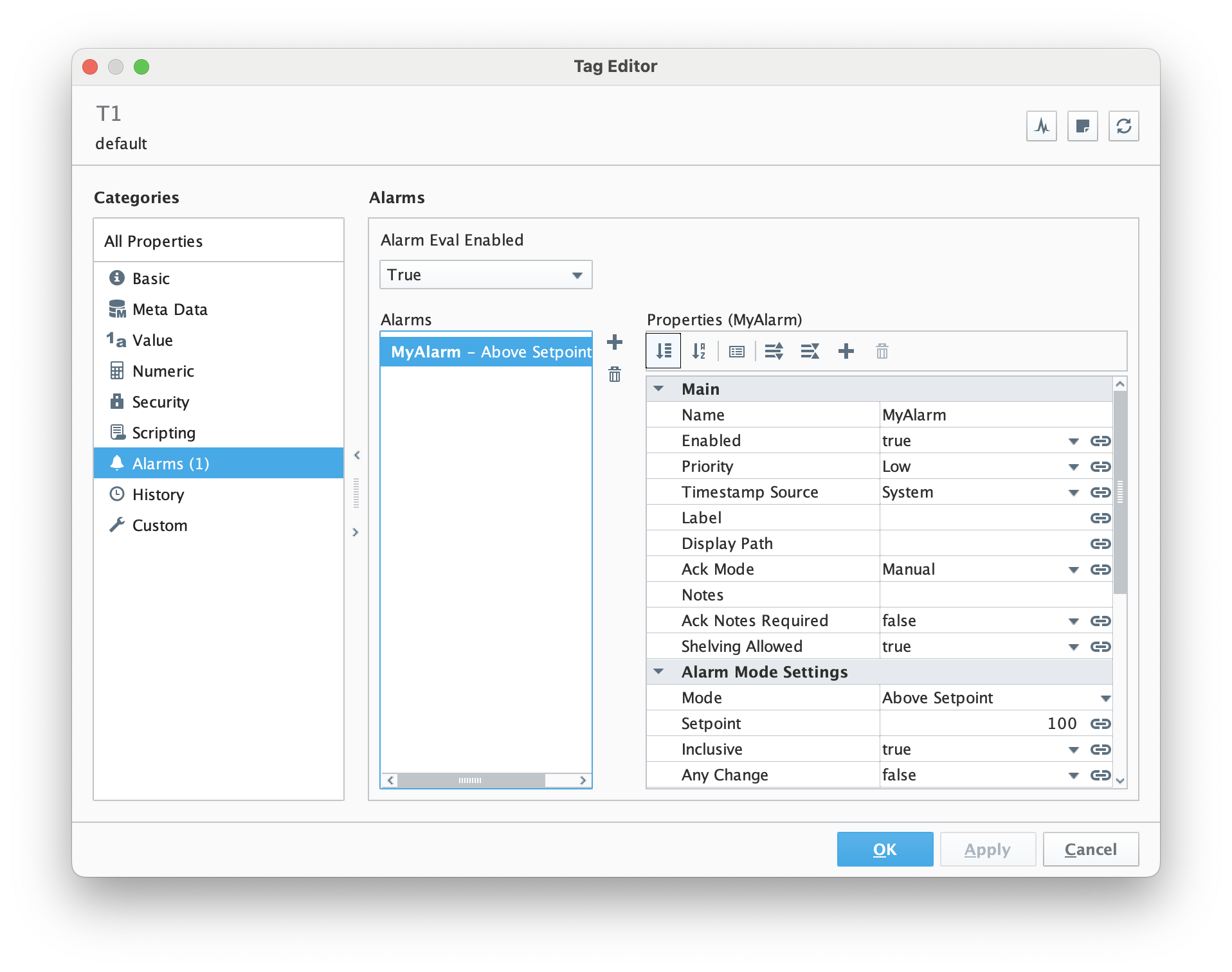
    Below is an example that will generate an event if the value of the tag goes above 100:

  2. Trigger the alarm.
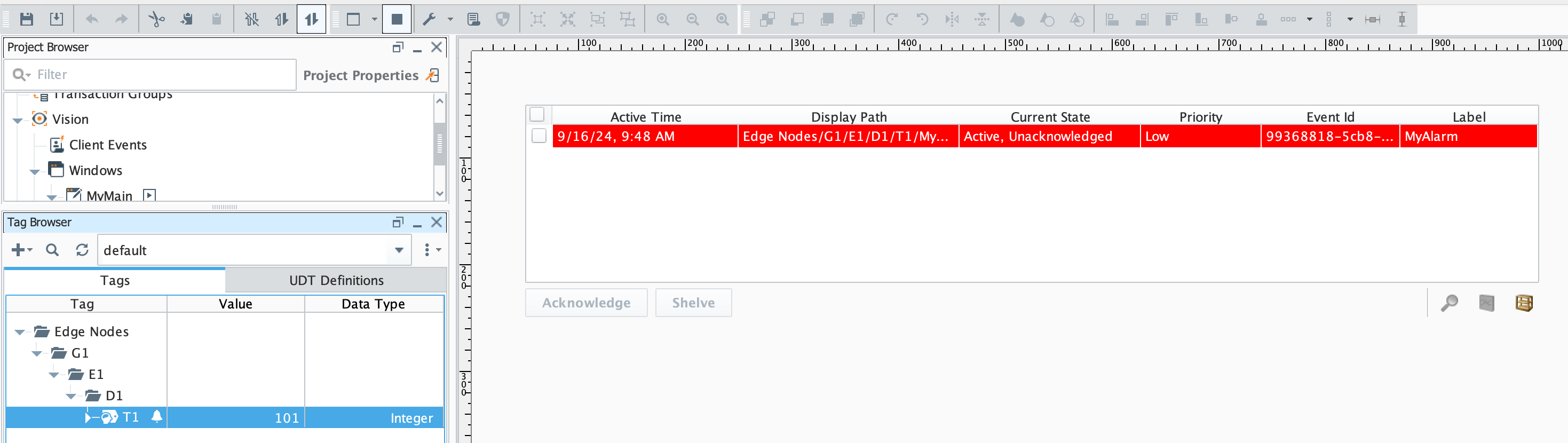
    In this example, we set the value of the memory tag to 101. This resulted in an alarm event at the Edge as shown below in the Alarm Status Table:


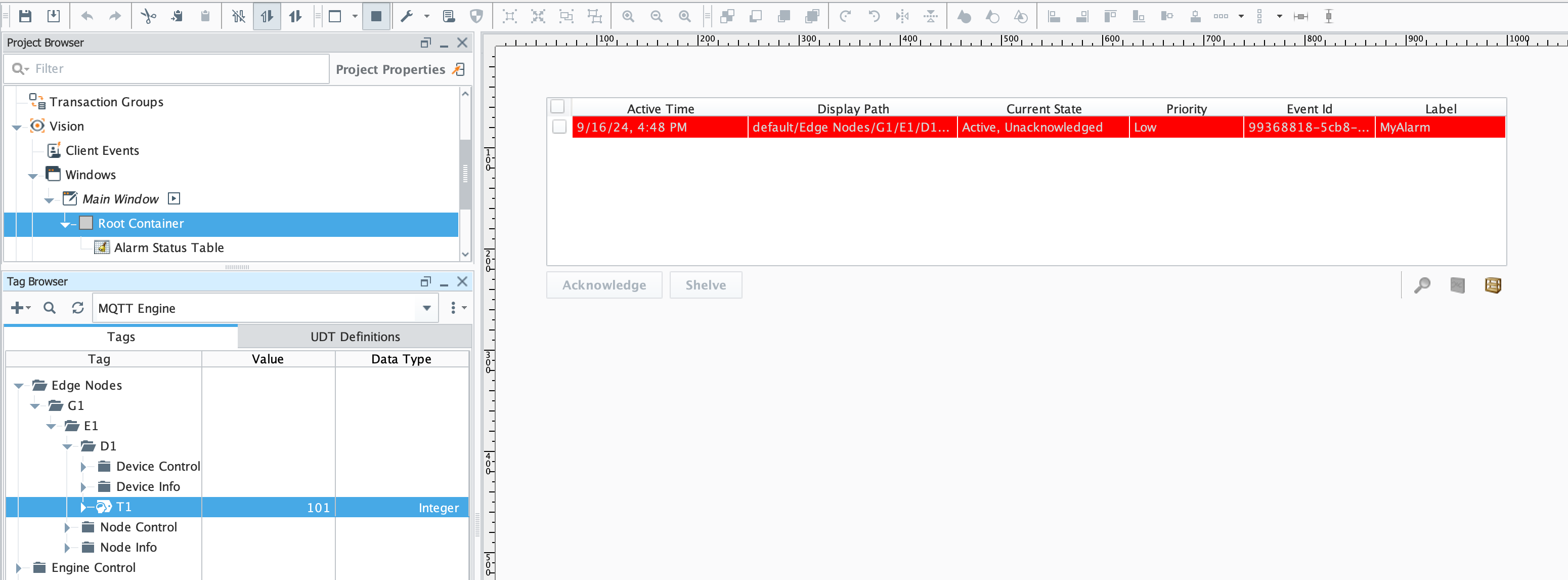
  3. Because the alarm event was published via MQTT, we can also see it on the Central Gateway running MQTT Engine:


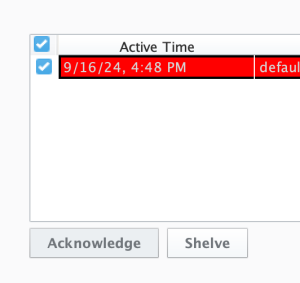
  4. At this point, we can acknowledge the alarm at either the Edge or the MQTT Engine side via the Alarm Status Table by clicking the 'Acknowledge' button as shown below. Once acknowledged, it will be reflected as so on both the Edge and the MQTT Engine sides.


    Note


    Warning

    In order for the alarm acknowledgement or clearing at the Edge to be published to MQTT Engine, the Edge must be in an active Sparkplug session with MQTT Engine or have determined that the connection is unavailable such that the event changes are stored to the Disk Backed History Store for publication on reconnect.

    MQTT Transmission can take upto 1.5 times the configured keep alive time to determine that there is a connection failure and any alarm acknowledgements or clearings can be lost during this time leaving alarms 'stranded' at MQTT Engine. How to remove stranded alarms from the MQTT Engine Alarm Status Table.

    The recommended approach to mitigate this issue is to configure a Rolling History Buffer for the Disk Backed History Store which will cover data loss during a keep alive timeout scenario

    While testing the alarm acknowledgements whilst the Edge is disconnected, you can confirm that the connection status via the MQTT Transmission Servers view in the UI or through the MQTT Client Online tag 


    Note

    In order for the alarm to be acknowledged from MQTT Engine, the Edge must be in an active Sparkplug session with MQTT Engine

    If the Edge node is offline, the following will be displayed in the Alarm Status Table and Ignition logs at MQTT Engine: 


    Once the Edge node comes online, any new alarm acknowledgement will be successful from MQTT Engine.


...