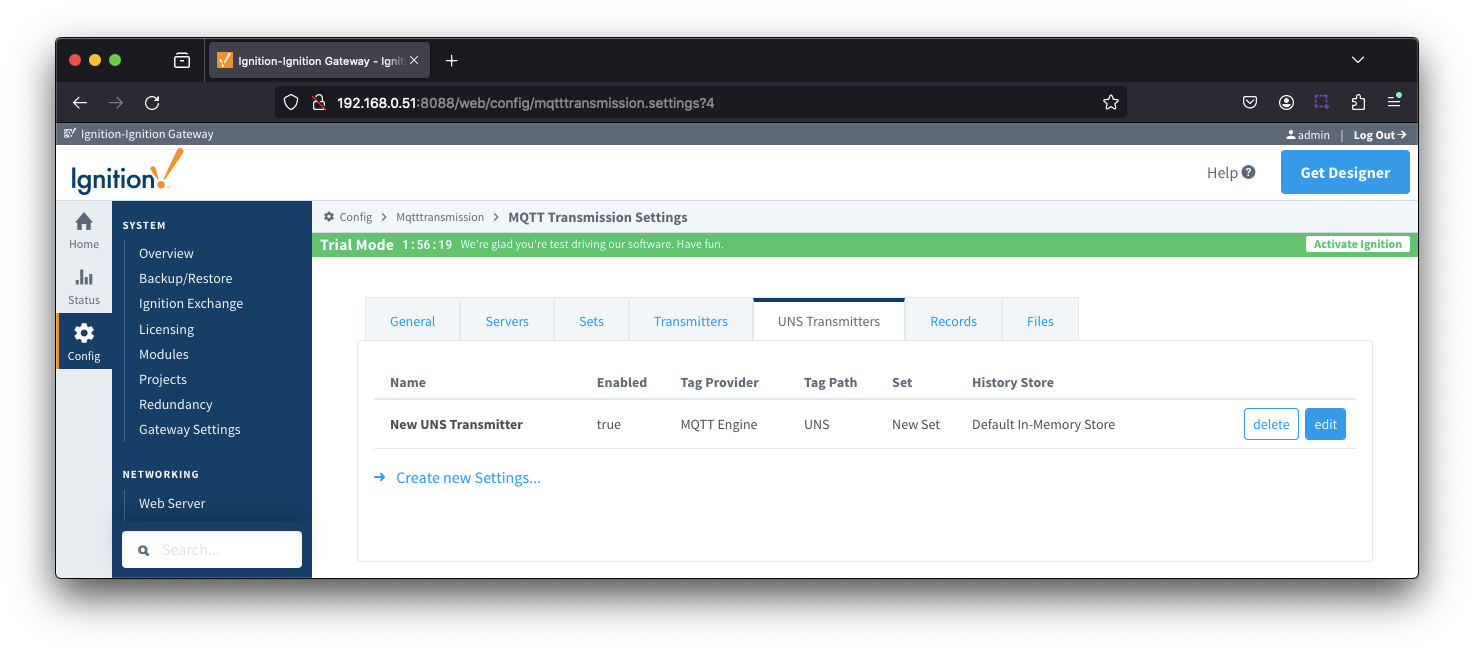
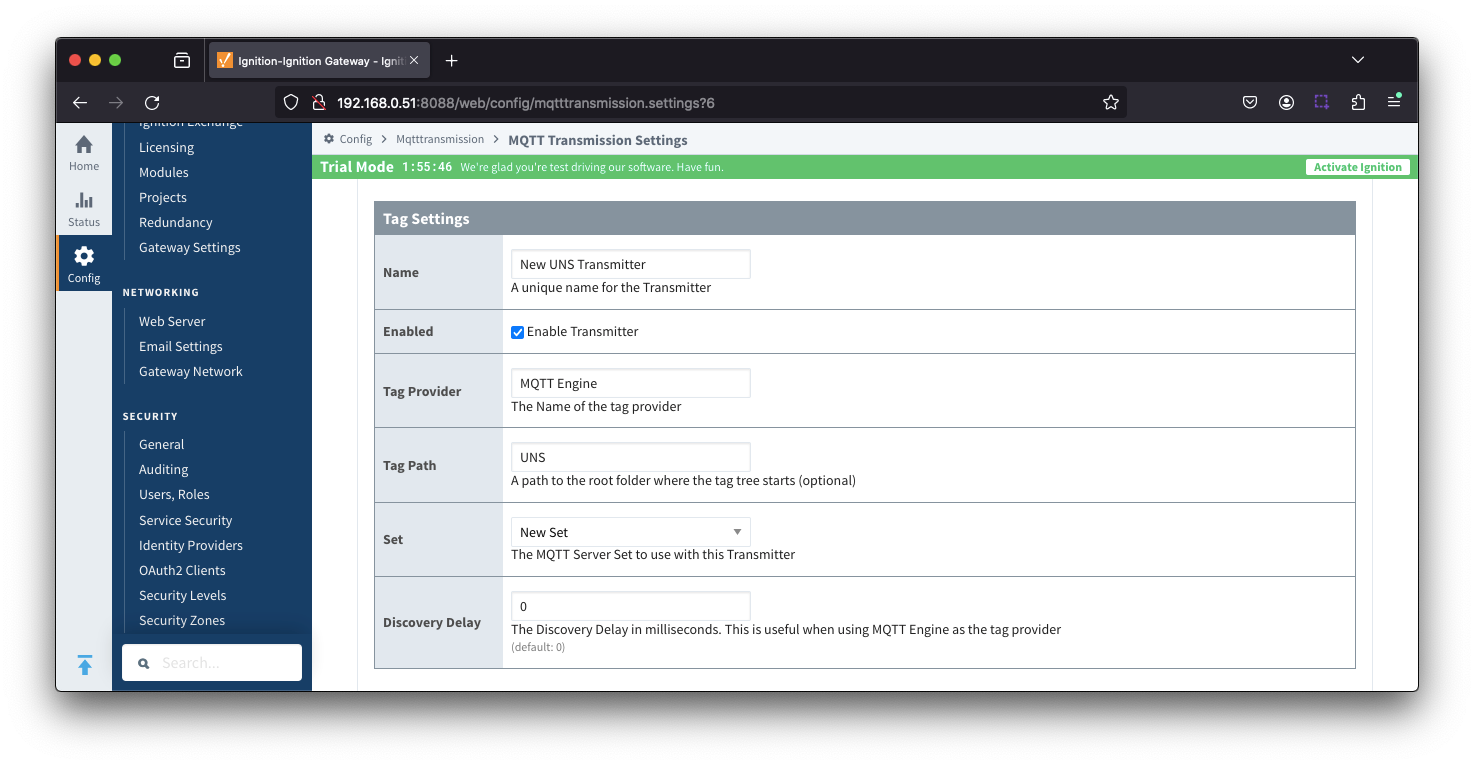
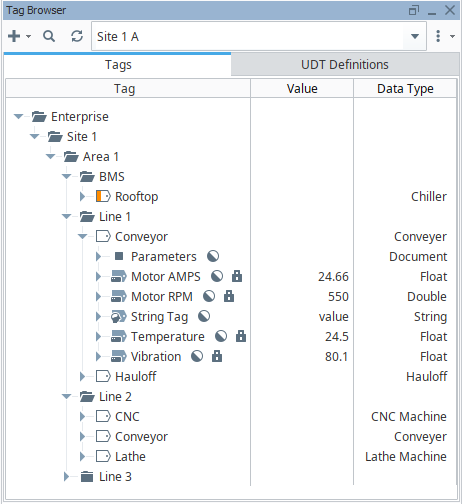
If we set the configuration parameters for the UNS Transmitter such that the Tag Provider is "Site 1 A" and the Tag Path is = "", a single message will be published each time the Qualified Value changes for a tag:
Message examples are:
- unsAv1.0/Enterprise/Site 1/Area 1/Line 1/Conveyor/Motor AMPS
- {"name":"Enterprise/Site 1/Area 1/Line 1/Conveyor/Motor AMPS","dataType":"Real32Float","value":24.66,"timestamp":1727215043878,"qualityCode":192}
- unsAv1.0/Enterprise/Site 1/Area 1/Line 1/Conveyor/Motor RPM
- {"name":"Enterprise/Site 1/Area 1/Line 1/Conveyor/Motor RPM","dataType":"Real64Float","value":550,"timestamp":1727215042222,"qualityCode":192}
- unsAv1.0/Enterprise/Site 1/Area 1/Line 1/Conveyor/String Tag
- {"name":"Enterprise/Site 1/Area 1/Line 1/Conveyor/String Tag","dataType":"String","value":"value","timestamp":1727215043156,"qualityCode":192}
- unsAv1.0/Enterprise/Site 1/Area 1/Line 1/Conveyor/Temperature
- {"name":"Enterprise/Site 1/Area 1/Line 1/Conveyor/Temperature","dataType":"Real32Float","value":24.5,"timestamp":1727215010567,"qualityCode":192}
- unsAv1.0/Enterprise/Site 1/Area 1/Line 1/Conveyor/Vibration
- {"name":"Enterprise/Site 1/Area 1/Line 1/Conveyor/Vibration","dataType":"Real32Float","value":80.1,"timestamp":172721508741023,"qualityCode":192}
On a connect by the UNS Transmitter to the MQTT server, a single properties message will be published for each a tag
Message examples are:
- unsAv1.0/Enterprise/Site 1/Area 1/Line 1/Conveyor/Motor AMPS.props
- {"enabled":{"type":"Boolean","value":true}}
- unsAv1.0/Enterprise/Site 1/Area 1/Line 1/Conveyor/Motor RPM.props
- {"enabled":{"type":"Boolean","value":true}}
- unsAv1.0/Enterprise/Site 1/Area 1/Line 1/Conveyor/String Tag.props
- {"enabled":{"type":"Boolean","value":true}}
- unsAv1.0/Enterprise/Site 1/Area 1/Line 1/Conveyor/Temperature.props
- {"enabled":{"type":"Boolean","value":true}}
- unsAv1.0/Enterprise/Site 1/Area 1/Line 1/Conveyor/Vibration.props
- {"enabled":{"type":"Boolean","value":true}}
Extending the MQTT Client count when using the UNS Transmitter
The UNS Transmitter will publish a single data message for each tag change event.
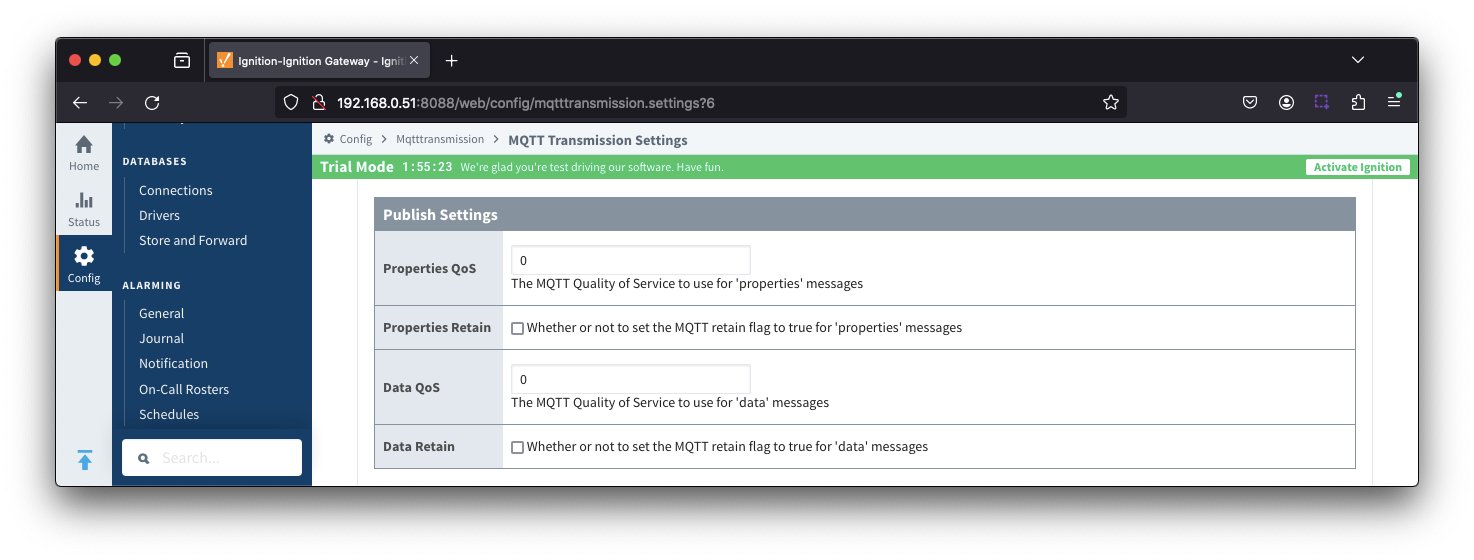
Depending on the tag count, frequency of tag data changes and the QOS (Quality of Service) used, the number of in-flight messages for any individual MQTT client can become unsupportable leading to lost data.
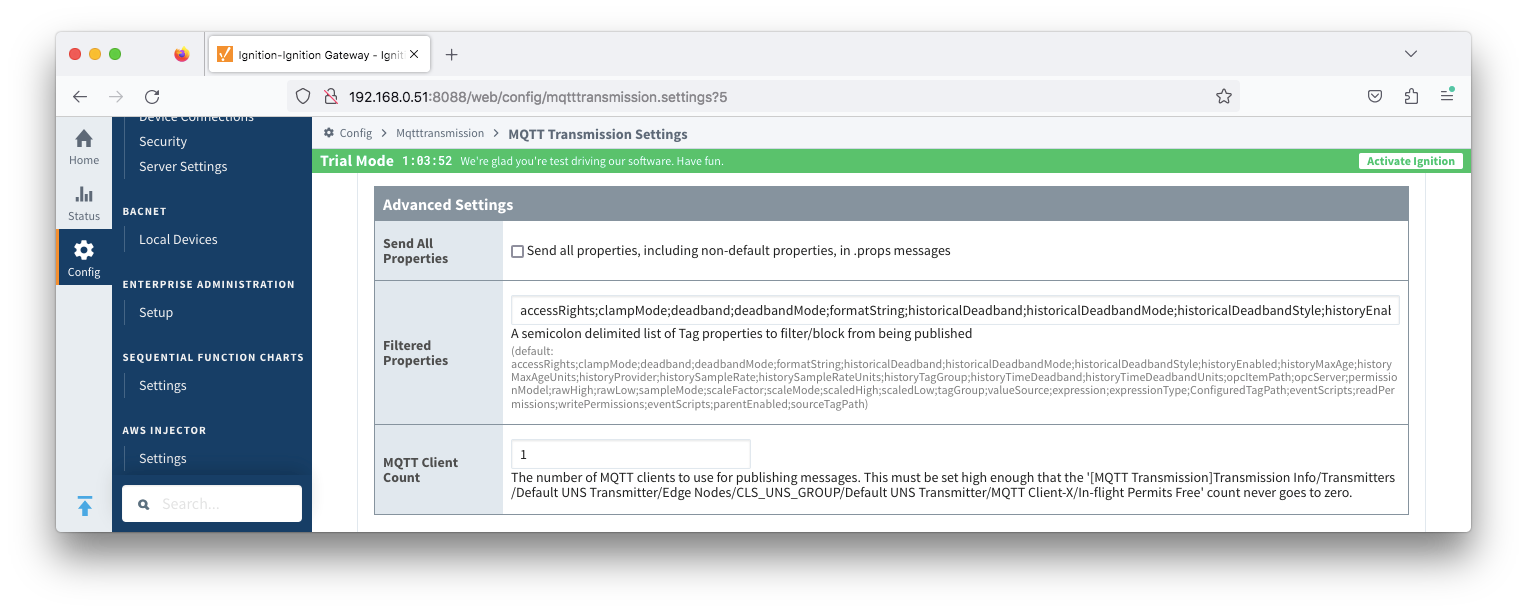
To mitigate this, the UNS Transmitter configuration allows for additional MQTT Clients to be associated with a single UNS Transmitter with an "MQTT Client Count" property is available under the "Advanced Settings" in the configuration.
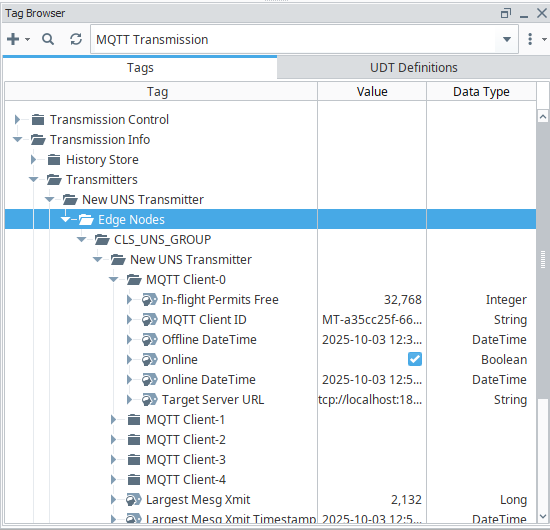
For each MQTT Client there is an In-flight Permits Free tag available under the MQTT Transmission > Transmission Info tag path. The MQTT Client Count should be set high enough such that the In-Flight Permits Free information tag for each MQTT Client never goes to zero.
In the image below, the New UNS Transmitter has been configured with an MQTT Cleint Client Count of 5 which are assigned as MQTT Client-0 through MQTT Client-4.