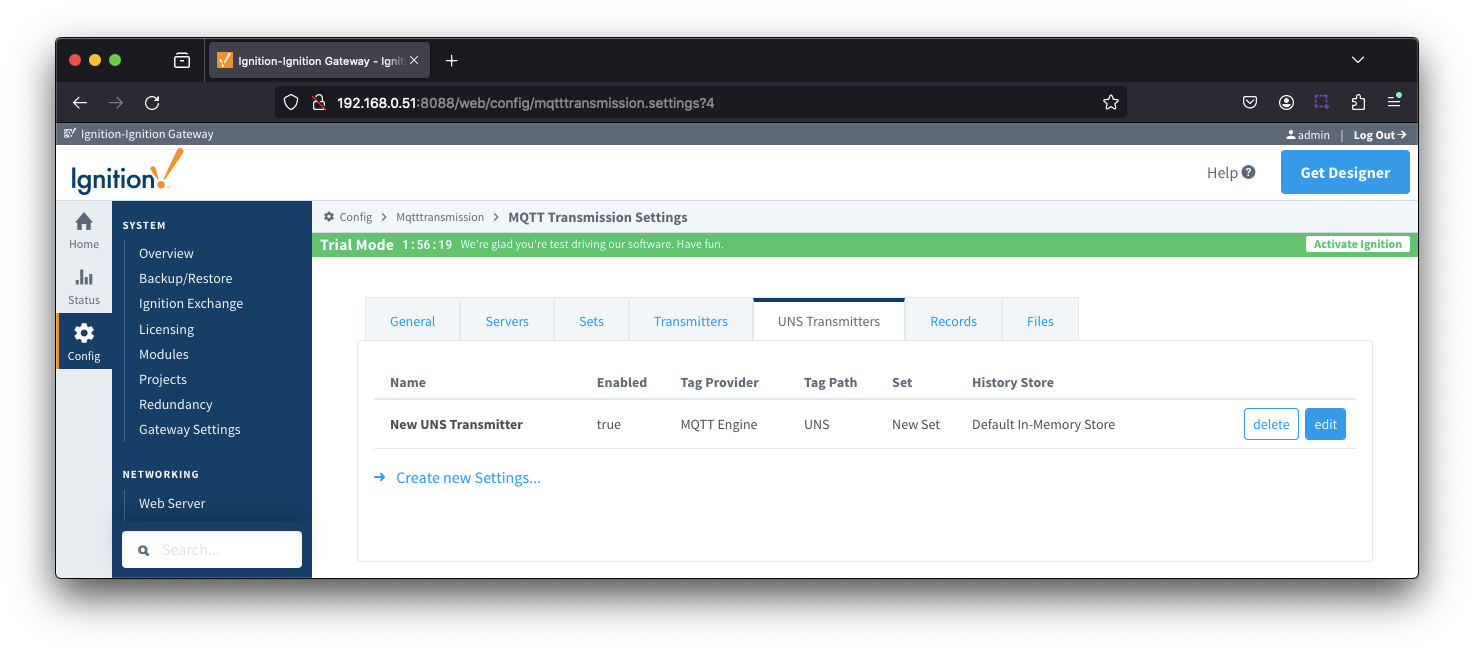
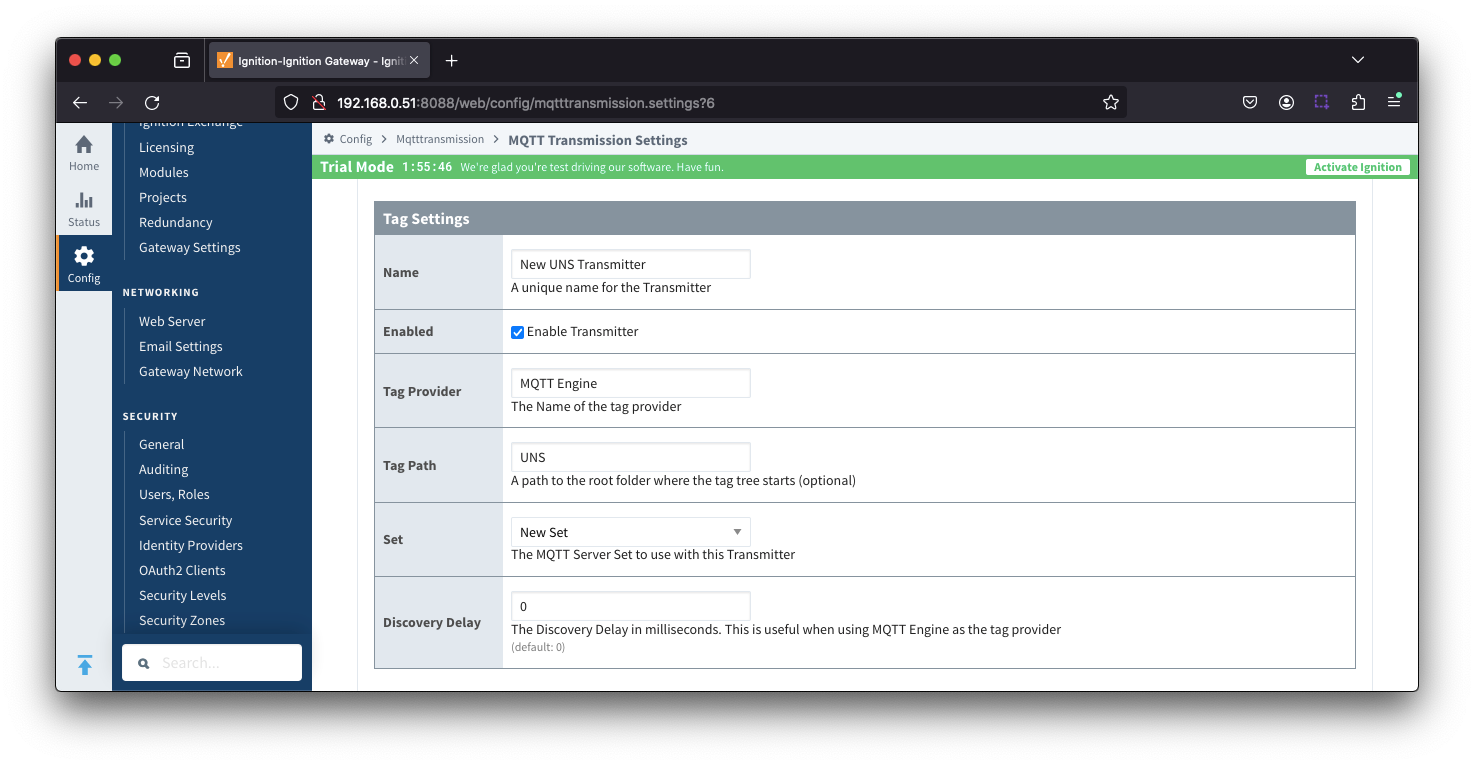
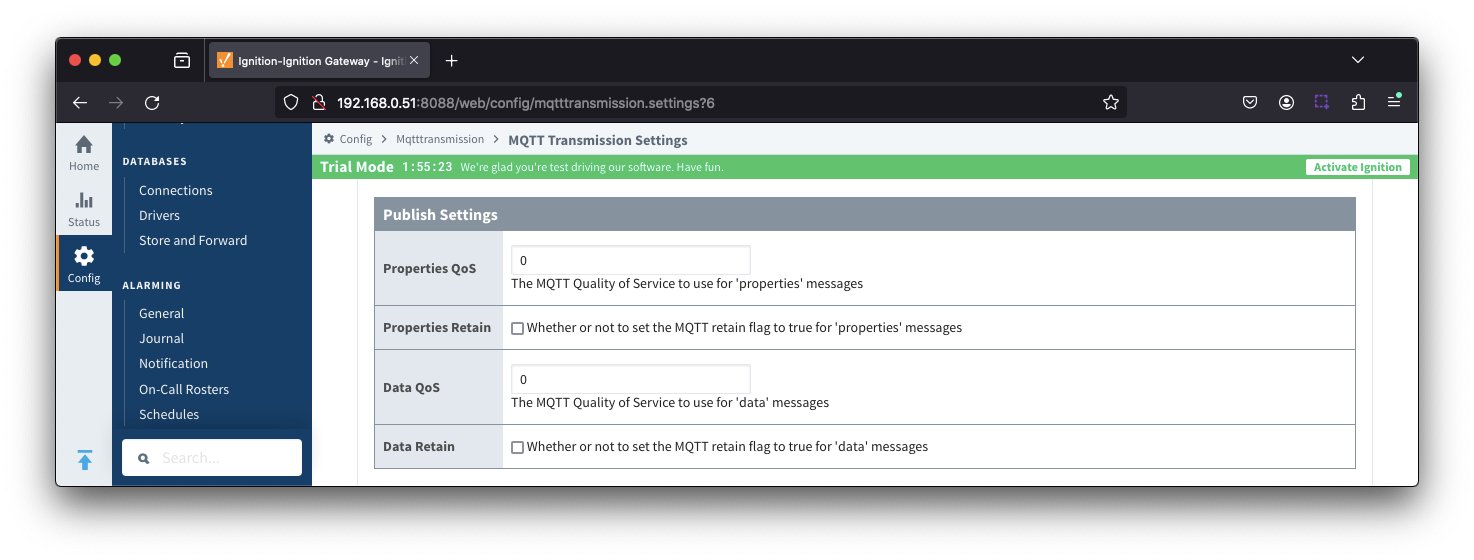
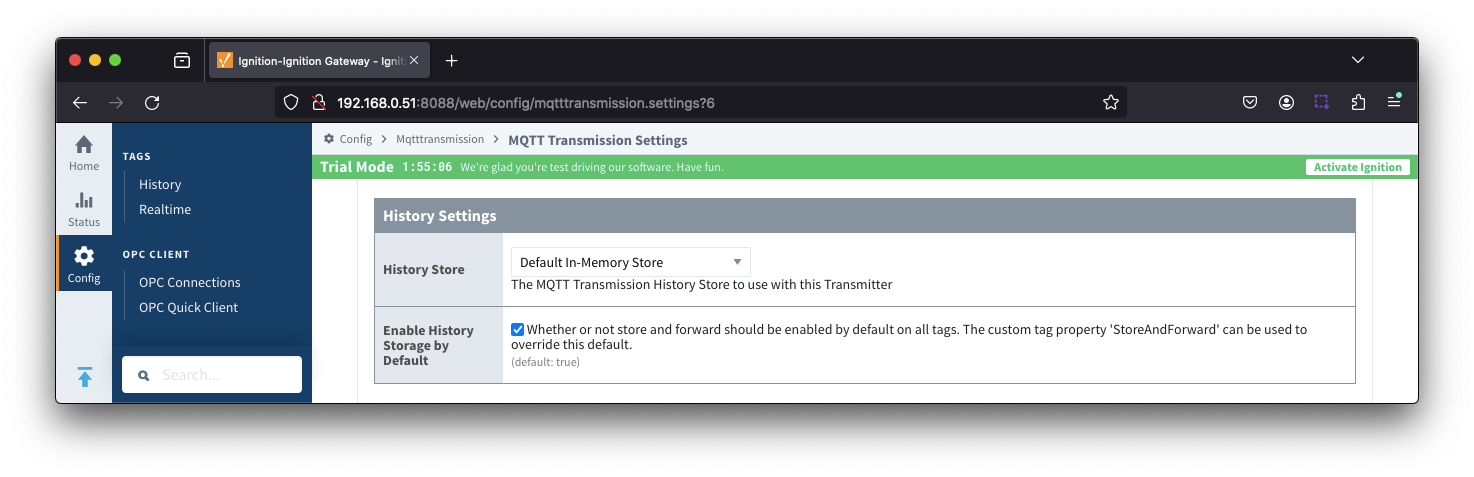
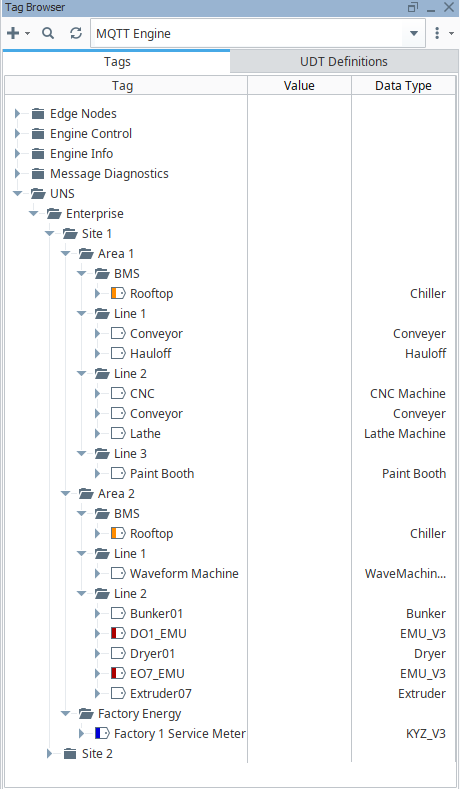
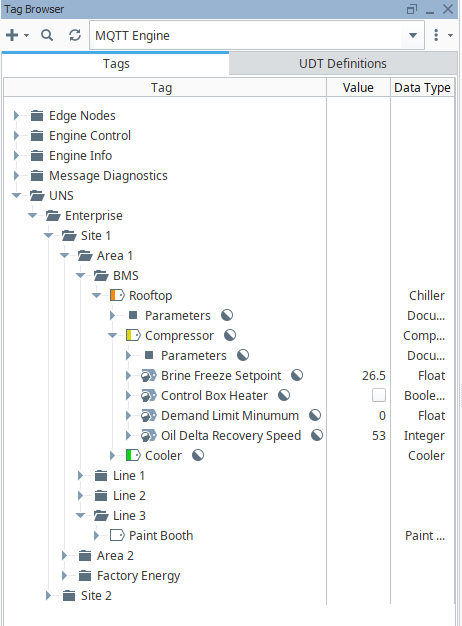
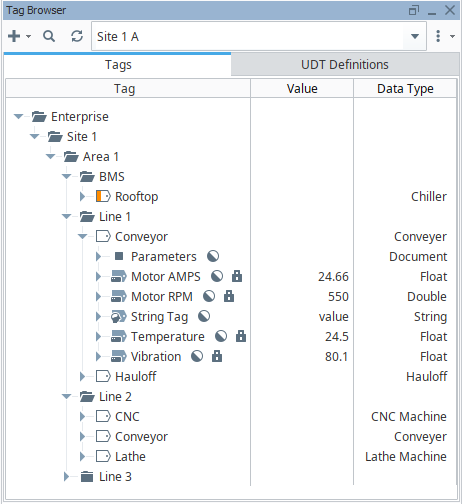
If we set the configuration parameters for the UNS Transmitter such that the Tag Provider is "Site 1 A" and the Tag Path is = "", a single message will be published each time the Qualified Value changes for a tag:
Message examples are:
- unsAv1.0/Enterprise/Site 1unsAv1.0/Enterprise/Site 1/Area 1/Line 1/Conveyor/Temperature{"name":"Enterprise/Site 1/Area 1/Line 1/Conveyor/Motor AMPS
- {"name":"Enterprise/Site 1/Area 1/Line 1/Conveyor/Motor AMPS","dataType":"Float","Temperature","dataType":"Real32","value":24.566,"timestamp":17272150105671727215043878,"qualityCode":192}
- unsAv1.0/Enterprise/Site 1/Area 1/Line 1/Conveyor/VibrationMotor RPM
- {"name":"Enterprise/Site 1/Area 1/Line 1/Conveyor/VibrationMotor RPM","dataType":"Real32Float","value":80.1550,"timestamp":1727215087410231727215042222,"qualityCode":192}
On a connect by the UNS Transmitter to the MQTT server, a single properties message will be published for each a tag
Message examples are:
- unsAv1.0/Enterprise/Site 1/Area 1/Line 1/Conveyor/String TagunsAv1.0/
- Enterprise/Site 1/Area 1/Line 1/Conveyor/
Motor AMPS.props- {"enabled":{"typeString Tag","dataType":"BooleanString","value":true}}"value","timestamp":1727215043156,"qualityCode":192}
- unsAv1.0/Enterprise/Site 1/Area 1/Line 1/Conveyor/Motor RPM.propsTemperature
- {"enabledname":{"type"Enterprise/Site 1/Area 1/Line 1/Conveyor/Temperature","dataType":"BooleanFloat","value":true}}24.5,"timestamp":1727215010567,"qualityCode":192}
- unsAv1.0/Enterprise/unsAv1.0/Enterprise/Site 1/Area 1/Line 1/Conveyor/String Tag.props
- {"enabled":{"type":"Boolean","value":true}}
- unsAv1.0/Enterprise/Site 1/Area 1/Line 1/Conveyor/Temperature.props
- {"enabled":{"type":"Boolean","value":true}}
unsAv1.0/Enterprise/Site 1/Area 1/Line 1/Conveyor/Vibration.props- 1/Line 1/Conveyor/Vibration
- {"name":"Enterprise/Site 1/Area 1/Line 1/Conveyor/Vibration","dataType":"Float","value":80.1,"timestamp":172721508741023,"qualityCode":192}
On a connect by the UNS Transmitter to the MQTT server, a single properties message will be published for each a tag
Message examples are:
- unsAv1.0/Enterprise/Site 1/Area 1/Line 1/Conveyor/Motor AMPS.props
- {"enabled":{"type":"Boolean","value":true}}
- unsAv1.0/Enterprise/Site 1/Area 1/Line 1/Conveyor/Motor RPM.props
- {"enabled":{"type":"Boolean","value":true}}
- unsAv1.0/Enterprise/Site 1/Area 1/Line 1/Conveyor/String Tag.props
- {"enabled":{"type":"Boolean","value":true}}
- unsAv1.0/Enterprise/Site 1/Area 1/Line 1/Conveyor/Temperature.props
- {"enabled":{"type":"Boolean","value":true}}
- unsAv1.0/Enterprise/Site 1/Area 1/Line 1/Conveyor/Vibration.props
- {"enabled":{"type":"Boolean","value":true}}
Extending the MQTT Client count when using the UNS Transmitter
The UNS Transmitter will publish a single data message for each tag change event.
Depending on the tag count, frequency of tag data changes and the QOS (Quality of Service) used, the number of in-flight messages for any individual MQTT client can become unsupportable leading to lost data.
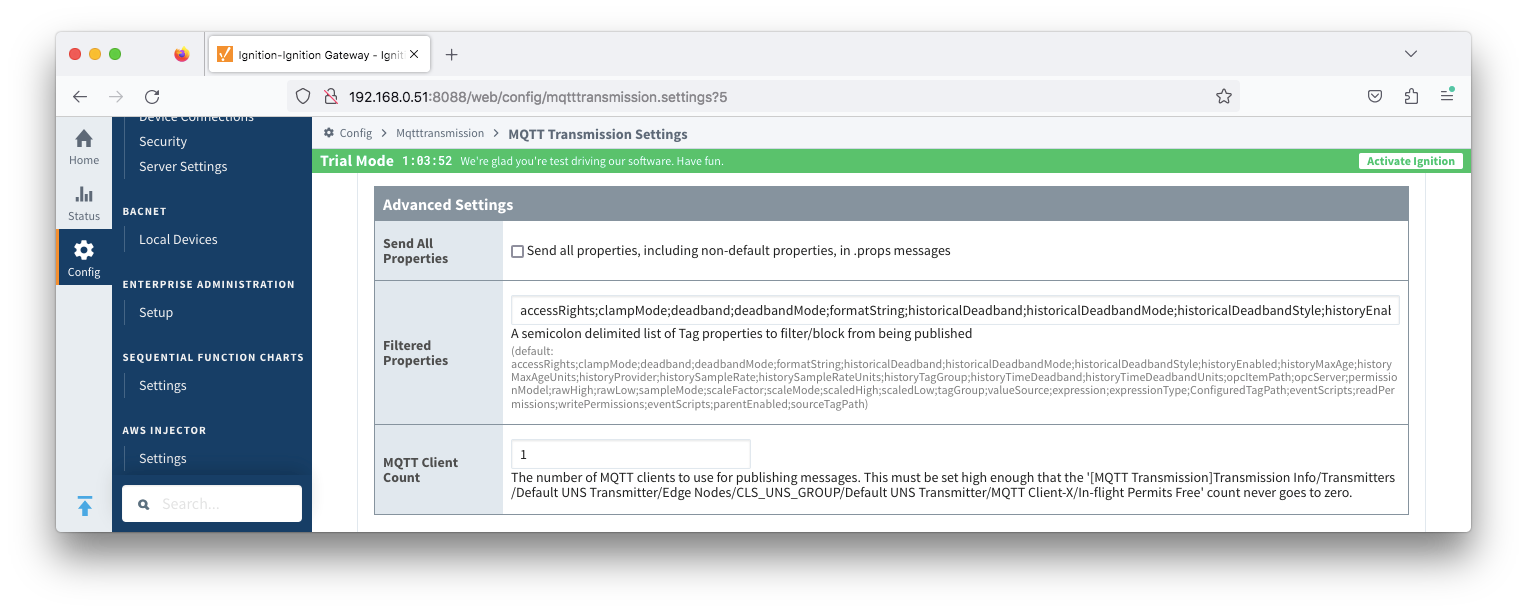
To mitigate this, the UNS Transmitter configuration allows for additional MQTT Clients to be associated with a single UNS Transmitter with an "MQTT Client Count" property is available under the "Advanced Settings" in the configuration.
For each MQTT Client there is an In-flight Permits Free tag available under the MQTT Transmission > Transmission Info tag path. The MQTT Client Count should be set high enough such that the In-Flight Permits Free information tag for each MQTT Client never goes to zero.
In the image below, the New UNS Transmitter has been configured with an MQTT Client Count of 5 which are assigned as MQTT Client-0 through MQTT Client-4.
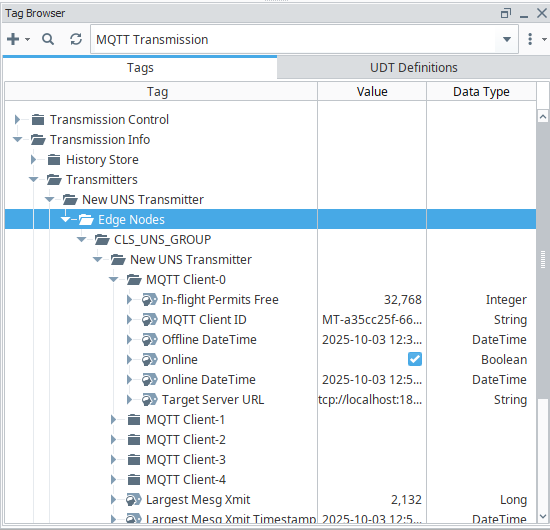 Image Added
{"enabled":{"type":"Boolean","value":true}}