


Page History
...
| Tip |
|---|
| A very large number of large retained messages will result in more memory being consumed on the MQTT server |
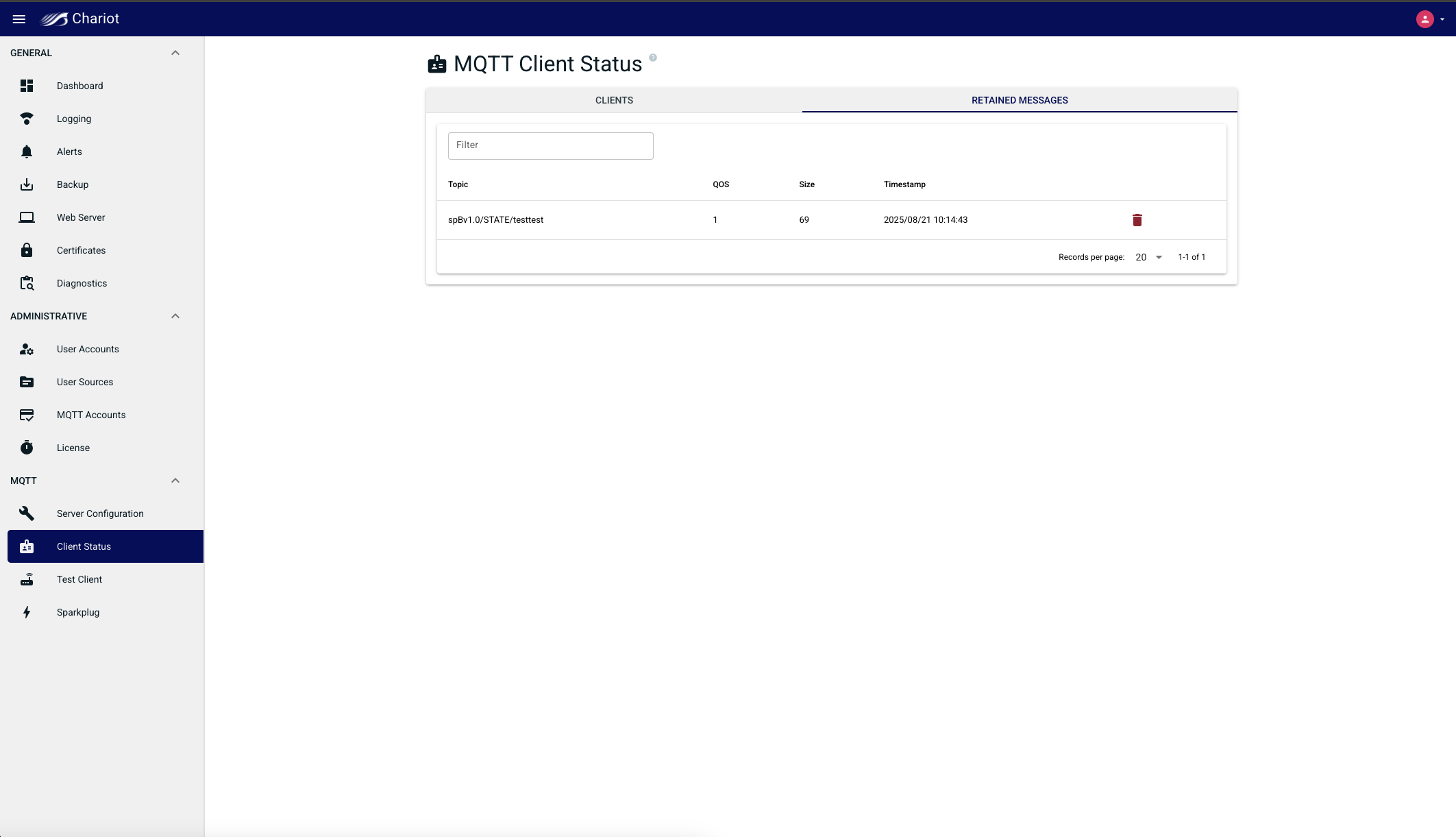
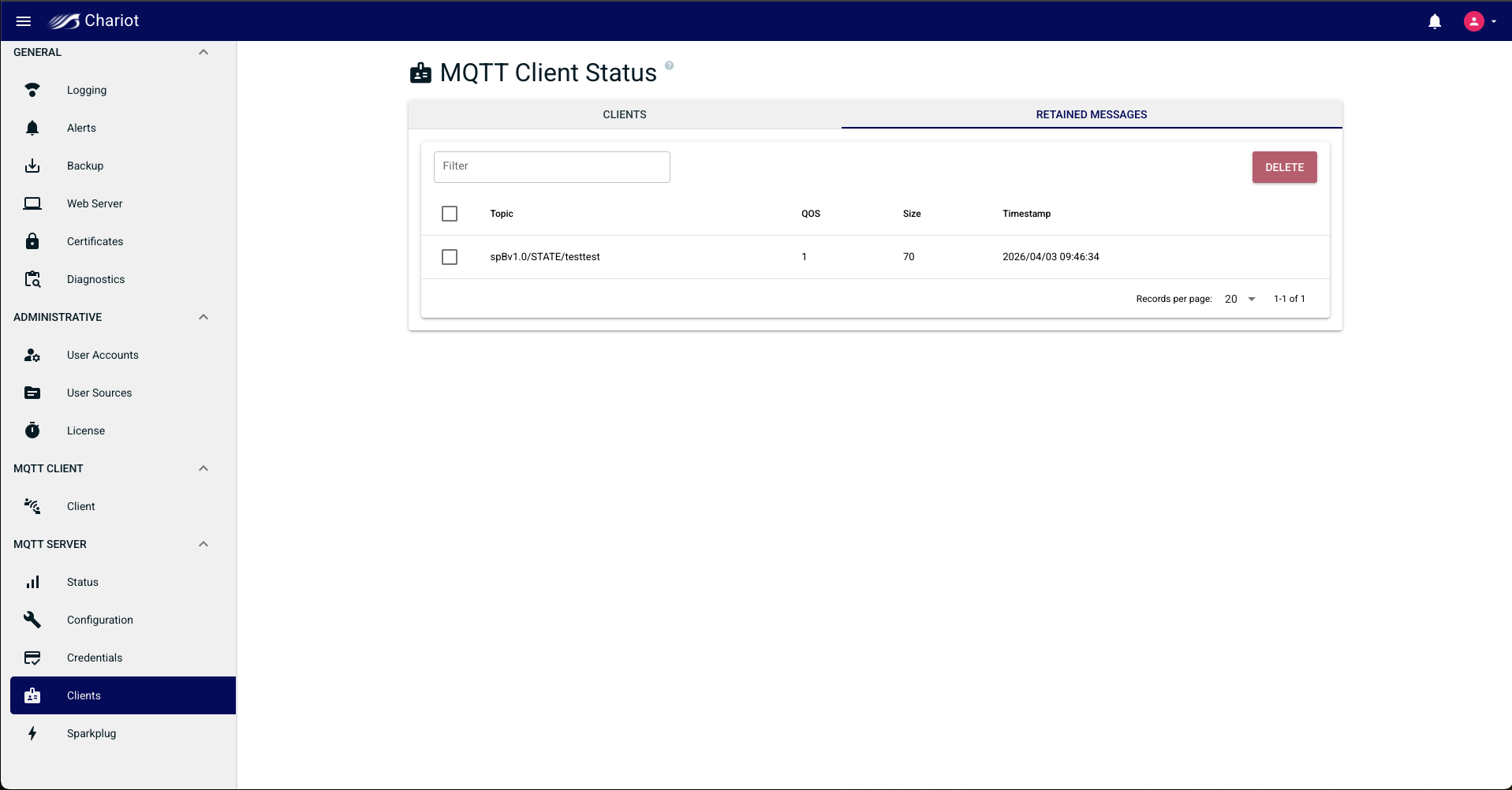
Published message QoS level
...
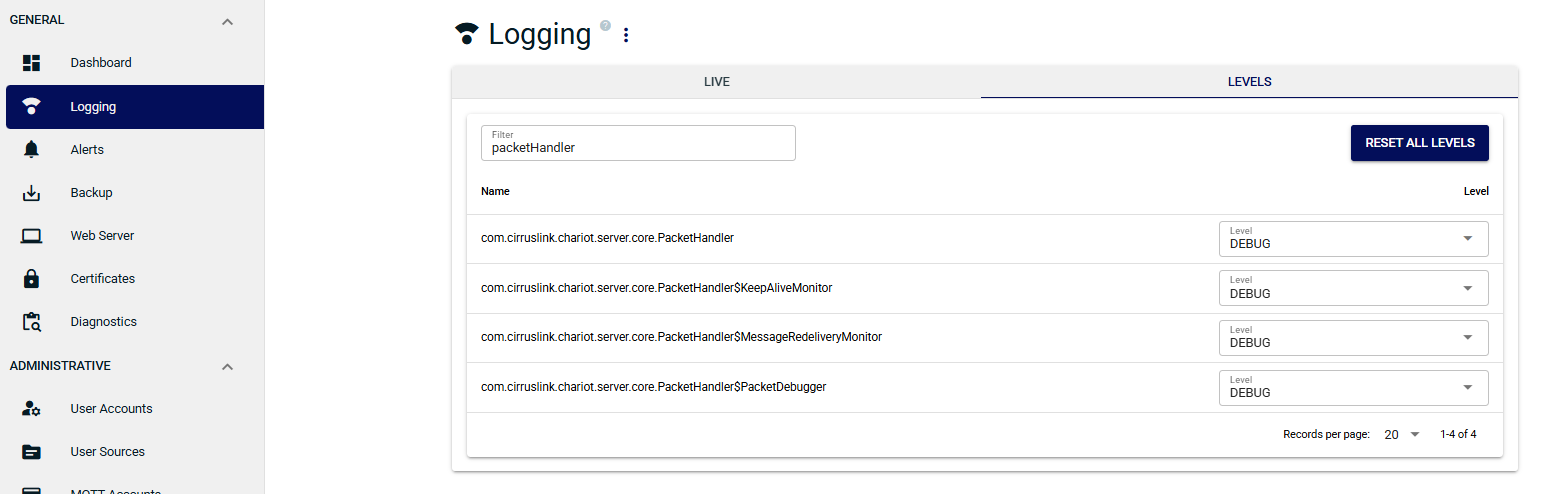
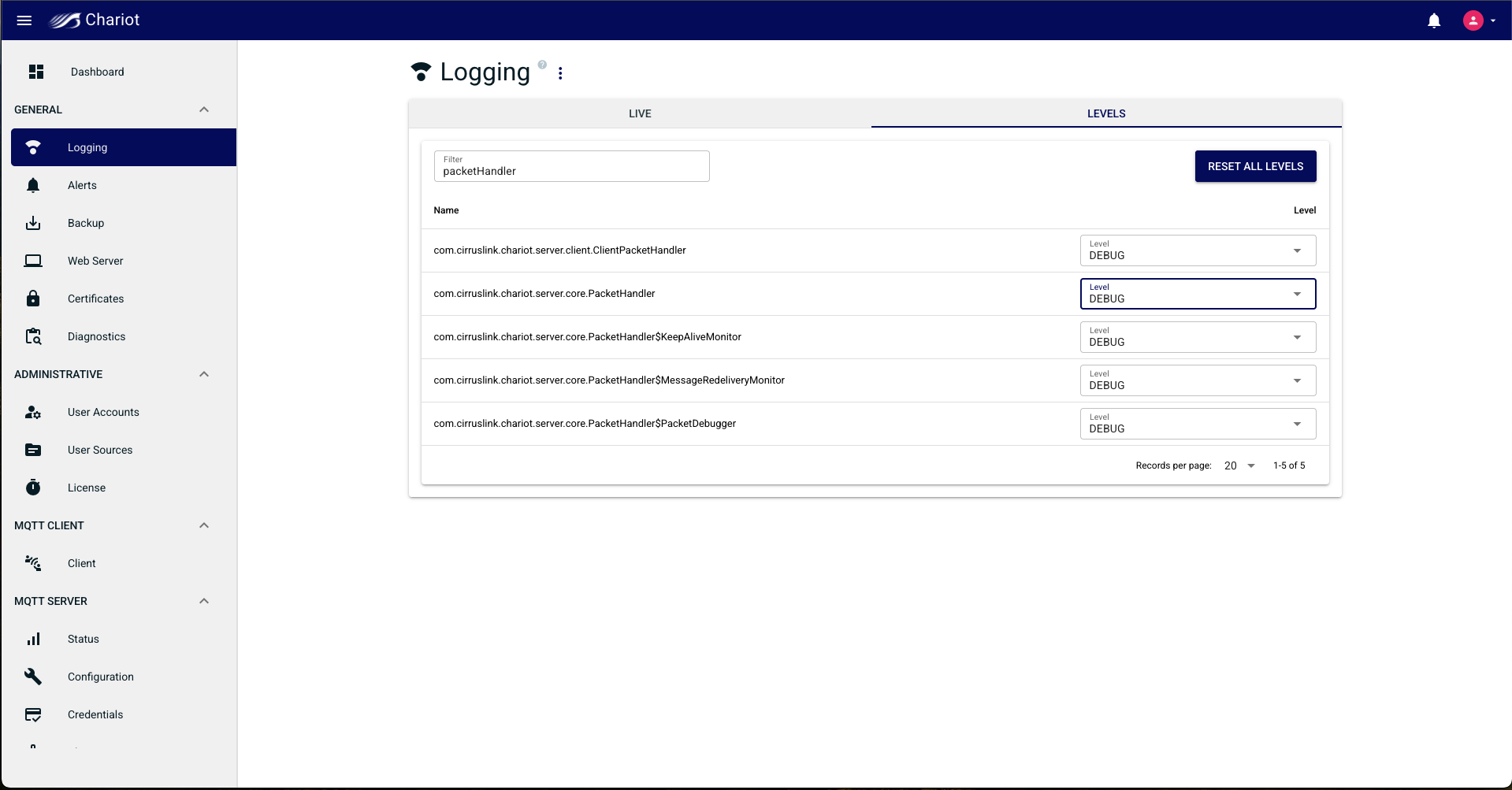
- Navigate to the GENERAL > Logging > LEVELS view and set the level to DEBUG for the com.cirruslink.chariot.core.PacketHandler logger
- Navigate to the GENERAL > Logging > LIVE view and you will find a log message for every message coming into the Chariot MQTT Server.
- Hover over each PUBLISH log message to show the MQTT client ID, the client IP address, the message topic and the message QoS. For example,
- MQTT client ID : MT-42fe99f9-95e6-4757
- Client IP address : 127.0.0.1
- Message topic : spBv1.0/MQTT Tags/DBIRTH/G1/E1
- QoS: 0
...
Overview
Content Tools