The Chariot UI can be used to identify MQTT client connection properties when investigating memory or CPU usage issues at the broker.
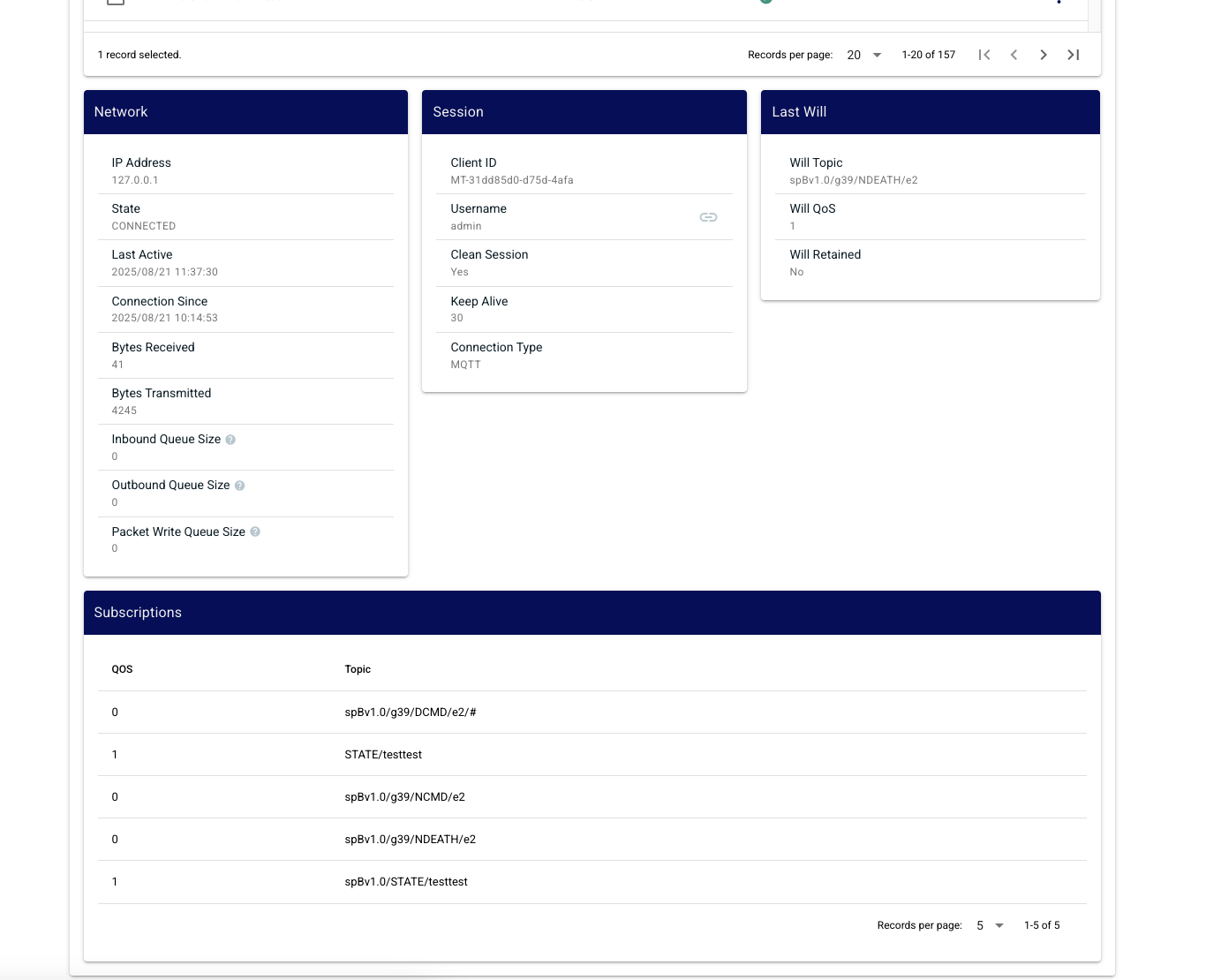
Navigate to the MQTT > Client Status > Clients view and select a Client ID. The details for Network, Session, Last Will and Subscriptions will be populated for the selected client.
Look for:
| An MQTT client that has connected with a persistent session with a very broad QoS 1 or 2 subscriptions, can cause the MQTT server to persist lots of messages in memory for a client that is not currently connected. |
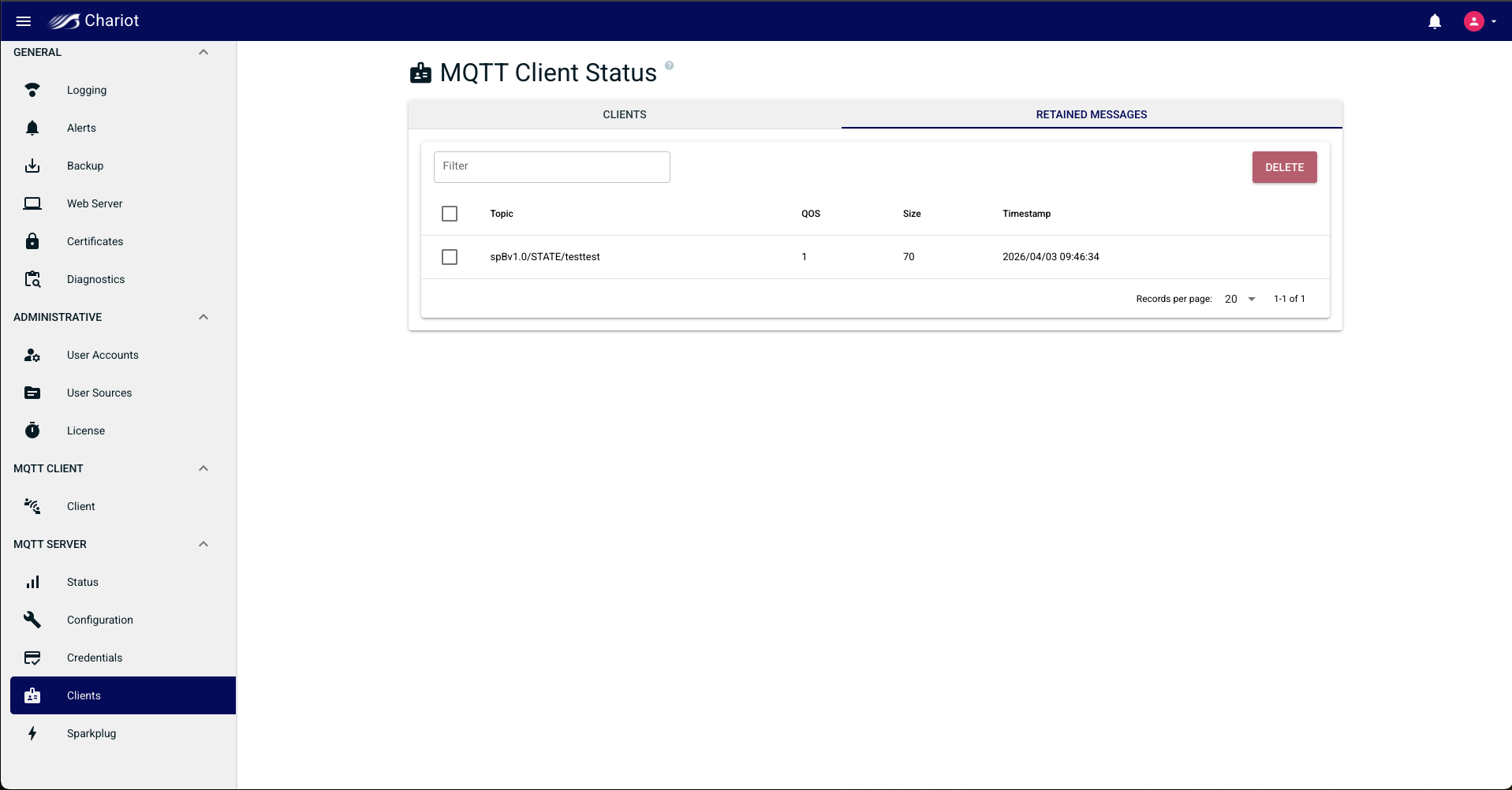
Navigate to the MQTT > Client Status > Retained Messages view to display all the retained messages at the Chariot server.
| A very large number of large retained messages will result in more memory being consumed on the MQTT server |
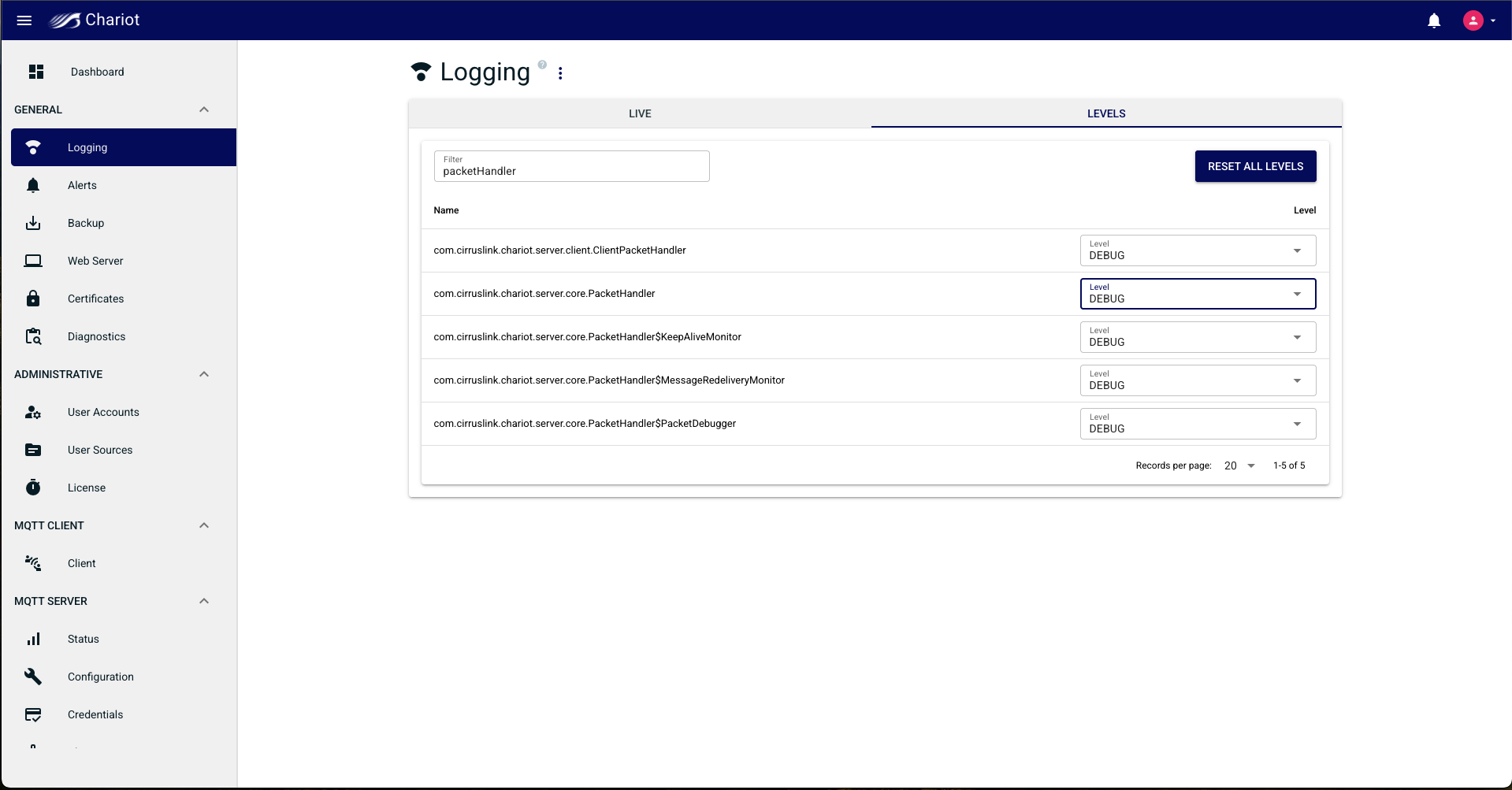
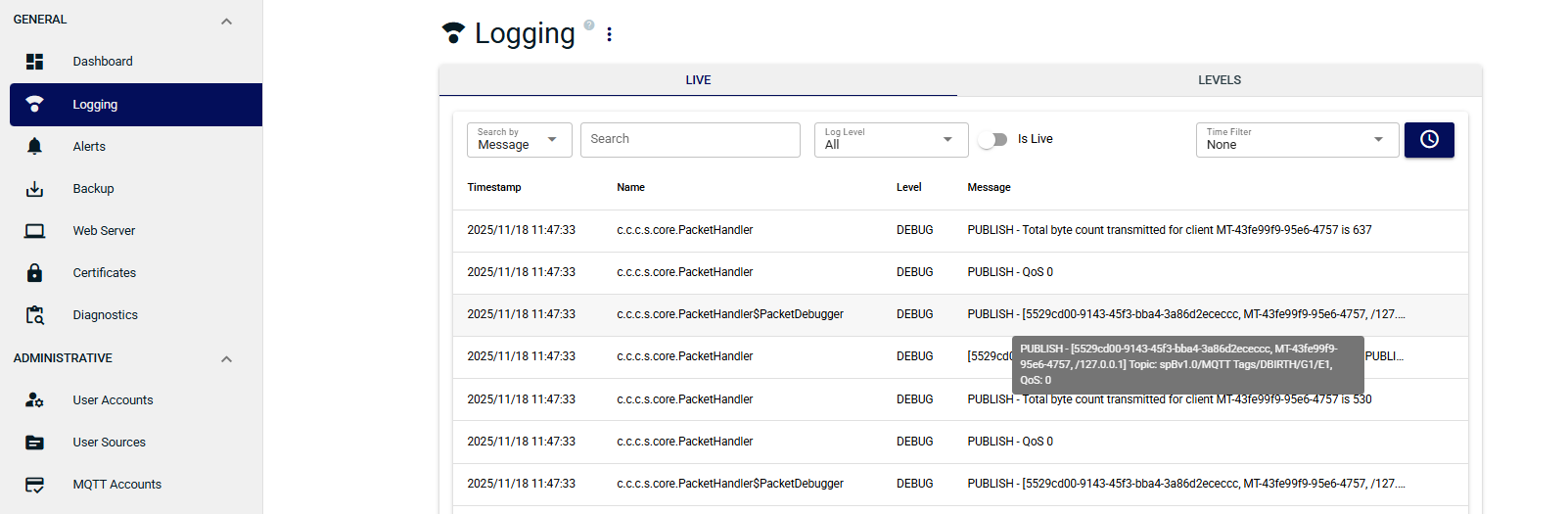
You can track the MQTT message QoS for messages published from a specific client via logging.