


Page History
...
Once your FLS is running, see Purchasing a new licenseand Activation to purchase and activate a Customer-Hosted Floating license against it.
...
Each running Chariot instance leases one seat from the FLS. As long as you have available seats on the installed license, additional Chariot servers configured with the same FLS URL and matching License Features will activate automatically.
Floating License Deactivation
In order to deactivate the floating license, log into the Chariot MQTT Server Web UI and from the left hand menu bar select License as shown below.
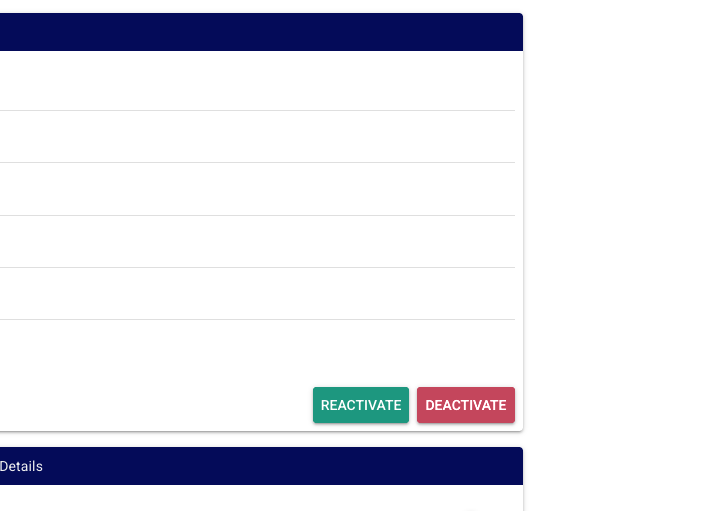
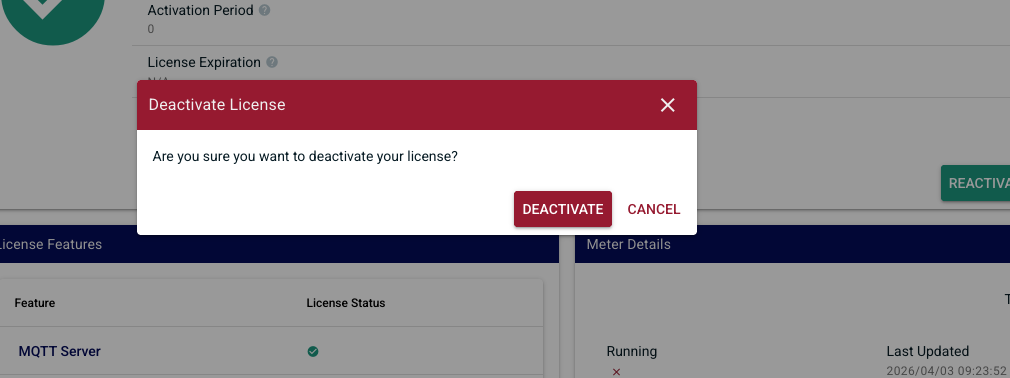
Select "Deactivate" for the license to be remotely deactivated so that it can be potentially activated on another Chariot MQTT Server instance.
| Warning |
|---|
| If the server is terminated, deleted, or destroyed without deactivating the active Chariot License, that license will permanently lose one of its total number of activations |
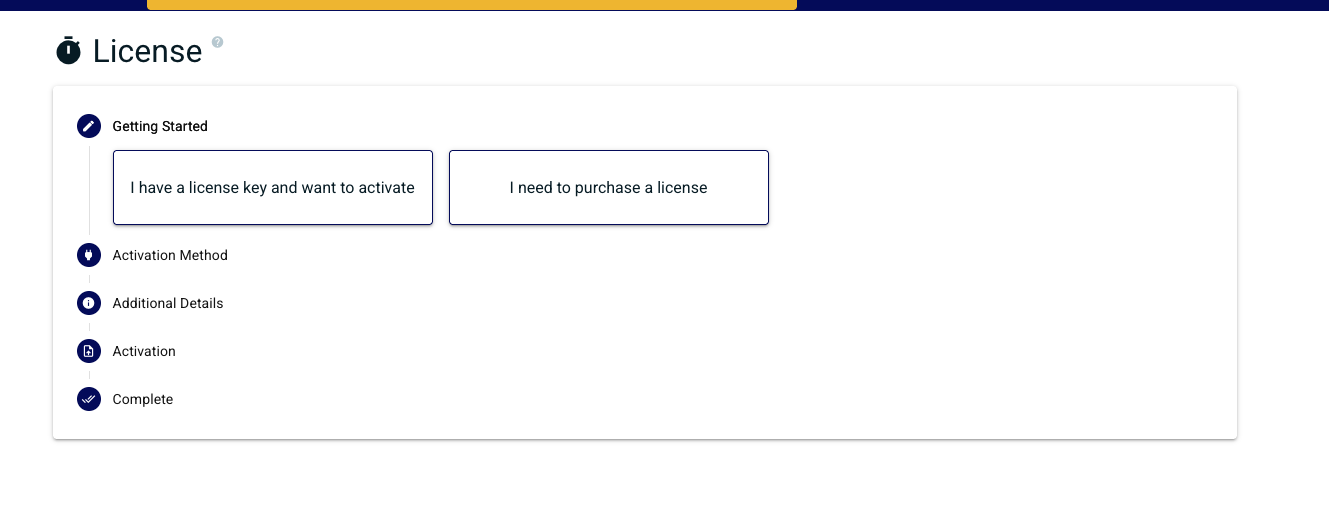
Once deactivation is successfully complete you will be returned back to the license activation wizard
| Note |
|---|
It can take up to 10 minutes for a floating license to deactivate |
Upgrade a Customer-Hosted Floating License
...
Overview
Content Tools