


Page History
...
These tutorials will cover how to purchase or upgrade an existing license
These tutorial will cover the process for both online and offline activations and deactivations:
Licensing ProcedureReactivation
Purchase License
Before using Chariot you will need to purchase a license. To do this there are two methods.
...
Once complete Cirrus Link will generate a license and email it to your provided contact information. Be aware this can take up to 24 hours.
Upgrade License
When upgrading a license there are two methods you can use
...
Once complete Cirrus Link will upgrade your license and email your provided contact information. Be aware this can take up to 24 hours.
License Activation
The Online Activation feature allows a Chariot License to be automatically activated on a Chariot MQTT Server instance that is connected to the internet. The Chariot MQTT Server will remotely connect and activate a Chariot License if it is valid and has an activation available.
...
- Online - Requires an external internet connection and Chariot license key
- Offline - No external internet, will require email communication with Cirrus Link providing generated codes to gain the appropriate access
- Floating - A self hosted license server that you provide a URL to, this will server available licenses to systems as needed
| Anchor | ||||
|---|---|---|---|---|
|
Select "Online" activation method
...
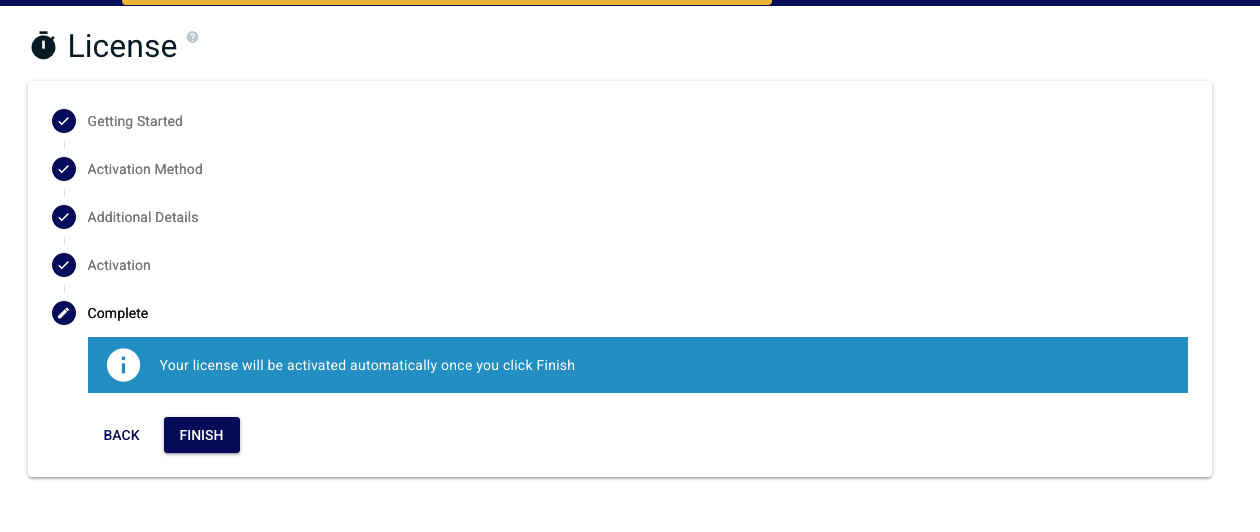
Confirm you are finished with the wizard
| Anchor | ||||
|---|---|---|---|---|
|
Select the "Offline" method
...
| Warning |
|---|
| Only do this ONCE as each new Activation Request will invalidate the previous one. |
| Anchor | ||||
|---|---|---|---|---|
|
Select "Floating" activation method in the wizard
...
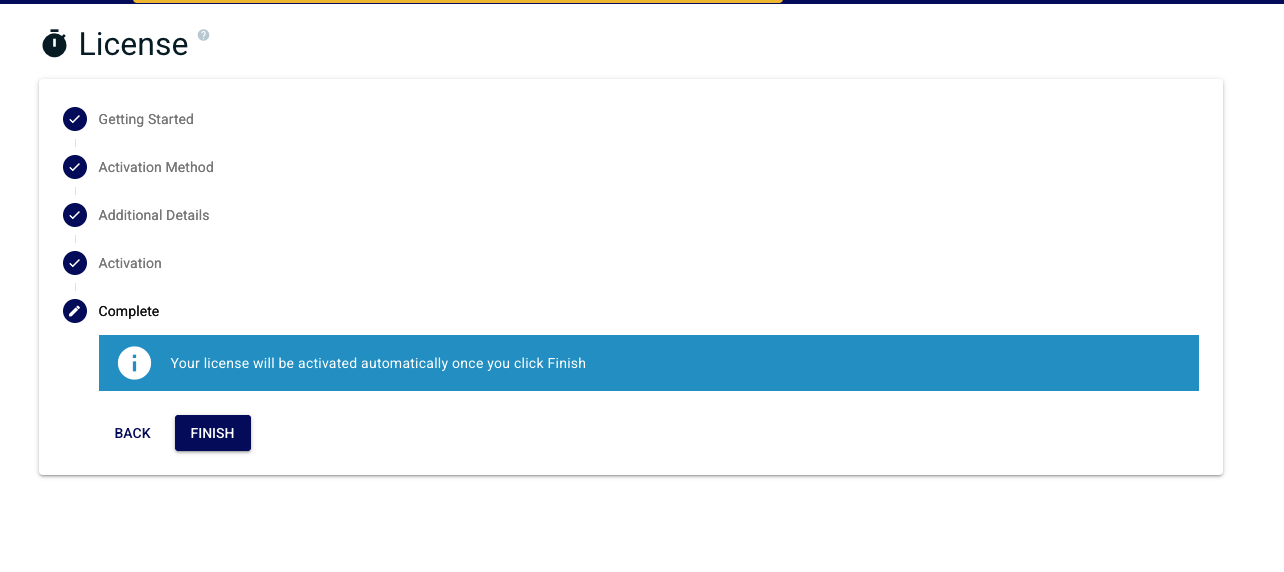
Verify entry and click finish when ready to complete license activation flow
| Anchor | ||||
|---|---|---|---|---|
|
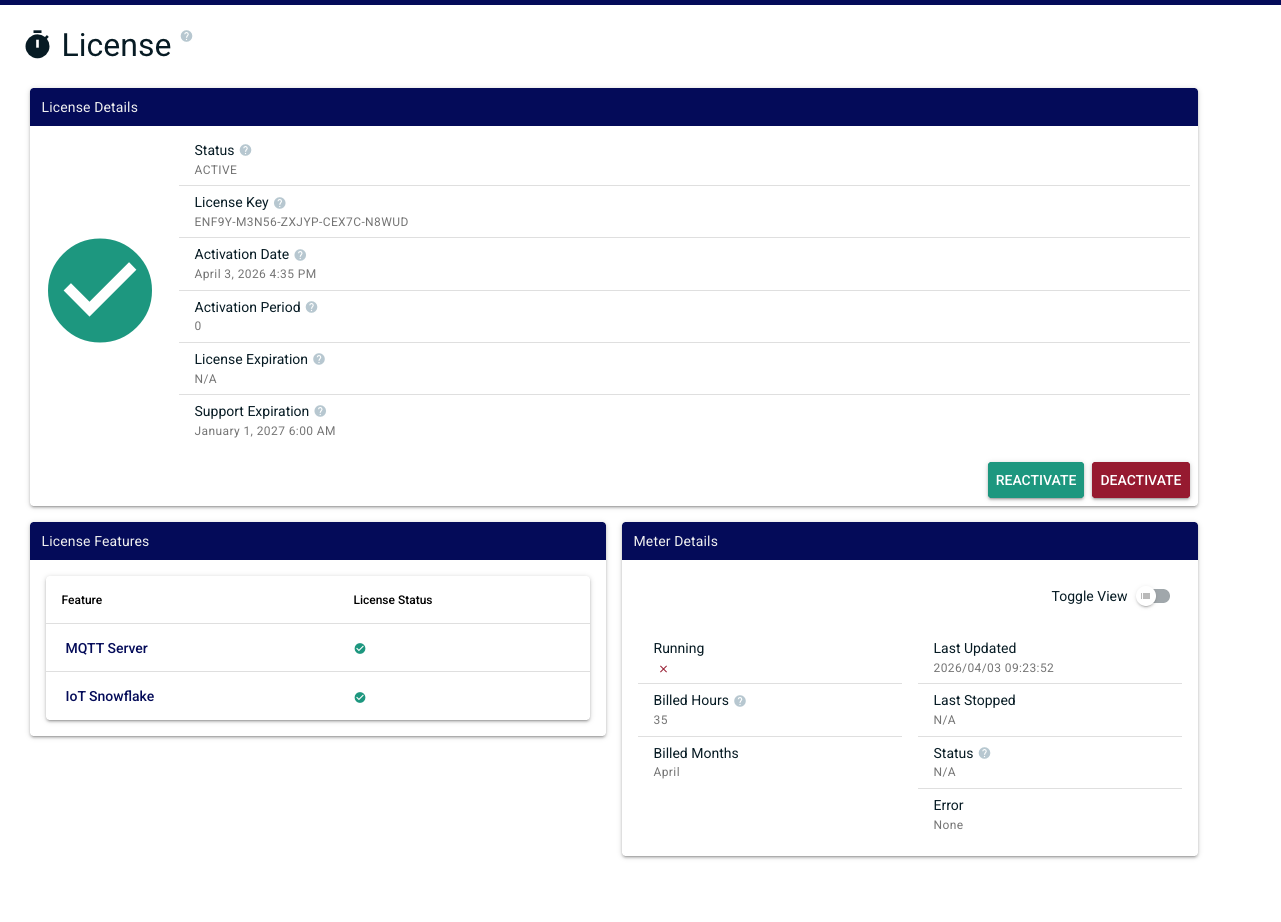
A successful activation will lead you to the license status. This will show you the state of your license, activated features and other details associated with licensing
| Anchor | ||||
|---|---|---|---|---|
|
In order to deactivate the license online, log into the Chariot MQTT Server Web UI and from the left hand menu bar select License as shown below.
...
Once deactivation is successfully complete you will be returned back to the license activation wizard
| Anchor | ||||
|---|---|---|---|---|
|
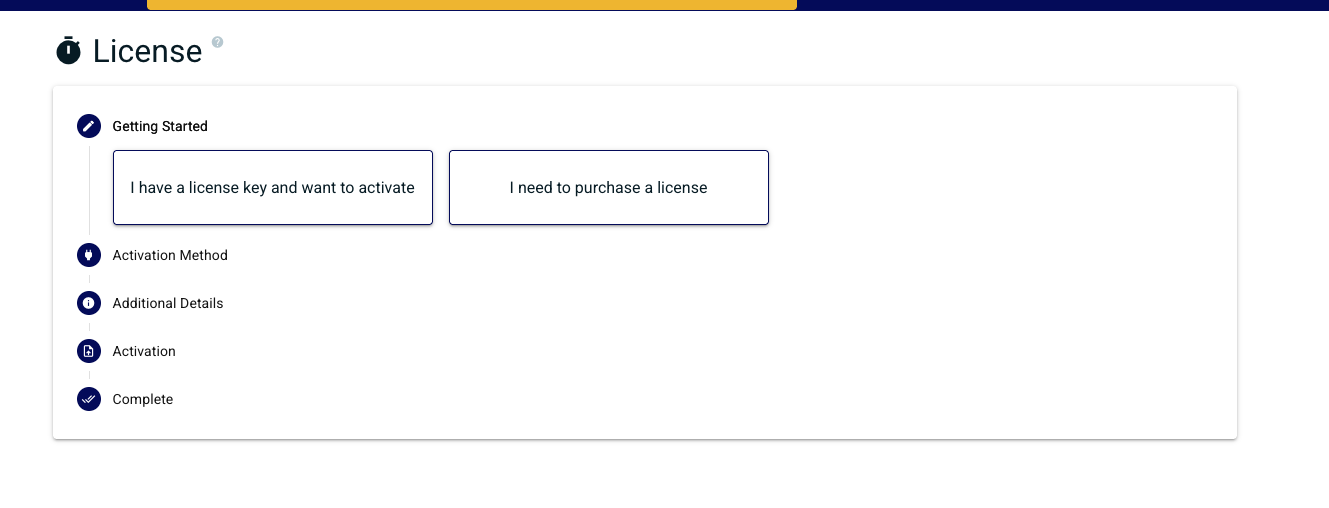
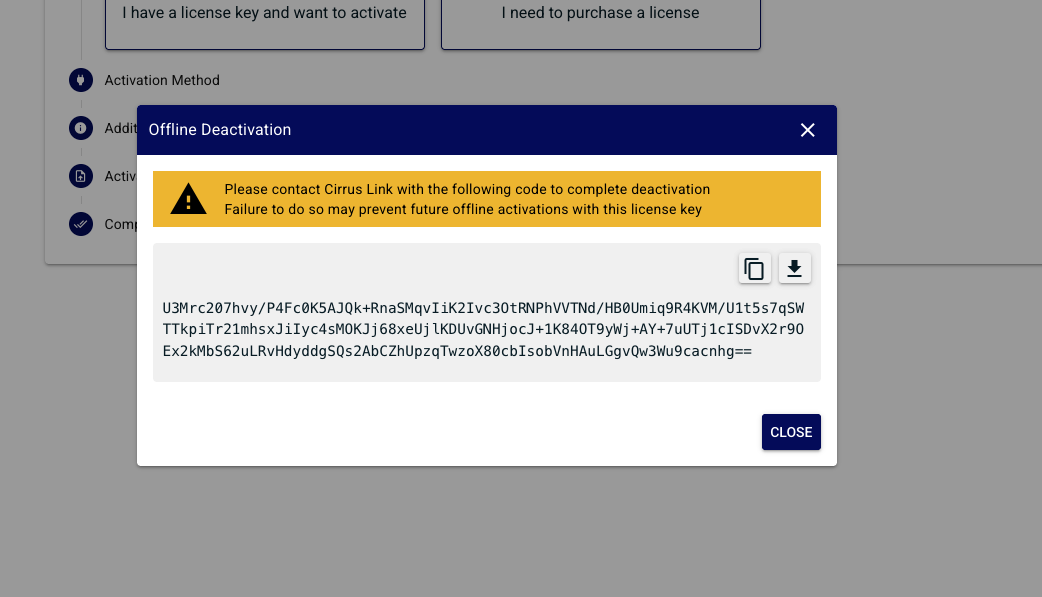
In order to deactivate the license offline, log into the Chariot MQTT Server Web UI and from the left hand menu bar select License. Select deactivation:
...
| Tip |
|---|
| This will provide a Deactivation Request code that should be provided to Cirrus Link Support along with the License ID in order to free up the previous activation for use with another Chariot MQTT Server instance. |
| Anchor | ||||
|---|---|---|---|---|
|
If at any point your online/floating license has a feature change, expiration date change, or any other information that requires an update, you must click the reactivate button to update your license information. 
...
Overview
Content Tools