


Page History
...
| Note |
|---|
| If you have deployed Chariot through AWS Marketplace or Azure Marketplace, then no additional steps are required - your license is already installed and activated. |
These tutorials will cover how to purchase of upgrade an existing license
These This tutorial will cover the process for both online and offline activations and deactivations:Purchase Flow
...
Purchase
...
Purchase license stuff here
...
License
Before using Chariot you will need to purchase a license. To do this there are two methods.
- Request a valid Chariot License from Cirrus Link Support.
- Alternatively purchase a license through the Chariot UI.Follow the Chariot® MQTT Server Installation instructions to download and install Chariot MQTT Server instance.
If using the Chariot UI first navigate to the License page
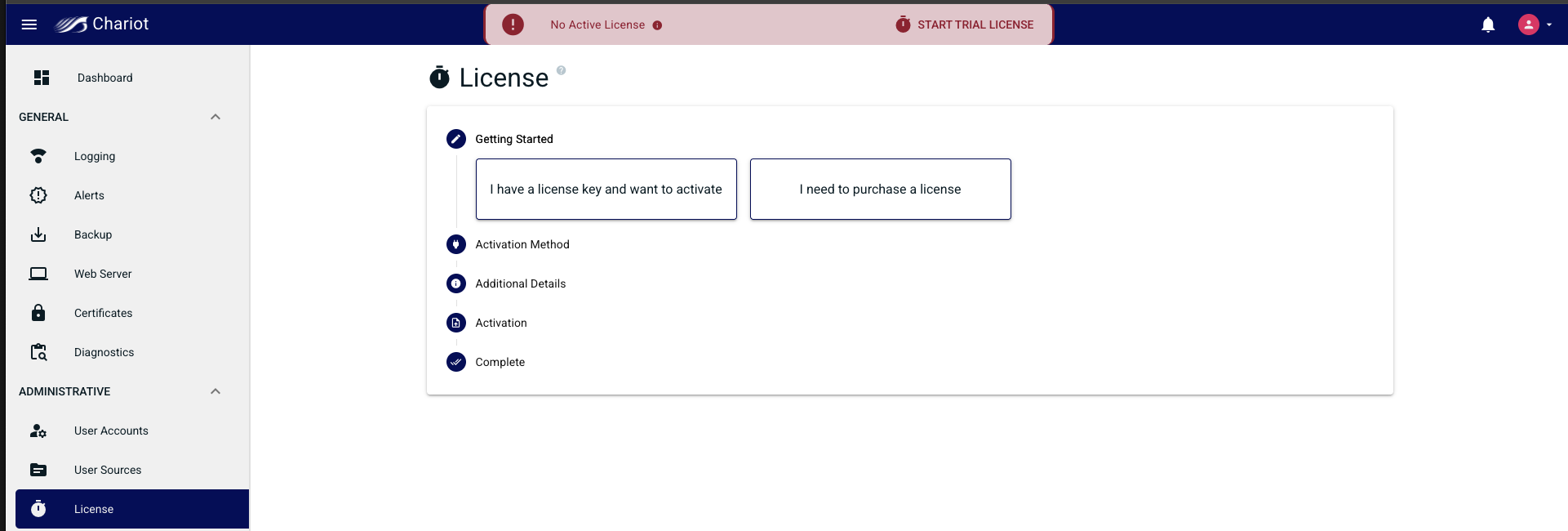
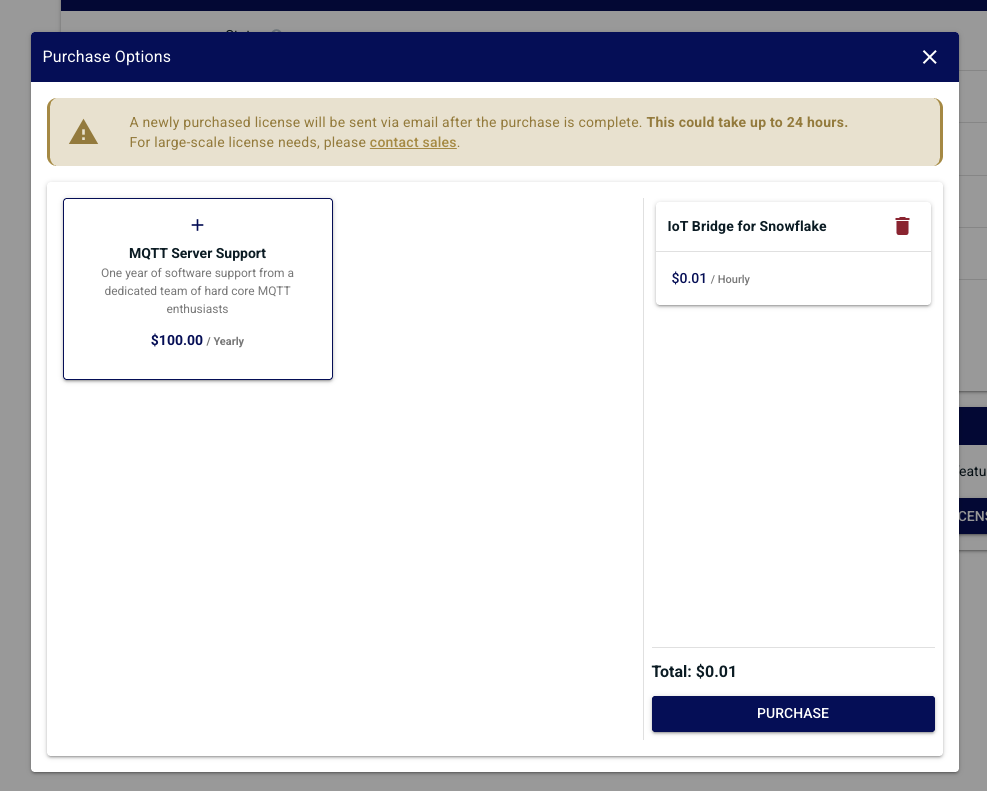
Select "I need to purchase a license" from the wizard. A modal will pop up providing different features that can be purchased for your license.
- IoT Bridge for Snowflake - Connect your Chariot to Snowflake (meter based licensing)
- MQTT Server - Full featured MQTT server (one time purchase)
- MQTT Server Support - A year of support (can be purchased yearly or multiple years at once)
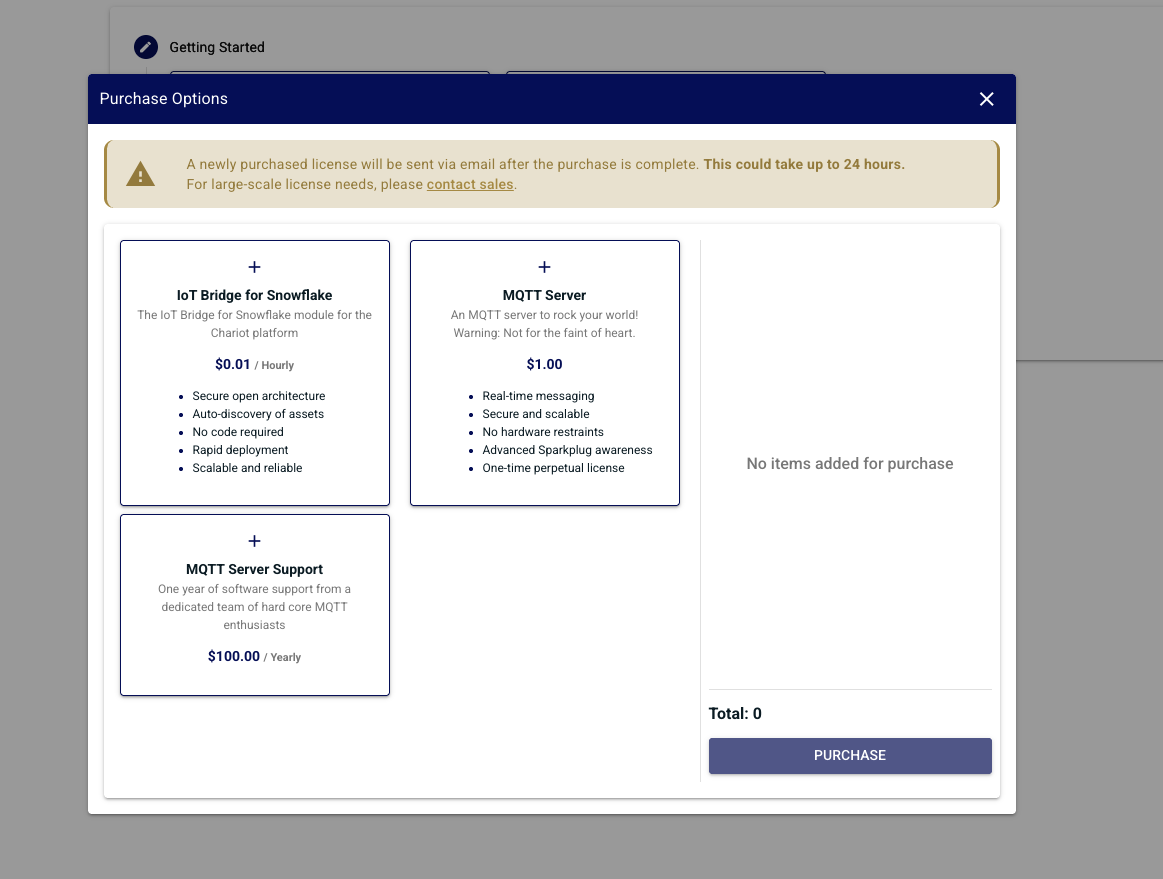
Make your feature selection
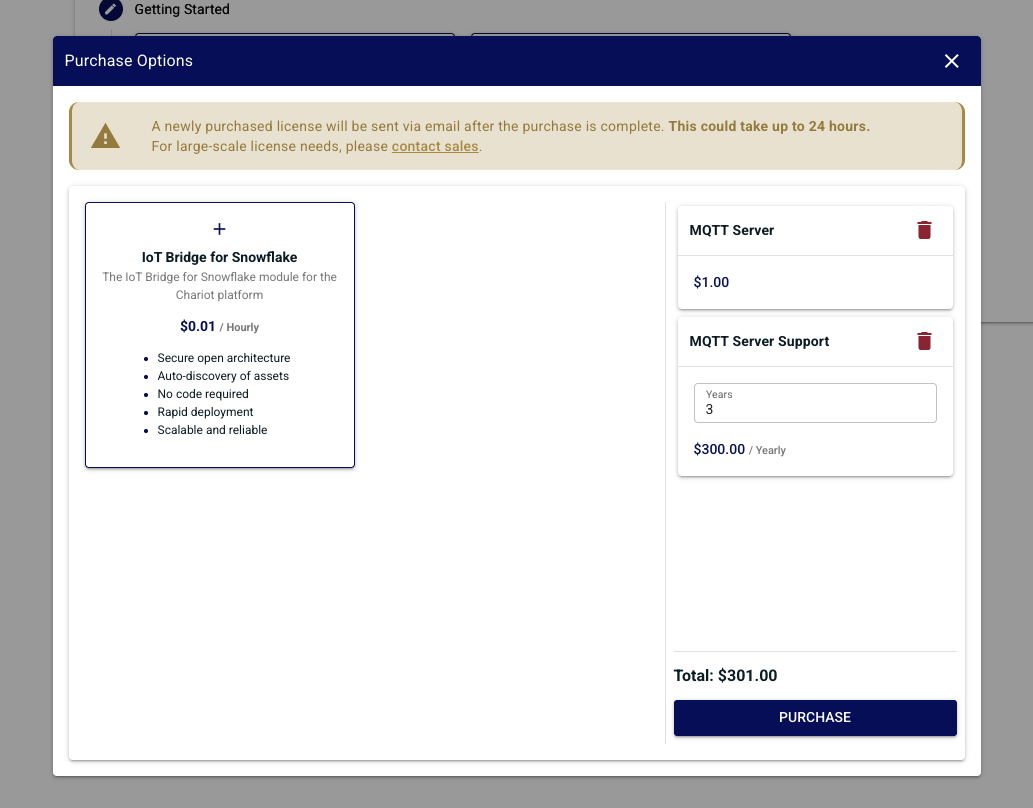
Once your selection is made click "Purchase" this will redirect you to the stripe purchase page. Verify that your product selection matches what you selected in Chariot.
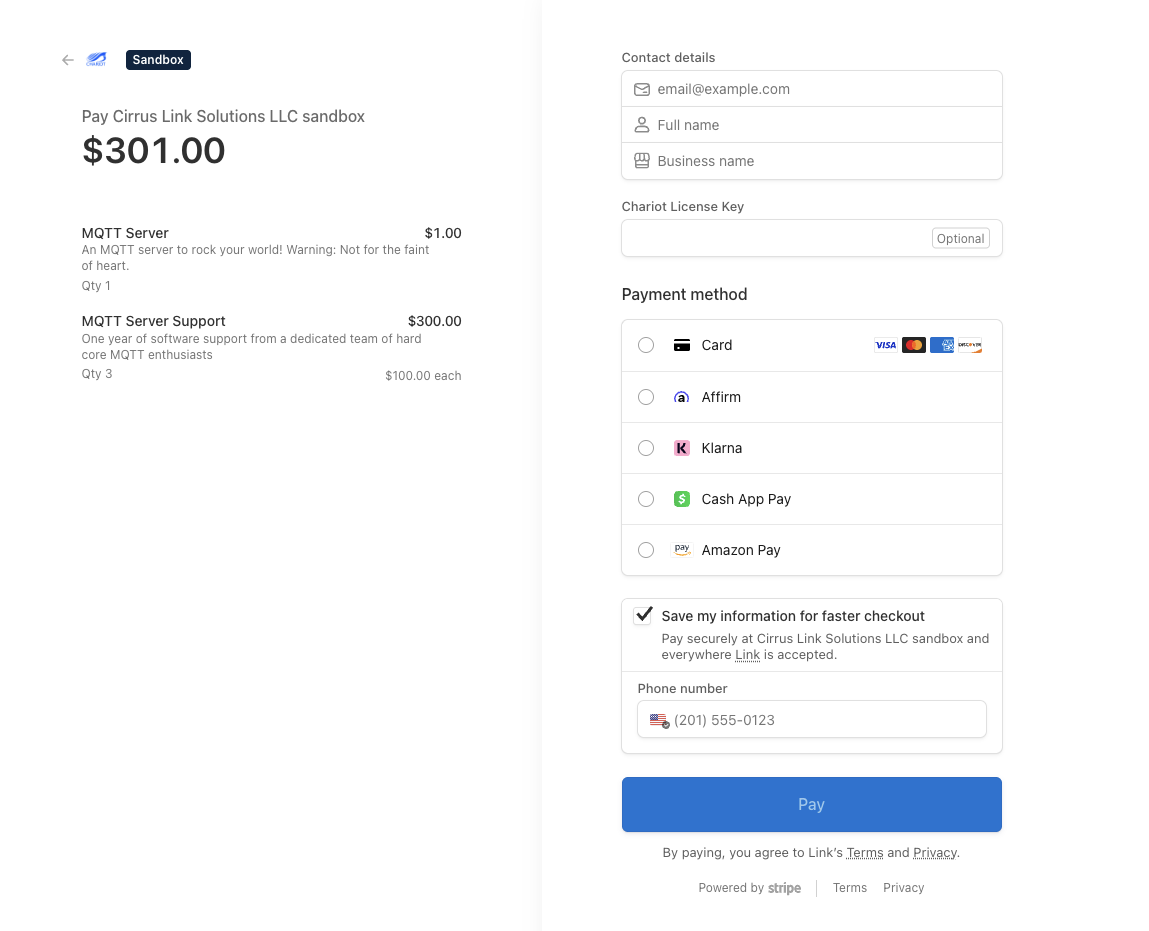
Fill out your payment method and click "Pay". If the payment was successful you will be directed back to Chariot.
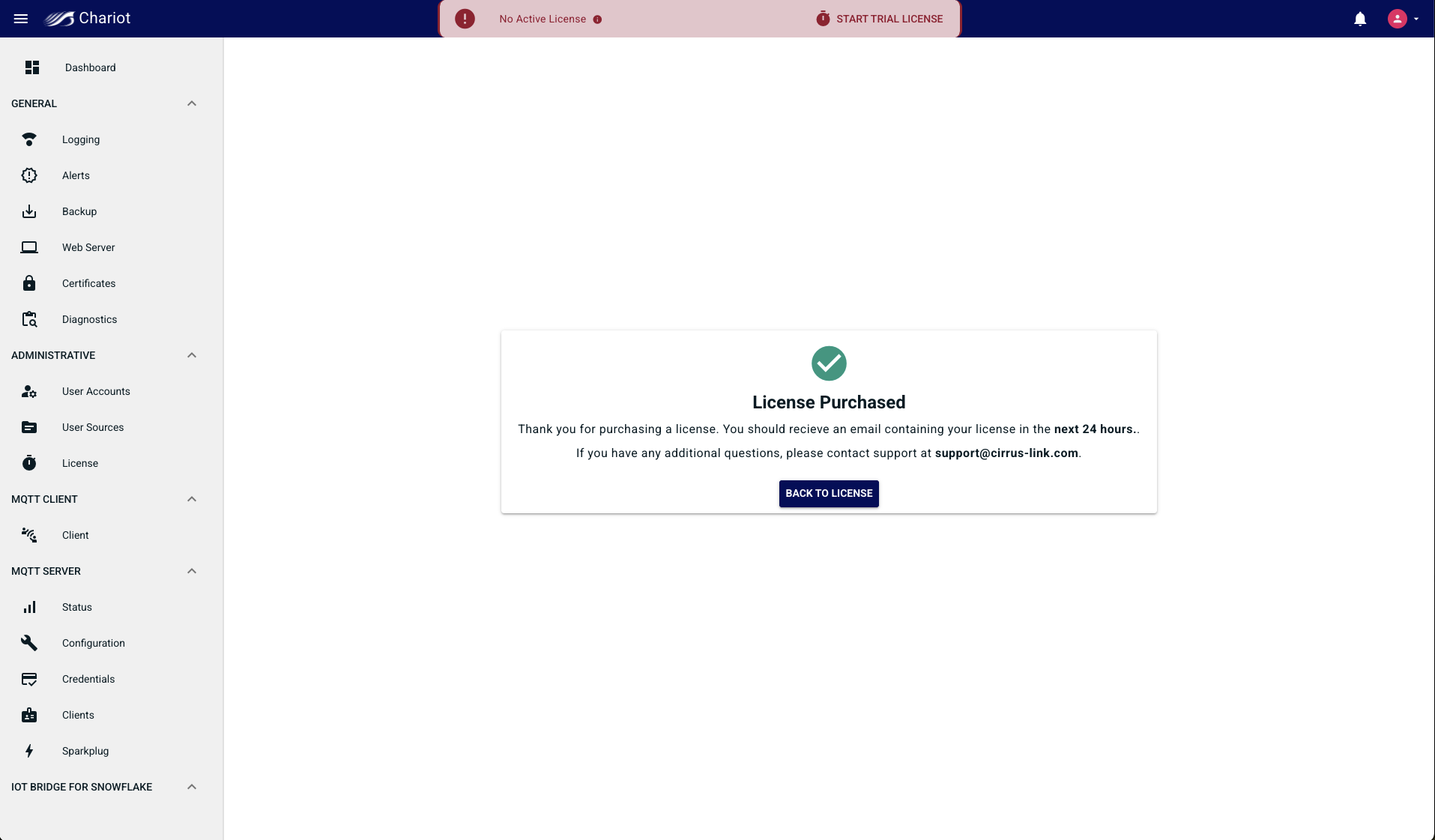
Once complete Cirrus Link will generate a license and email it to your provided contact information. Be aware this can take up to 24 hours.
Upgrade License
When upgrading a license there are two methods you can use
- Request an upgrade to your Chariot License via Cirrus Link Support.
- Purchase a Chariot license upgrade via the UI
If using the Chariot UI first navigate to the License page
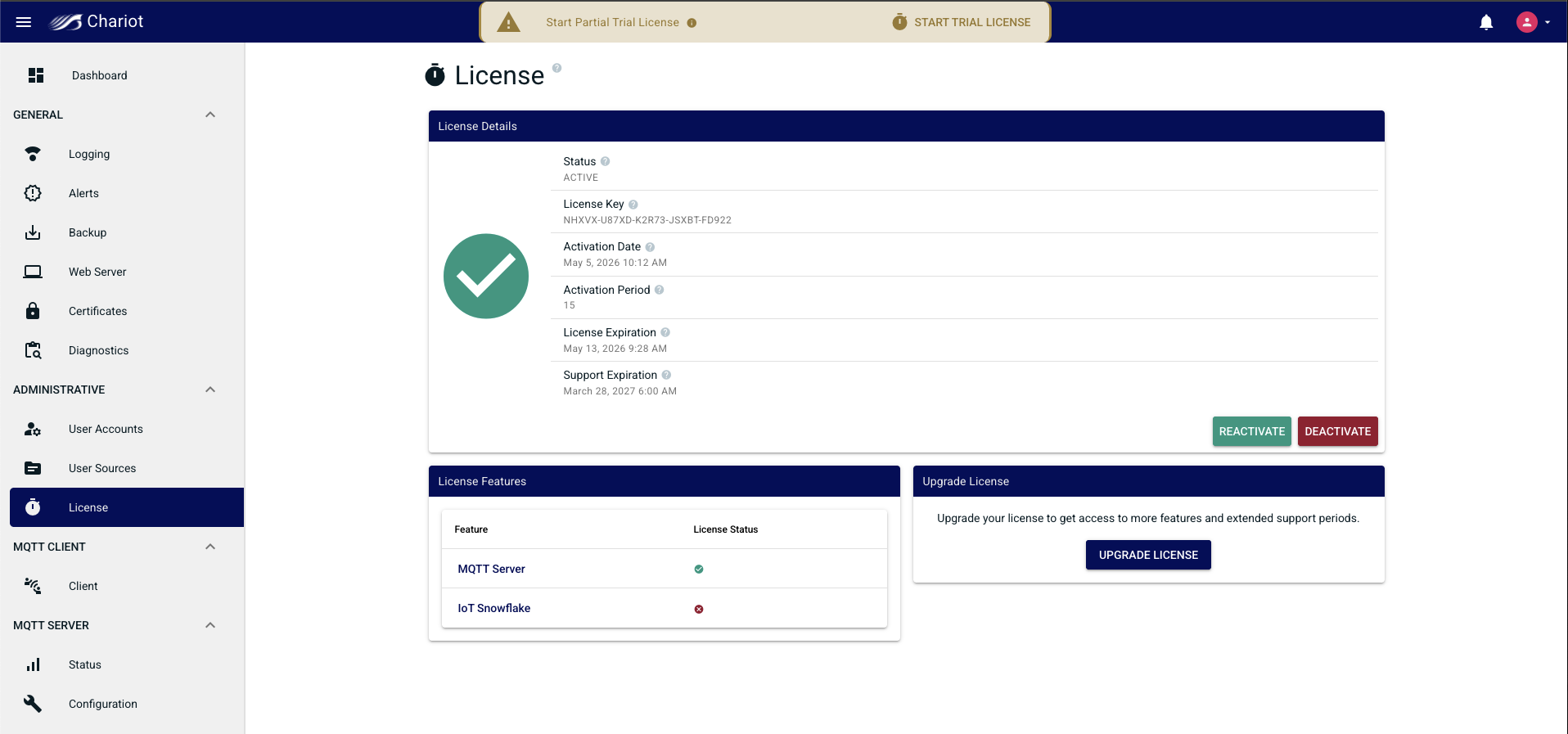
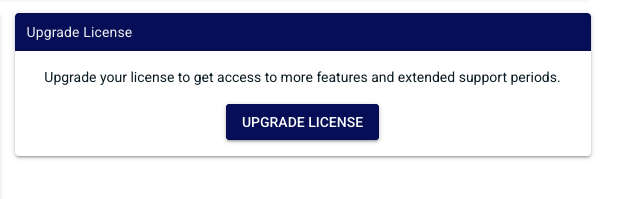
Locate the "Upgrade License" widget and click "Upgrade License"
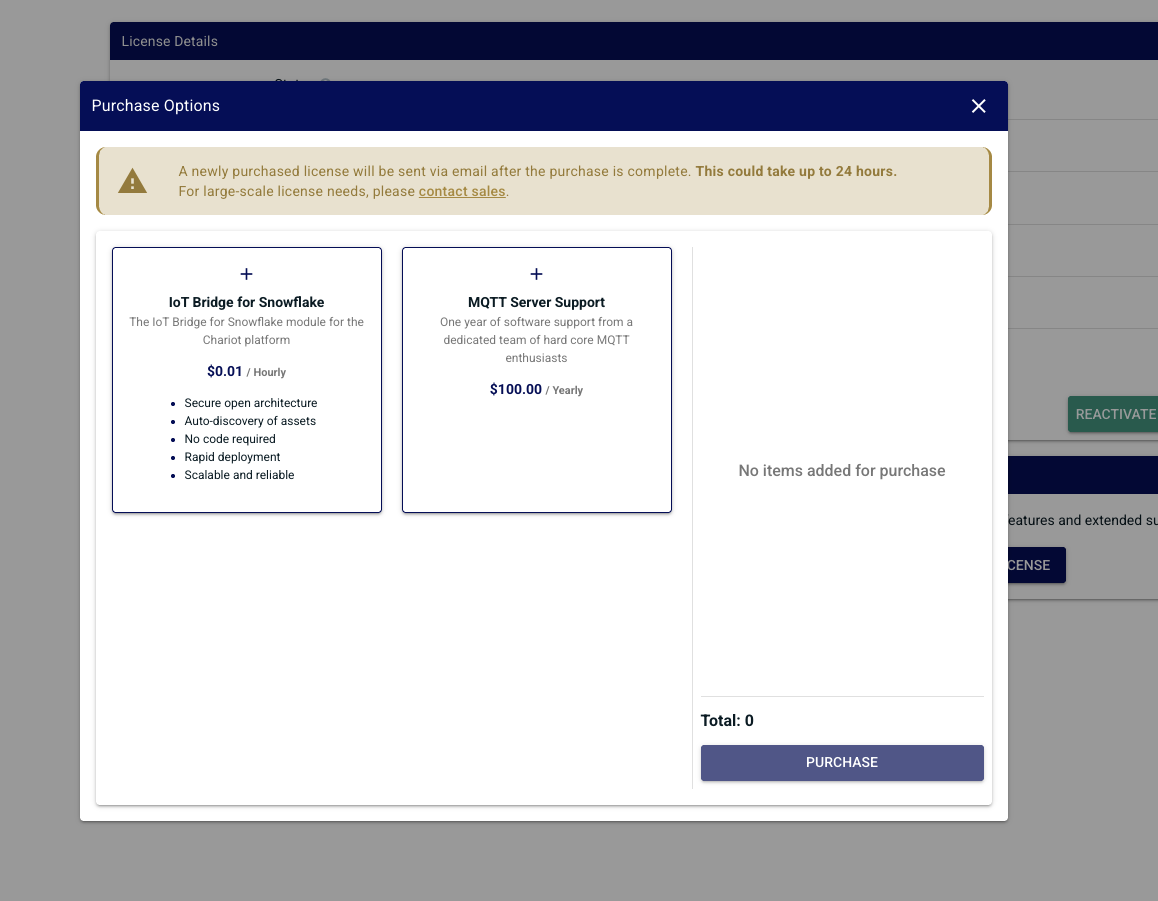
Features already activated in the license will not appear with the exception of "MQTT Server Support". This is because you can buy additional years of support if you desire at any time.
Select which features you want to add to your existing license and click "Purchase"
License Activation
The Online Activation feature allows a Chariot License to be automatically activated on a Chariot MQTT Server instance that is connected to the internet. The Chariot MQTT Server will remotely connect and activate a Chariot License if it is valid and has an activation available.
...
Overview
Content Tools