...
Navigate to the Azure Injector Module configuration section from the left side bar in the Ignition Gateway. From the Azure IoT Hubs tab, click on the "Add IoT Hub" link to bring up the following configuration form:
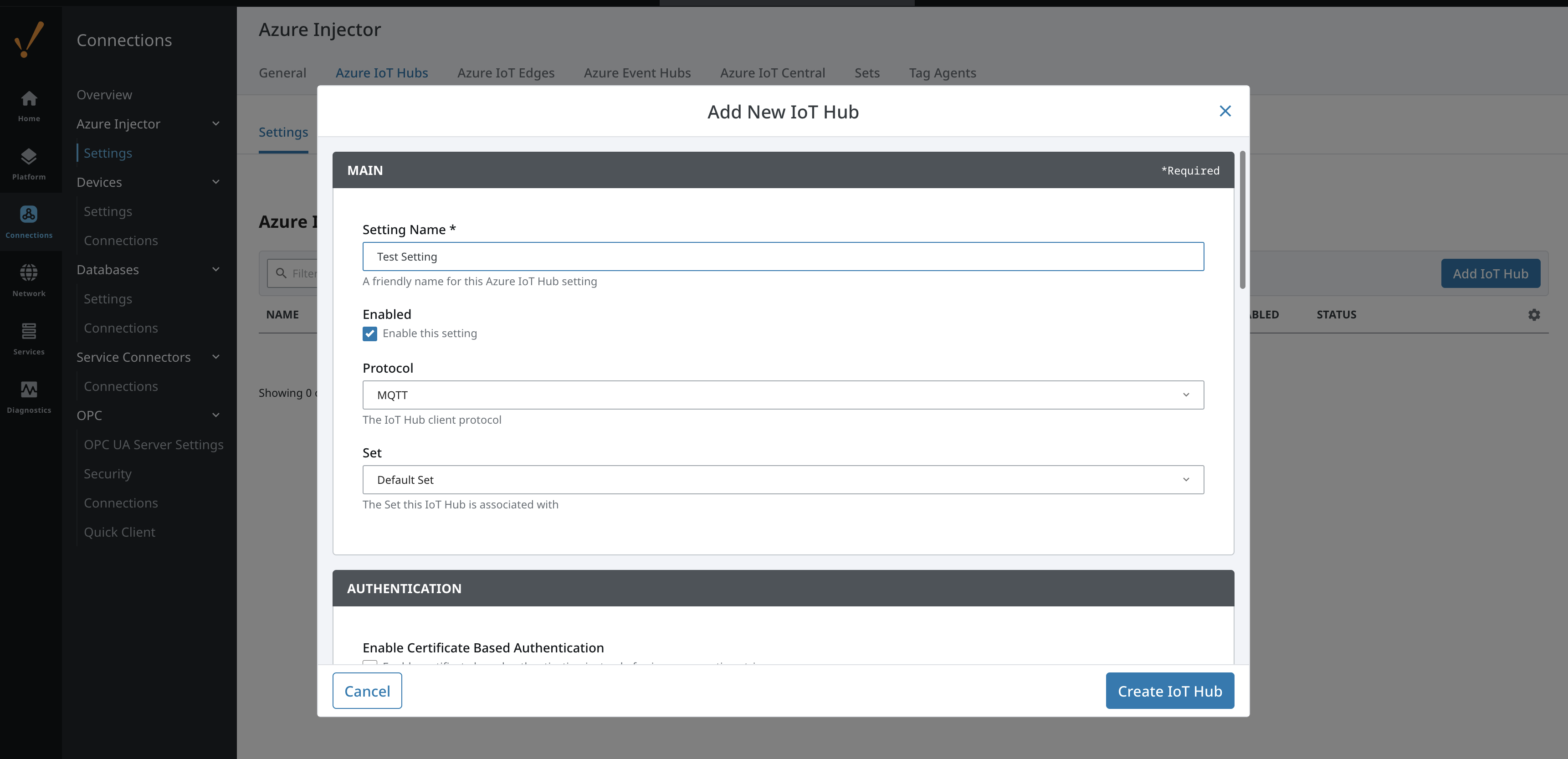 Image Modified
Set the following parameters:
- Setting Name
- This can be any unique identifier. For this tutorial we will use "Test Setting".
- Password
- This the IoT Hub Device Connection String from your Azure IoT Hub. This can be found by navigating to a provisioned Device within the Device Explorer of the IoT Hub that you wish to use.
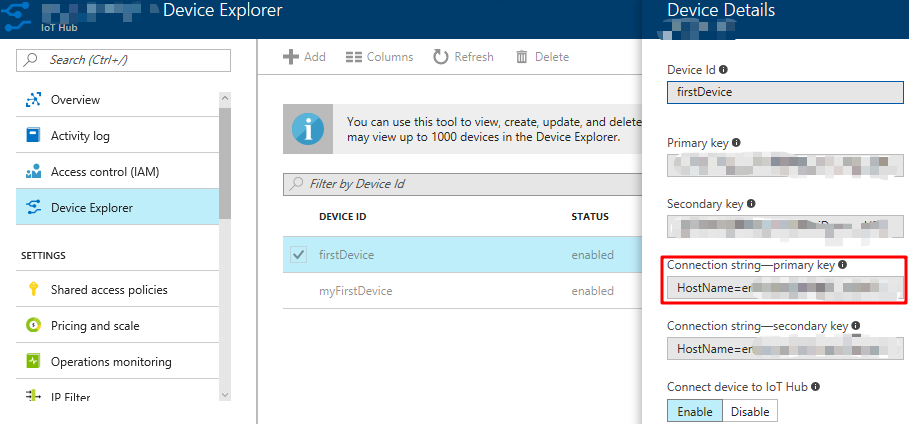 Image Modified
Click on "Create New Azure IoT Hub Setting" to finish creating the new configuration setting.
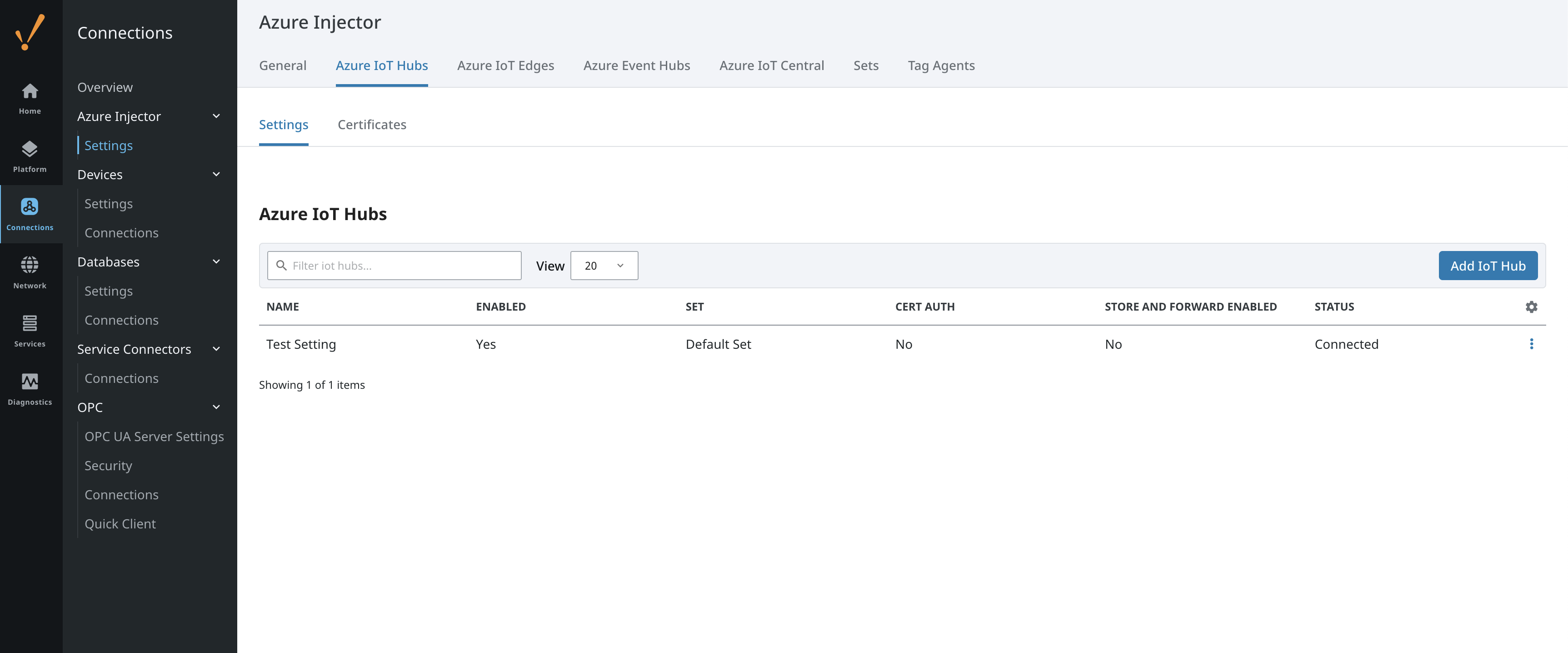 Image Modified
Now the Azure Injector module is connected to the IoT Hub, we have to determine if there are are changes needed to the Tag Agent tab to be able to push data.
...