Versions Compared

Key

  • This line was added.
  • This line was removed.
  • Formatting was changed.

...

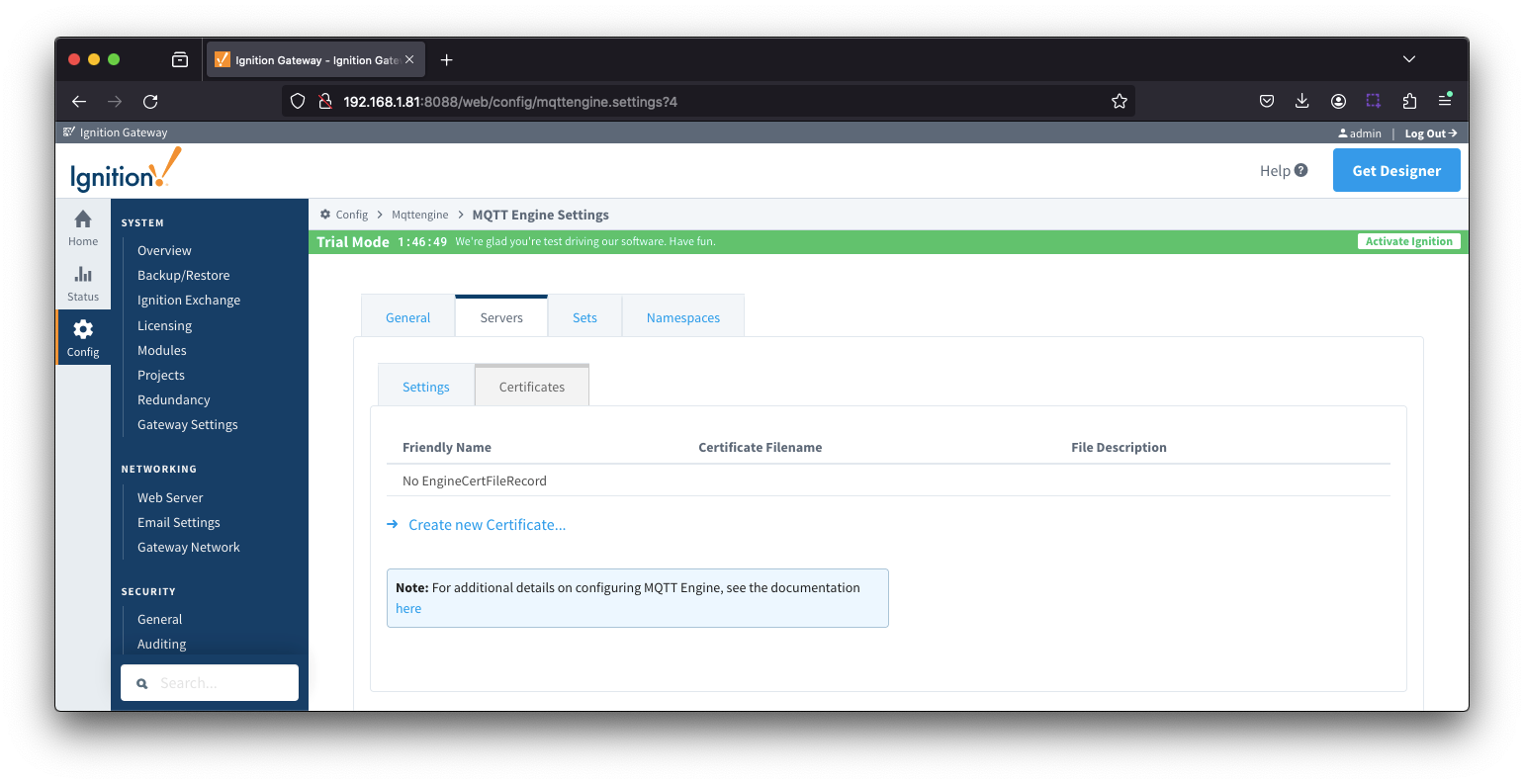
Using the Ignition Gateway Web UI, browse to the Ignition 'Config Connections > MQTT Engine > Settings > Servers' page. Now click the 'Certificates' tab as shown below:Image RemovedImage Added

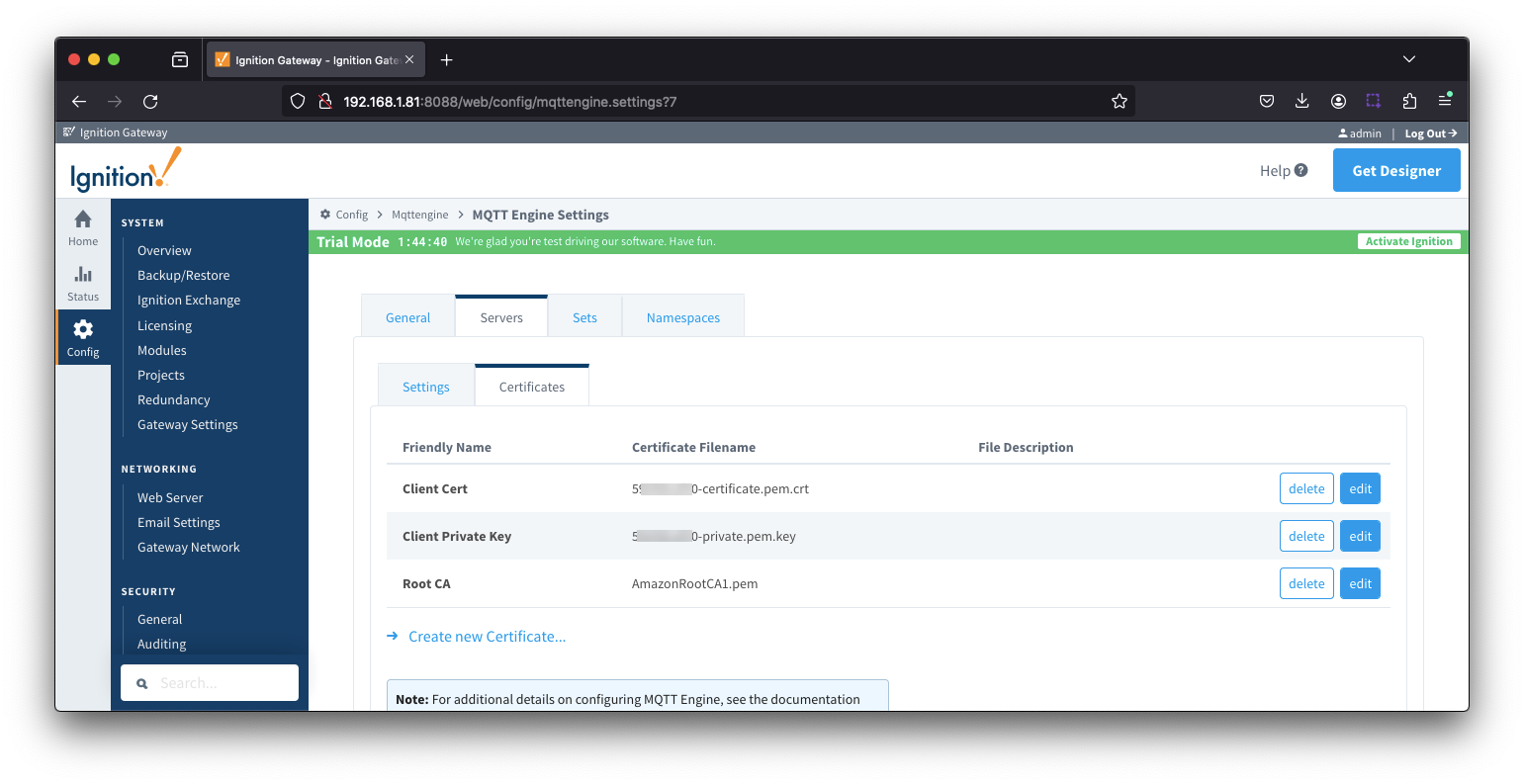
Now click the 'Create new Add Certificate File' link. Then upload one of the three files previously downloaded when creating the IoT Core 'Thing'. Once completed, your Certificates page should look similar to the following with all three files.

...